
Add Criteria
Under Rubric Criteria in the question form, select Add for each criterion. Each criterion comes with two fields:- Criterion: one specific aspect of the answer you’re assessing.
- Weight: that criterion’s share of the question’s points.
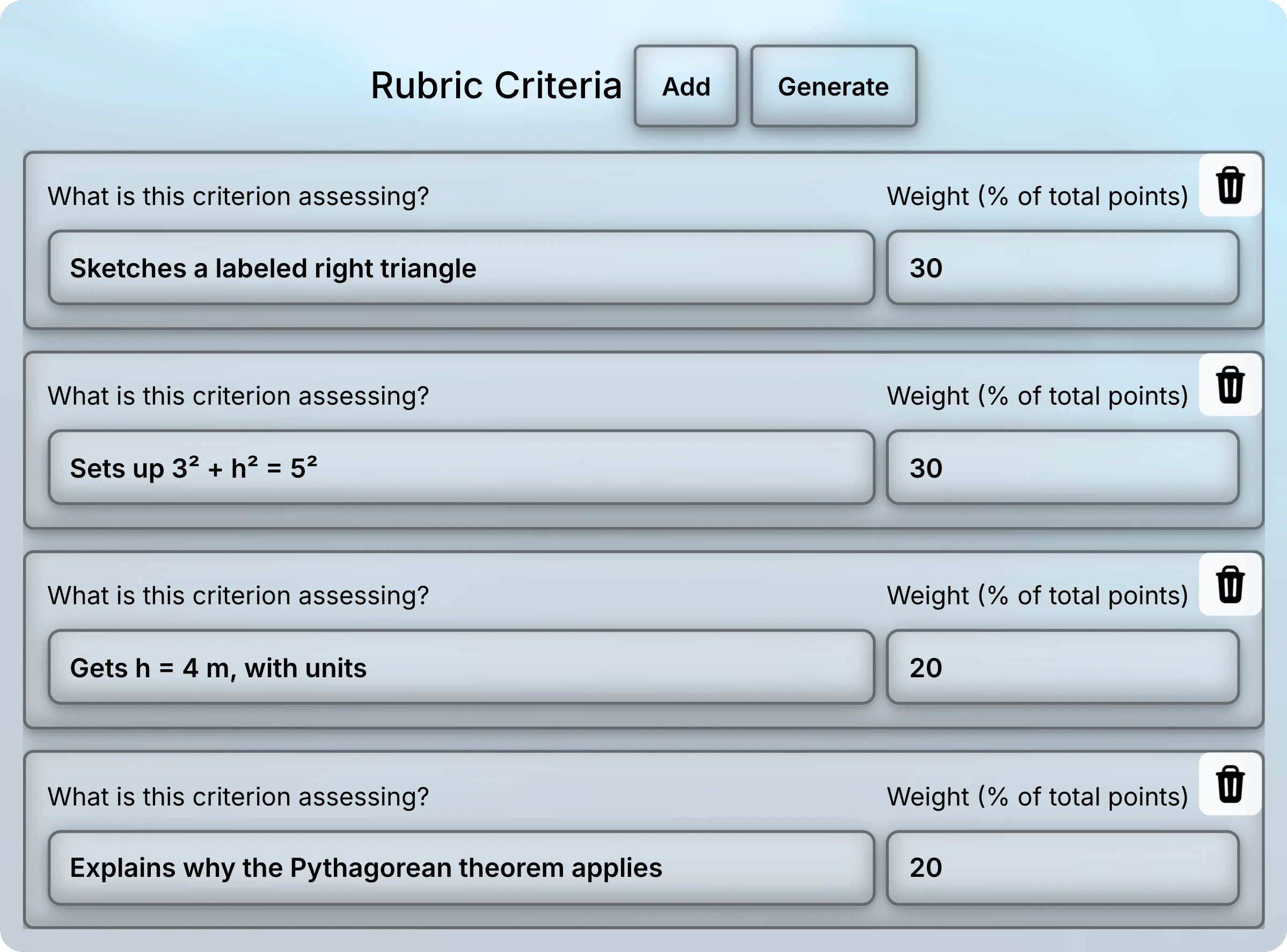
Each criterion checks one part of the model answer.
What Makes a Good Criterion
The grader looks for the core idea in each criterion and gives partial credit when an answer gets part of the way. Criteria grade well when they’re:- Specific. Name what earns credit: “Gets h = 4 m, with units.”
- Independent. Each criterion stands alone, without relying on the others.
- Open to several approaches. Describe what the answer shows, not the exact words or method of your model answer.
- Few and broad at first. Start with three or four, and refine them later.
Criteria don’t format equations, so write math in them as plain text, such as “x squared.”
An example weak and strong rubric
An example weak and strong rubric
Both rubrics below are for the ladder question, where a 5 m ladder leans against a wall with its foot 3 m out.Weak
The first criterion gives half the points for naming a method. The second doesn’t say what the answer is, or whether units count.Strong
Each criterion names one thing the answer must show. A student who slips on the arithmetic still earns credit for the sketch and setup.
Generate a Rubric
Generate writes criteria from your prompt and model answer. Write the model answer first, so the criteria match it.1
Select Generate
Under Rubric Criteria, select Generate.
2
Choose How to Generate
Leave the field empty and select Generate Automatically for a new rubric.To rewrite the rubric, type what to change and select Generate with Instructions. Use it when a change would take longer to type out by hand.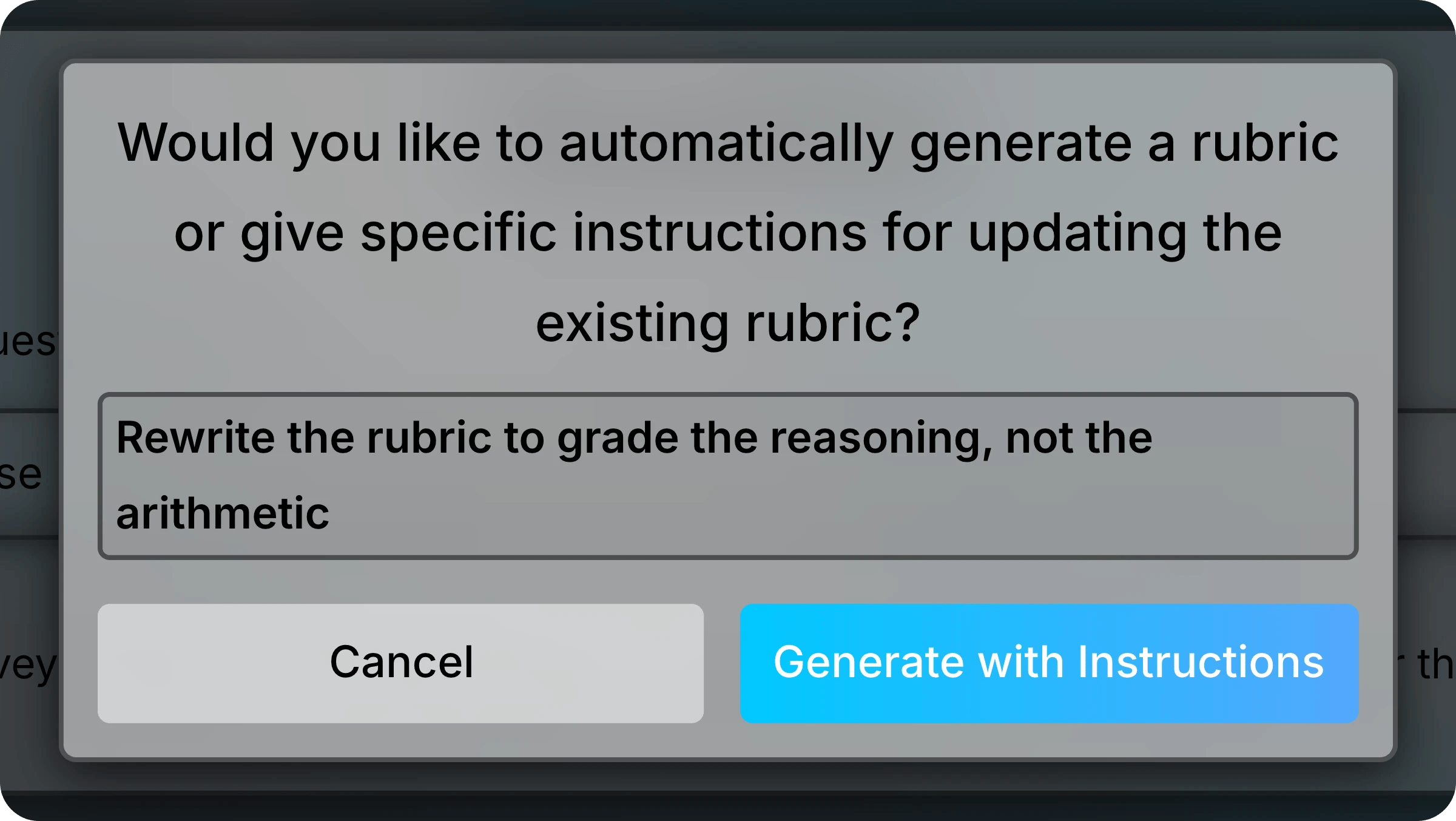
Type an instruction to change the current rubric, or leave it blank for a new one.
3
Check the Result
The generated criteria replace the list. Read each one, and edit its wording and weight to fit your question.
What Students See
When you show answers, students see your criteria with their weights. Write them so they make sense to a student.After the first round of grading, read a sample of scores and the grader’s reasoning. Refine Rubrics and Regrade shows how to fix criteria that don’t work and regrade.
Next: Editor Basics
Learn the editor you write templates, answers, and questions in.