
- Multiple Choice has one correct choice. Students select one.
- Multiple Correct Choices can have several. Students select all that apply.
Write the Choices
1
Choose the Type
In the question form, set the question type to Multiple Choice for one correct answer or Multiple Correct Choices for several.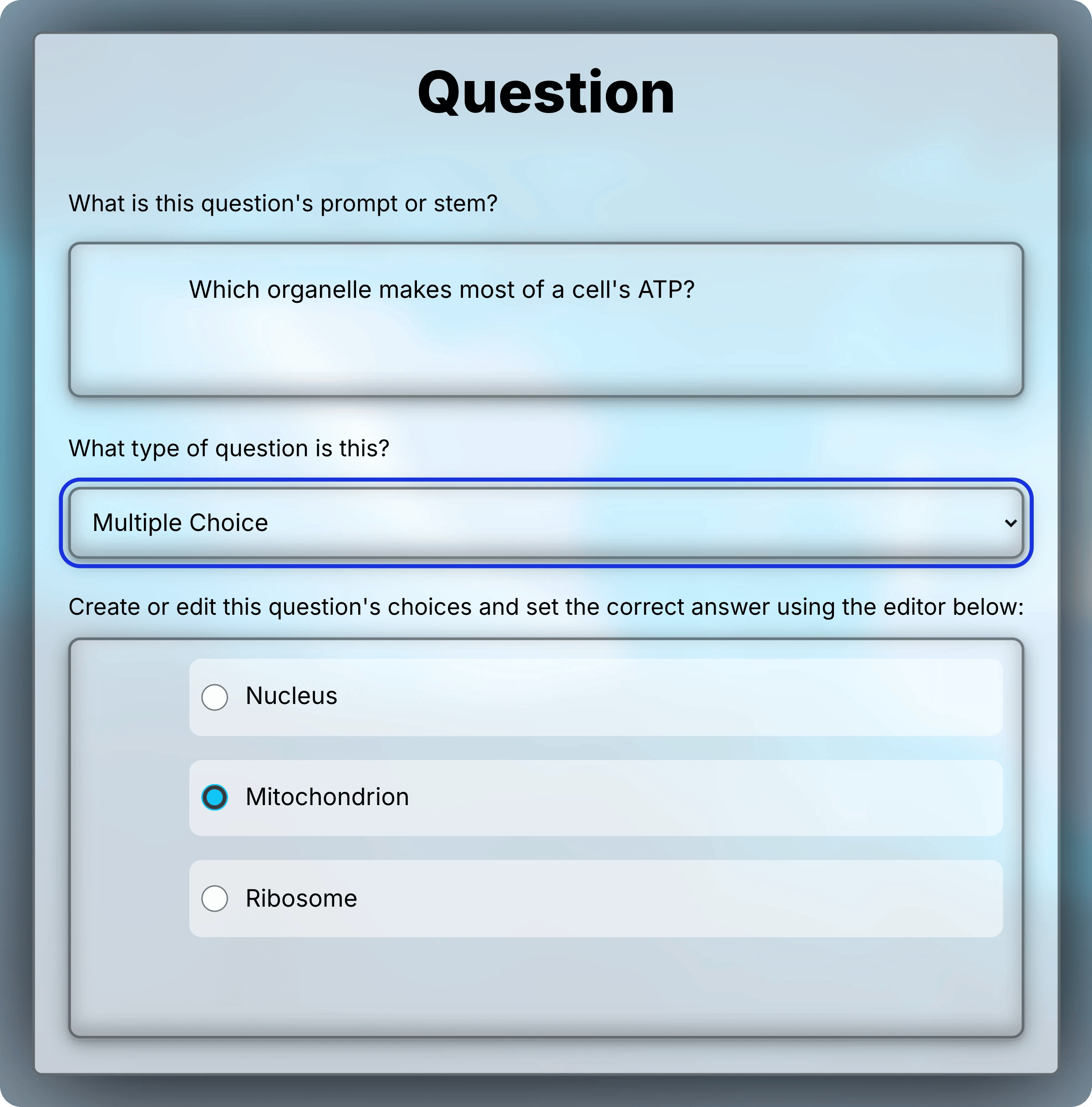
2
Add Each Choice
Point to the last choice, select the + that appears beside it, then Multiple Choice or Checklist.
Type the choice, and repeat. Enter adds a line break, not a choice.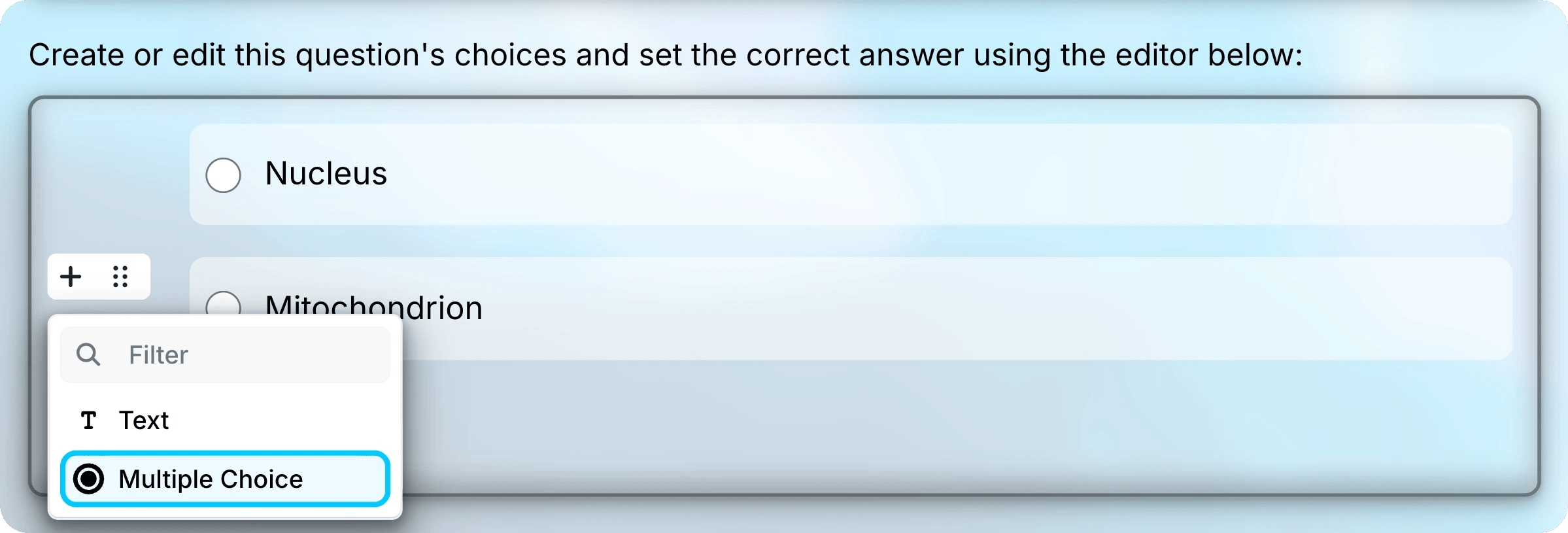
3
Mark the Correct Answer
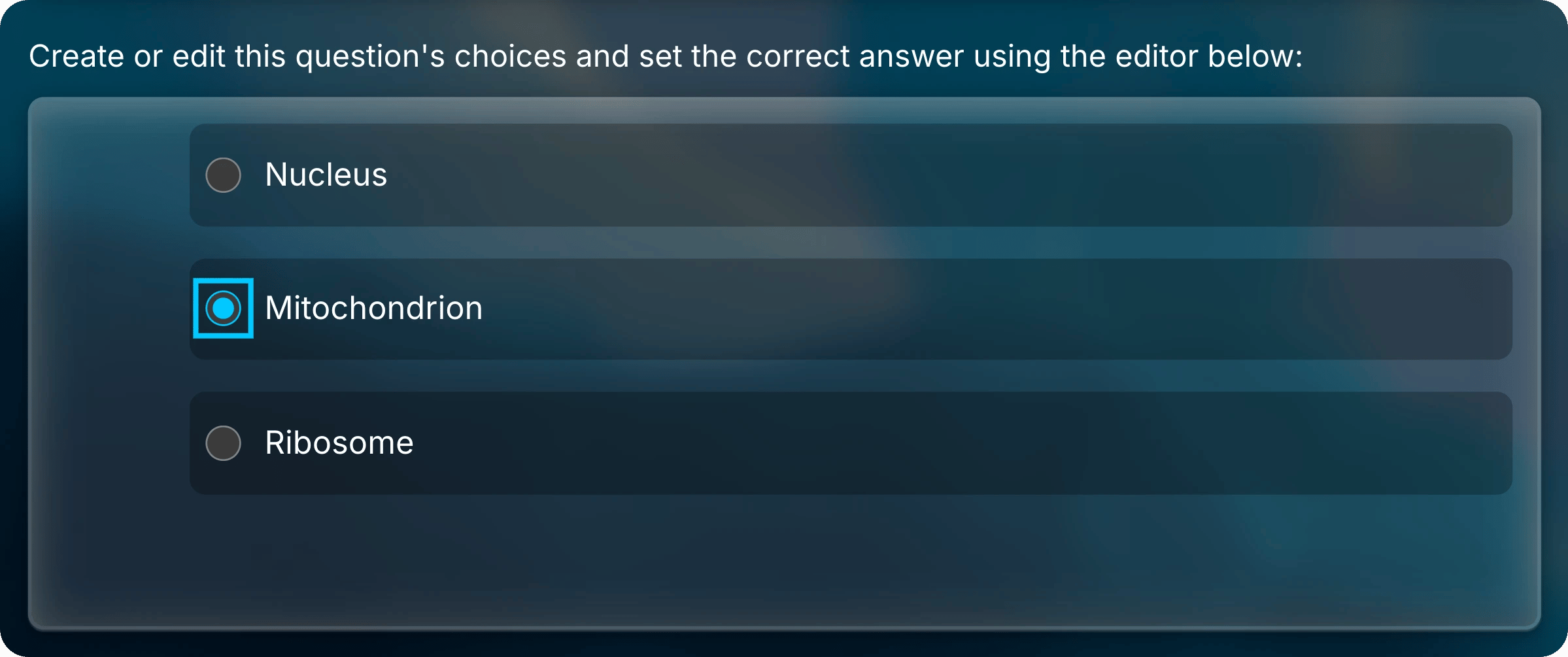
Select the circle beside the correct choice. For Multiple Correct Choices, select the box beside each correct one.
In Multiple Choice, marking another choice moves the mark to it.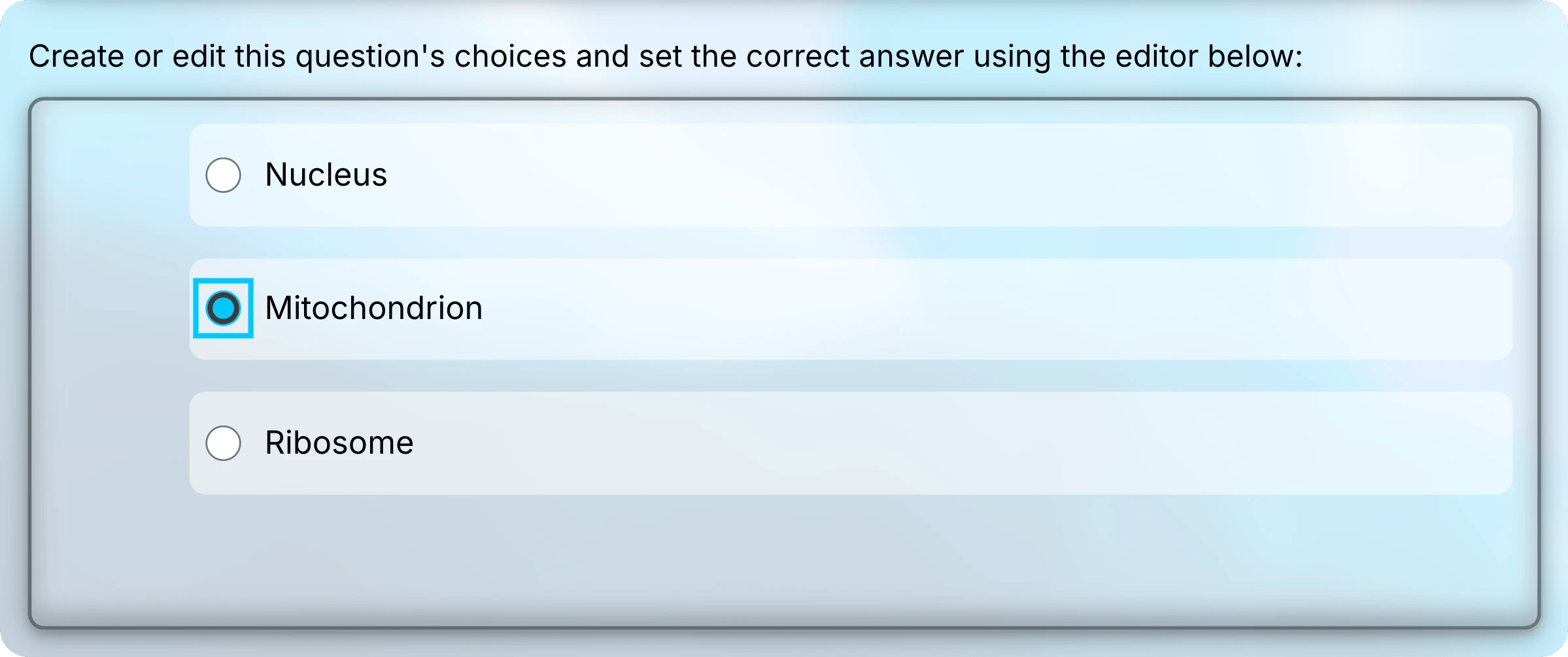
Add Images and Math
A choice can hold images as well as text, such as a diagram students identify. Select beside the choice, then select Image and choose one or more files.Open a choice’s menu, select Image, and choose a file.
For math, select text in a choice, then select Inline Math in the toolbar that appears. You can also press Cmd+M, or Ctrl+M on Windows.Select text, then Inline Math, to turn it into math.
What Students See
Students see your choices below the prompt and select one. For Multiple Correct Choices, they check every choice that applies.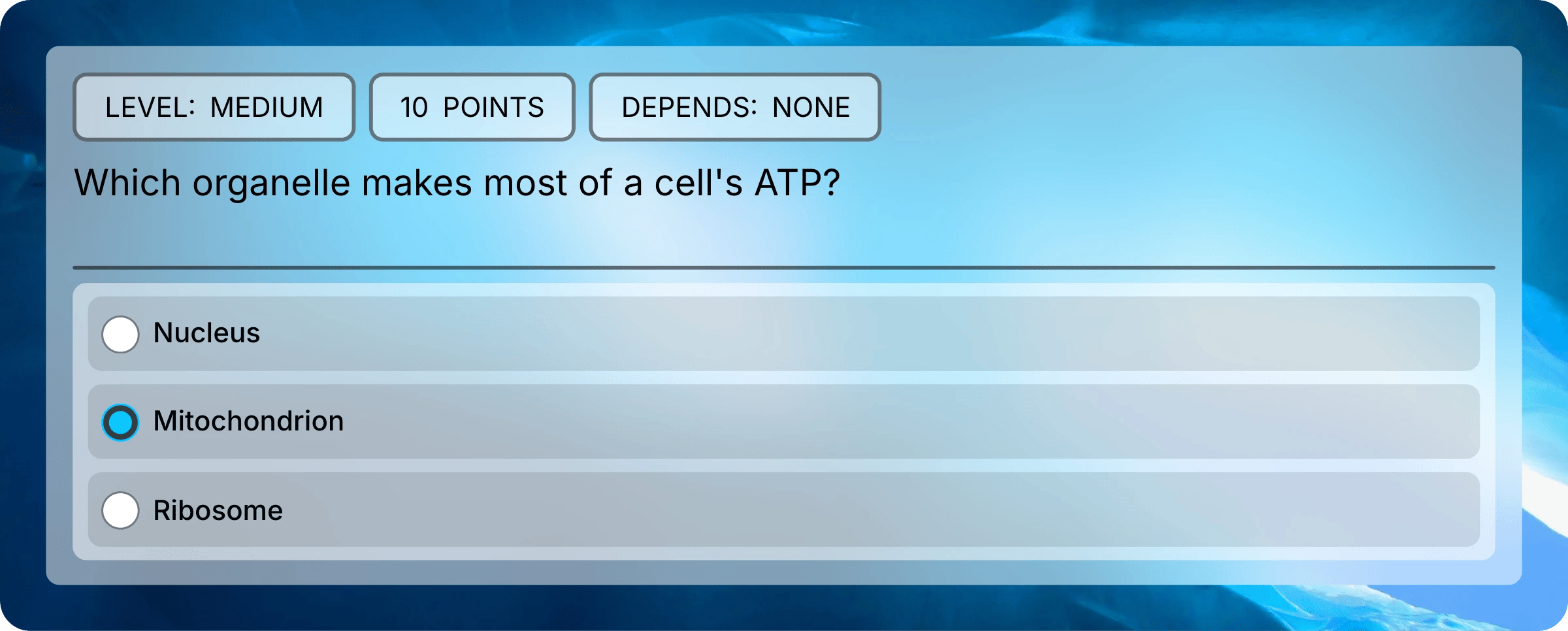
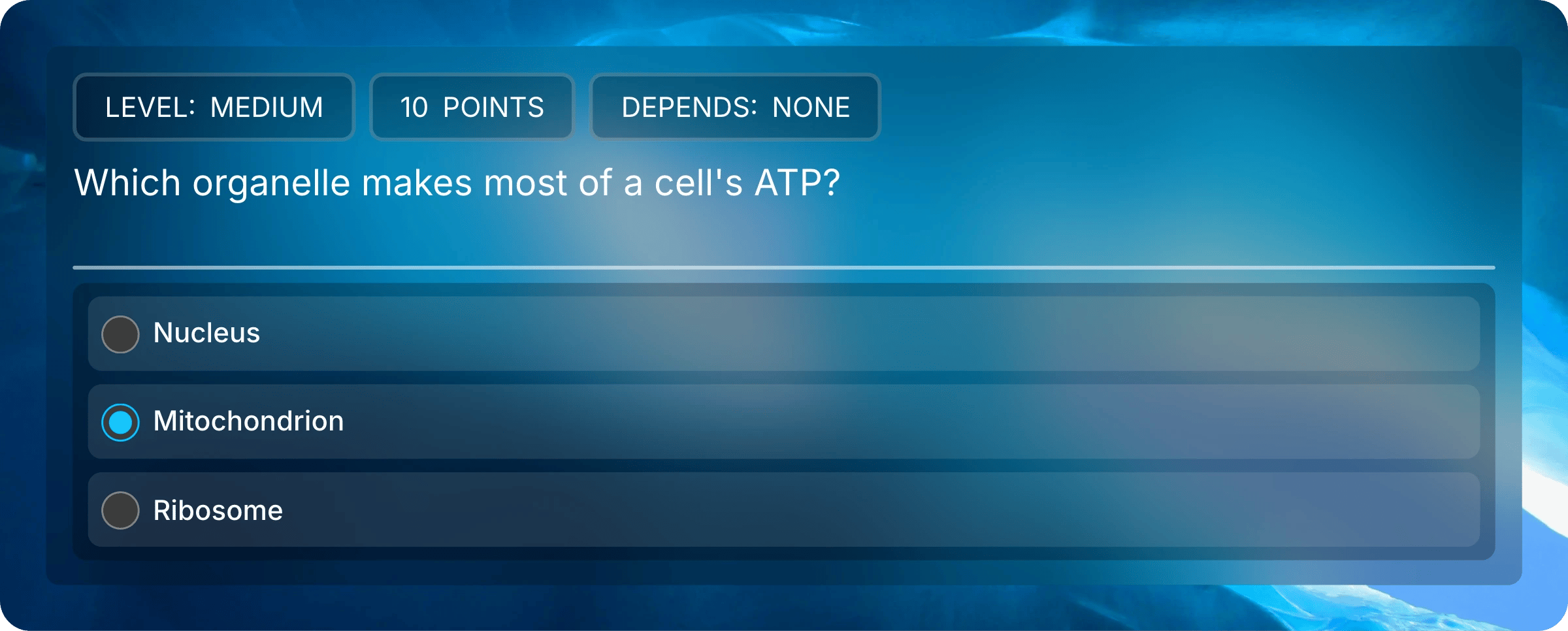
Students select a choice below the prompt.
How Choices Are Graded
In Uflo, choice questions are graded against your marked answers on submission.- Multiple Choice
- Multiple Correct Choices
The correct choice earns full points. Any other choice earns 0.
Shuffled Choices
When Shuffle in the assessment’s Proctoring settings includes answer choices, each attempt gets its own choice order.Common Questions
Can I edit choices after students answer?
Can I edit choices after students answer?
You can fix a choice’s wording safely. Avoid reordering, adding above, or deleting choices. A student’s saved selection points to a position in the list, so it would then point to a different choice.
Can I switch between the two choice types?
Can I switch between the two choice types?
Yes, on a saved question. Your choices stay. When you switch to Multiple Choice, check that only one choice is marked correct.
Next: Numerical Questions
Set a numerical answer with rounding and a margin of error.