
Add an Objective
Select a Teach lesson, then select Create beside Learning objectives.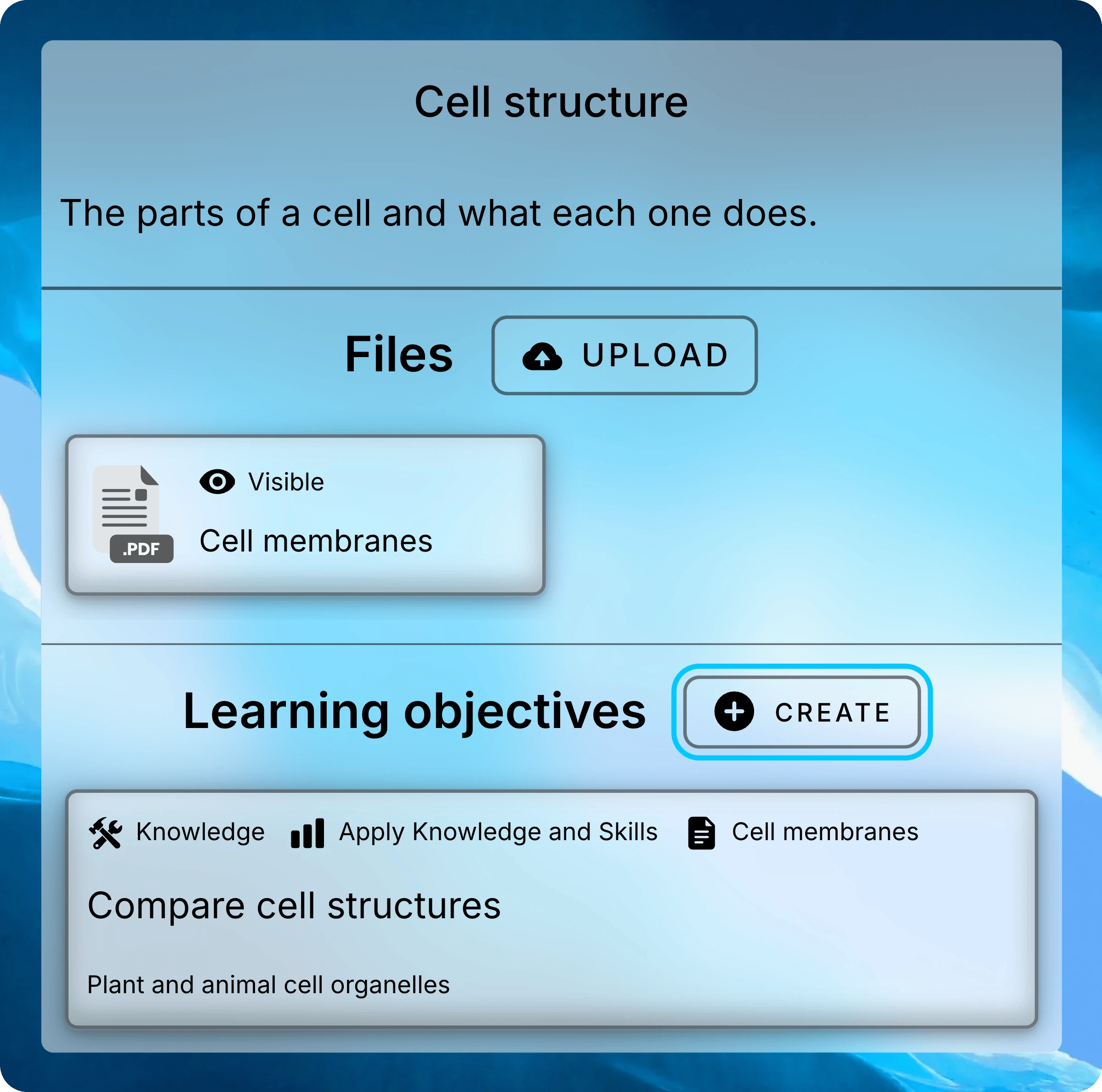
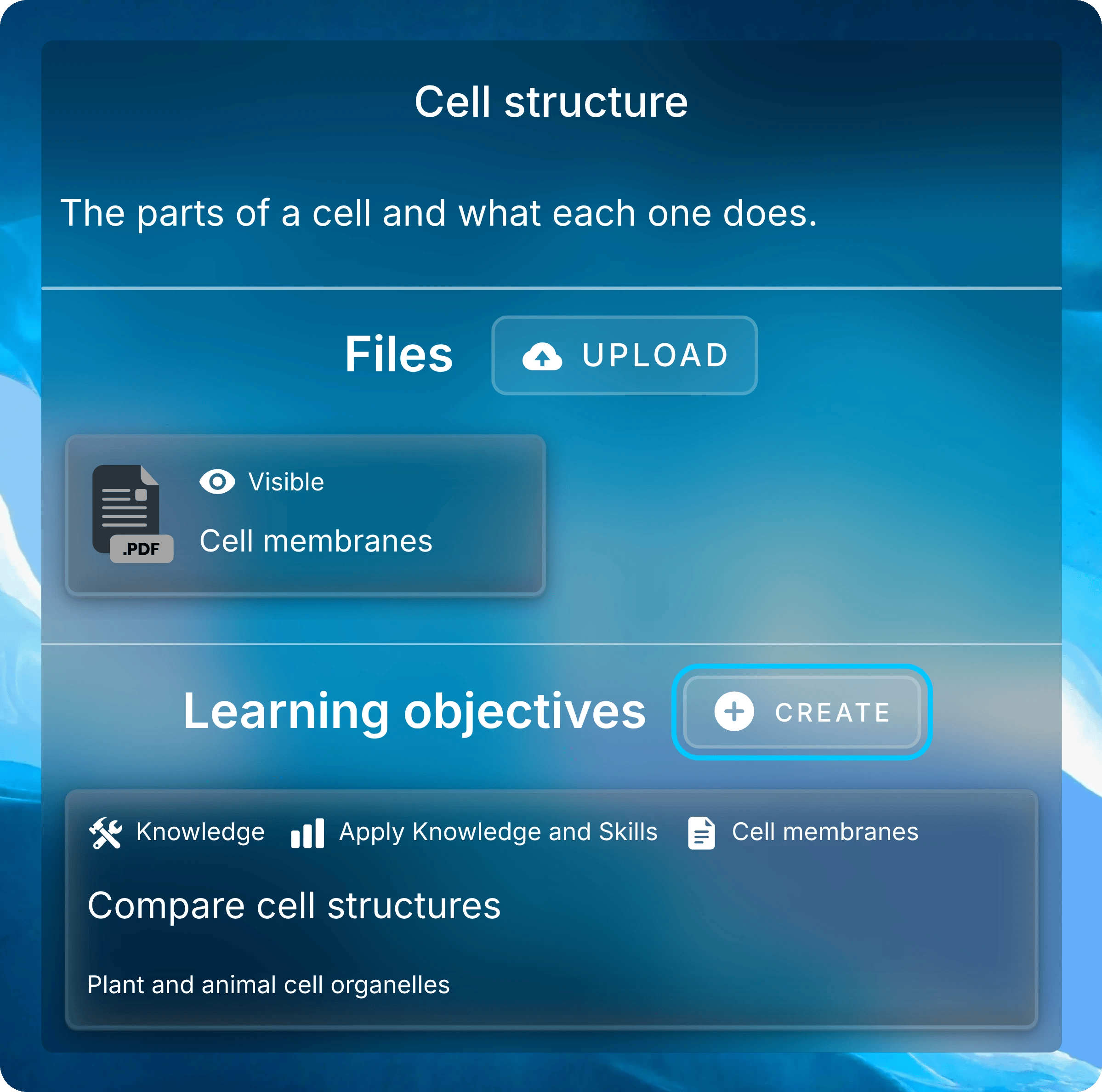
A lesson’s objectives sit below its files.
Fill in the form, then select Submit.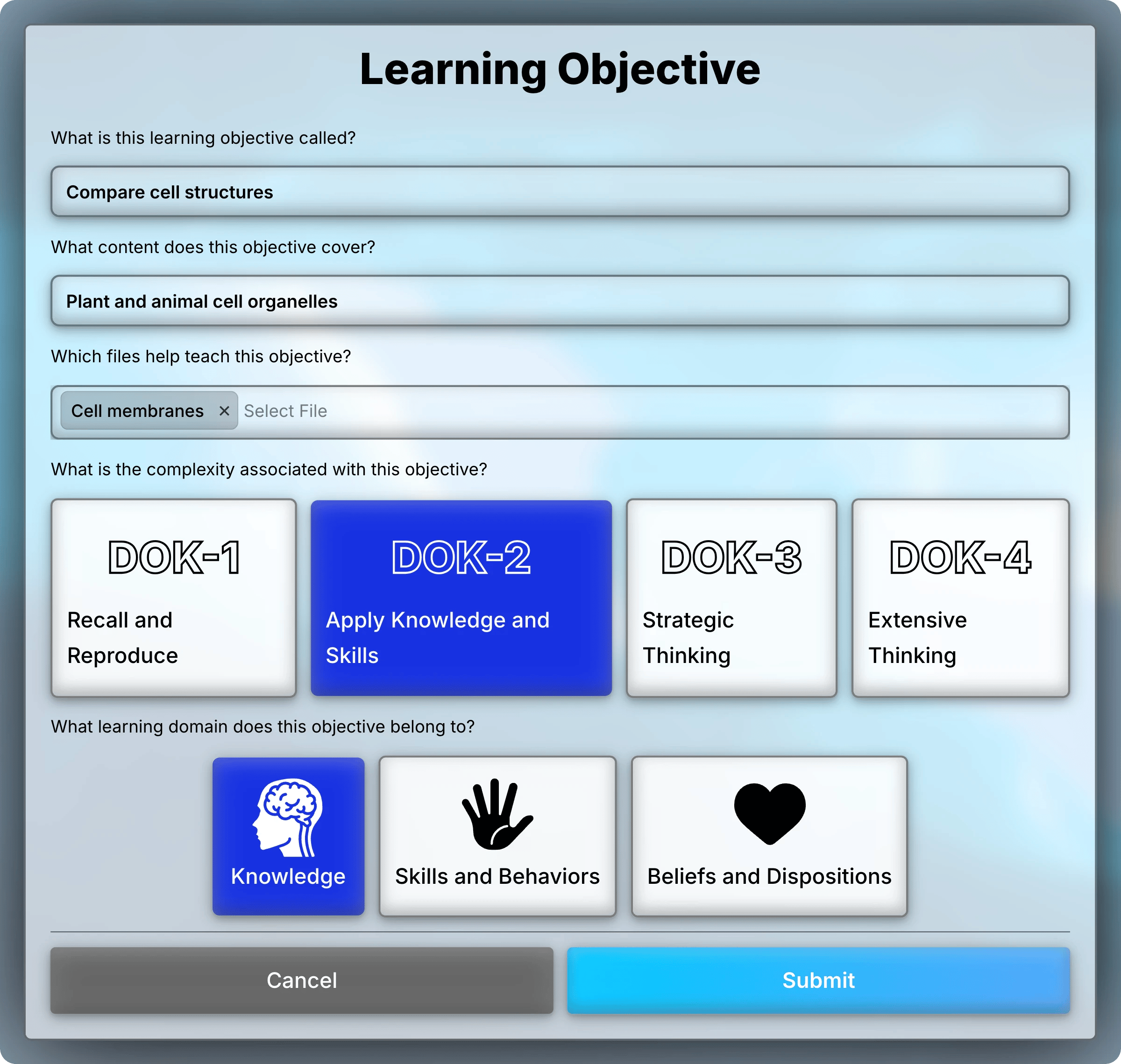

A learning objective’s form.
- Title: what students should learn. It’s the only required field.
- Content: the topics or skills it covers.
- Files: the lesson’s files that teach it.
- Complexity: one or more levels.
- Domain: one kind of learning.
What each complexity and domain means
What each complexity and domain means
Target Objectives From Questions
When you add a question, choose objectives under What learning objectives does this question target? You can pick any objective from the lessons in the assessment’s chapter. Students see them with the question.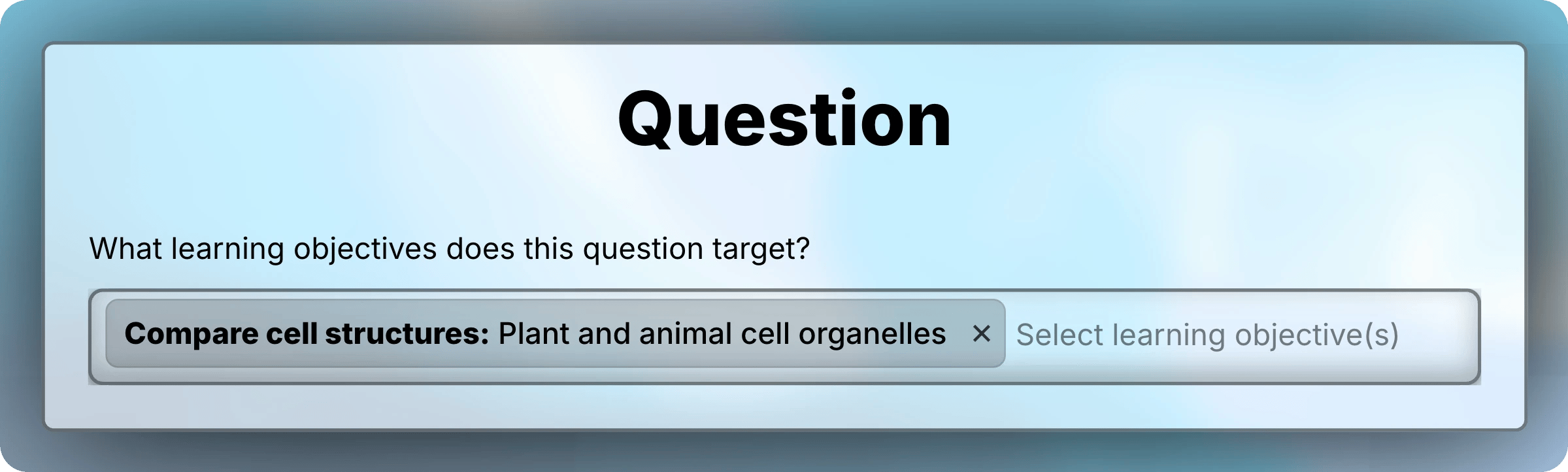
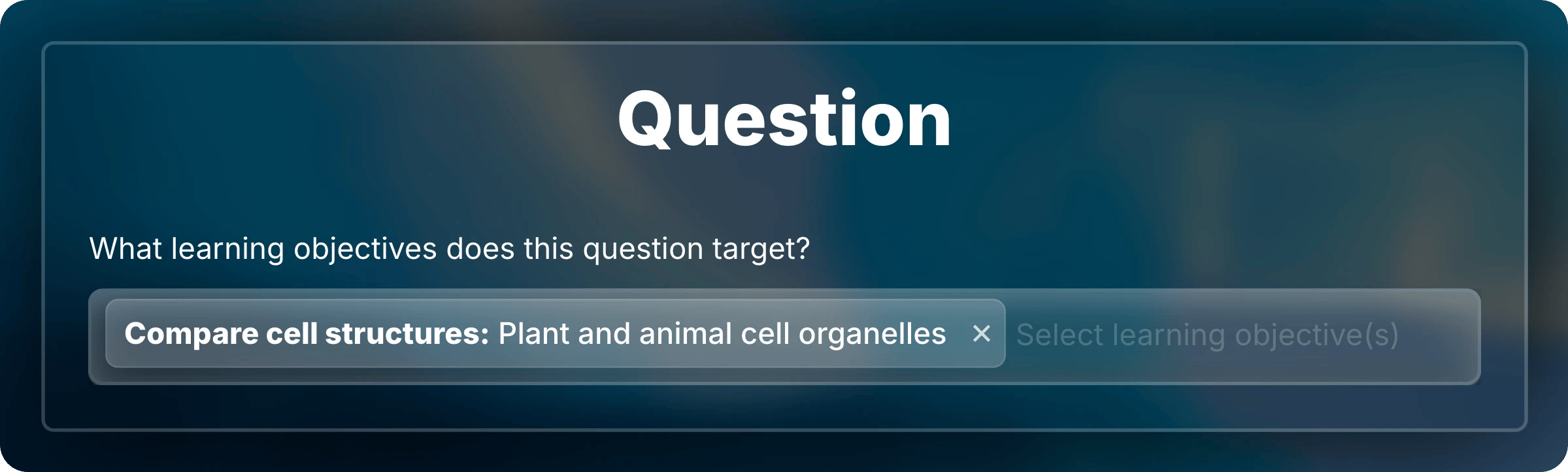
Choose the objectives a question tests.
Update, Reorder, and Delete
Right-click an objective to open its menu, or press and hold it on a touch screen.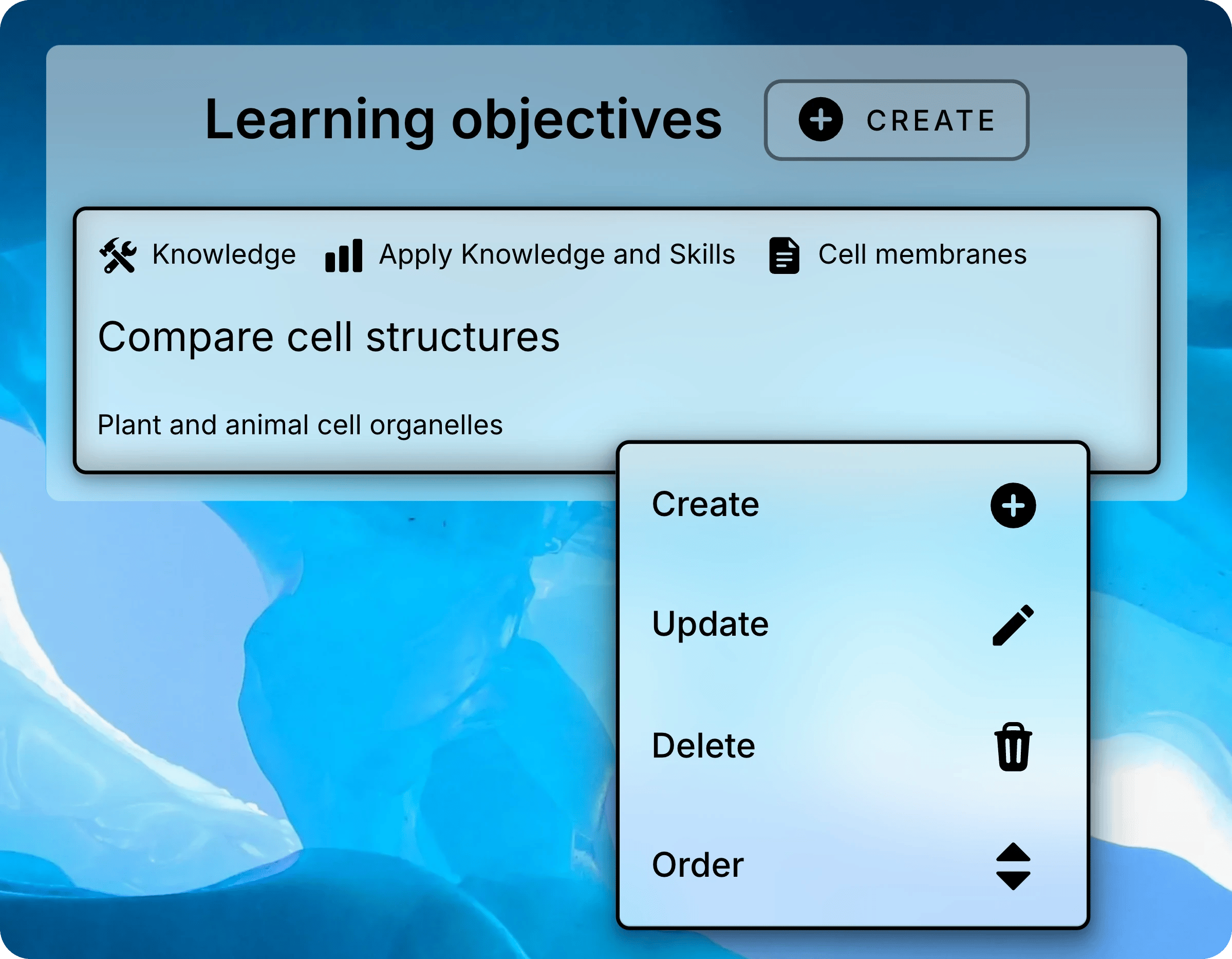
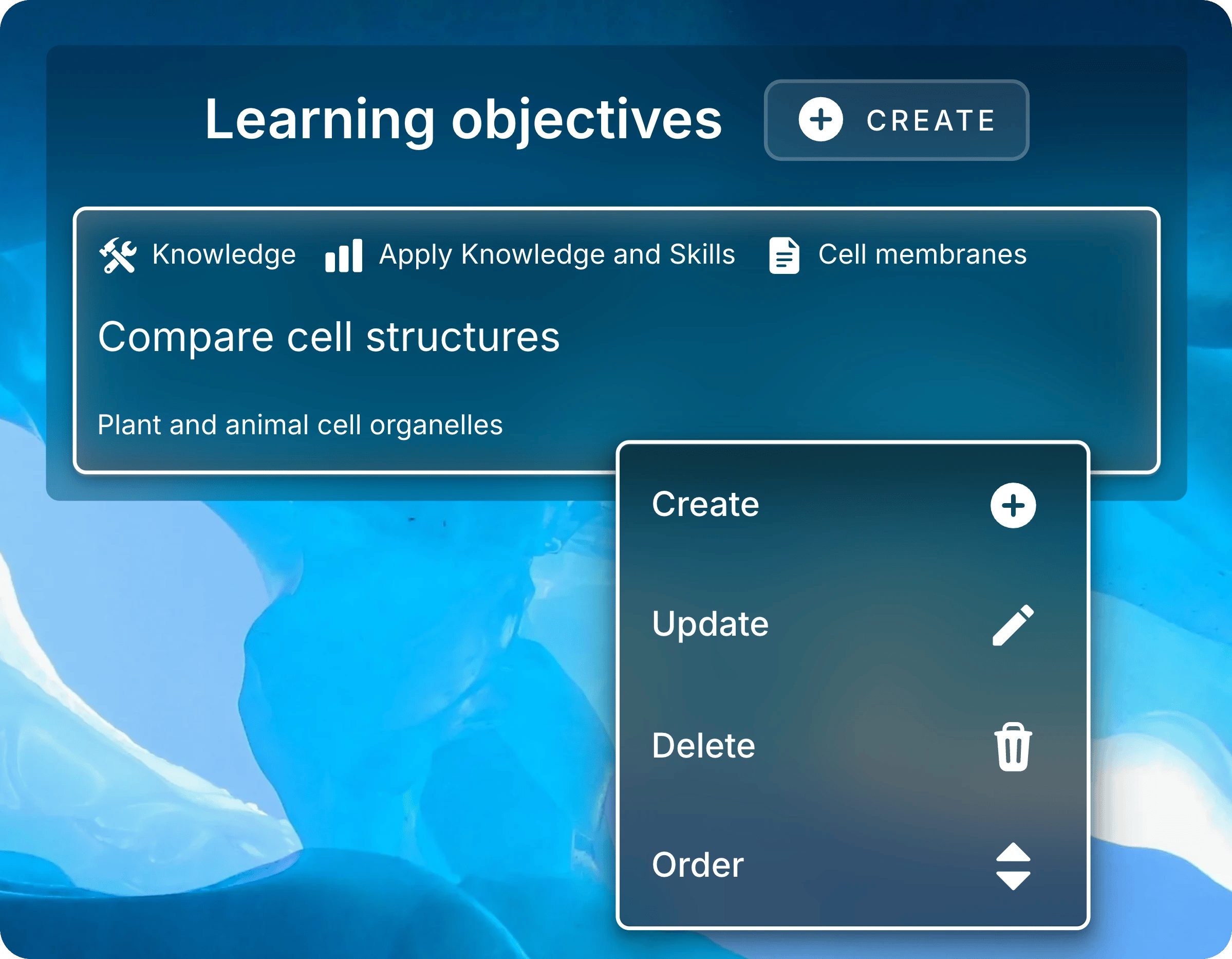
Right-click an objective to open its menu.
- Update
- Order
- Delete
Select Update, change the fields, then select Submit.
Next: Enroll Students
Invite students with a link, QR code, or course code.