
v = d/t.
Uflo checks their answer against yours for mathematical equivalence.
Set the Answer
1
Choose the Type
In the question form, set the question type to Math Input.
2
Add a Template (Optional)
In the response template, add the starting template students start from, like
v =.3
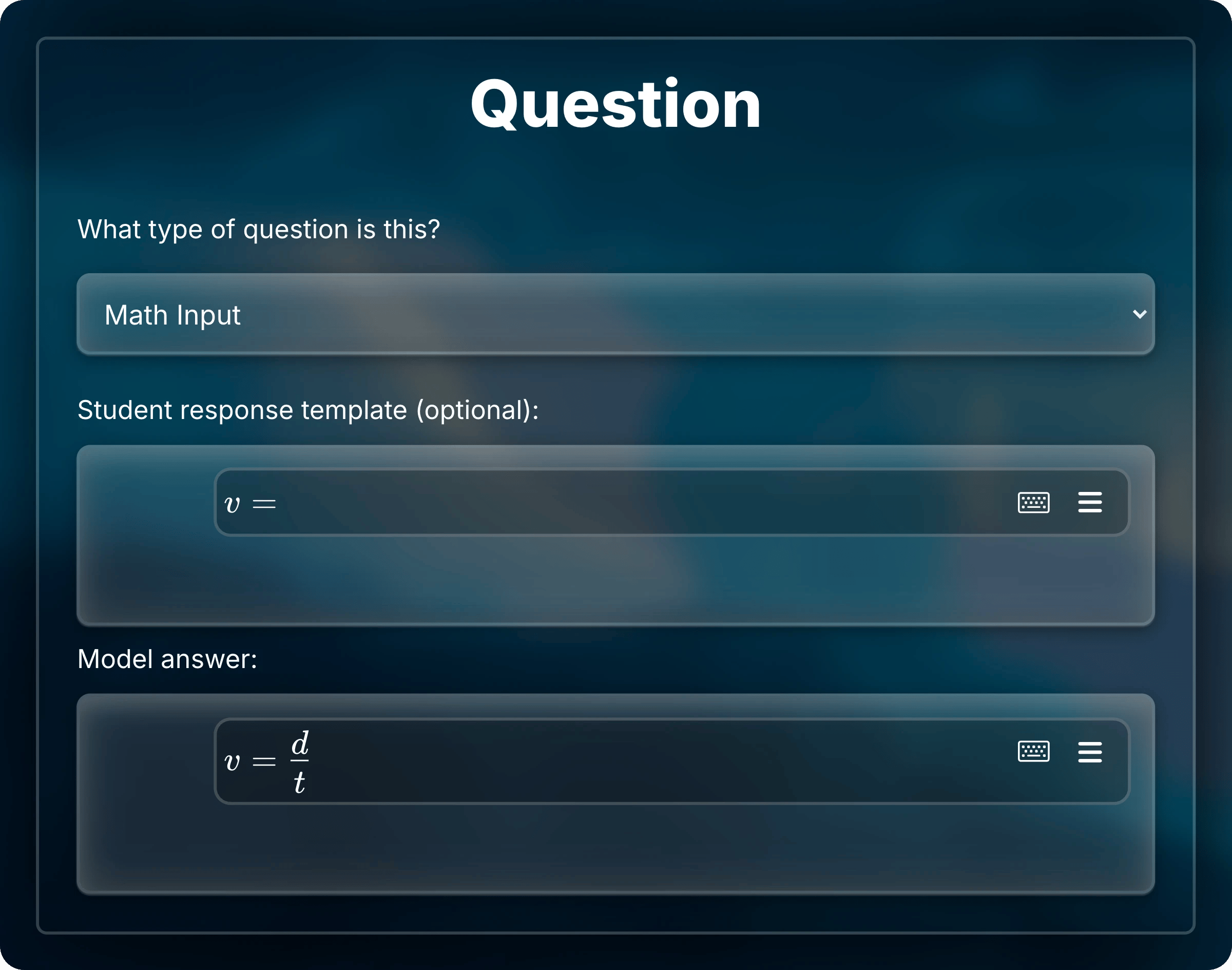
Write the Model Answer
Under Model answer, enter the correct expression or equation.The math field formats as you go: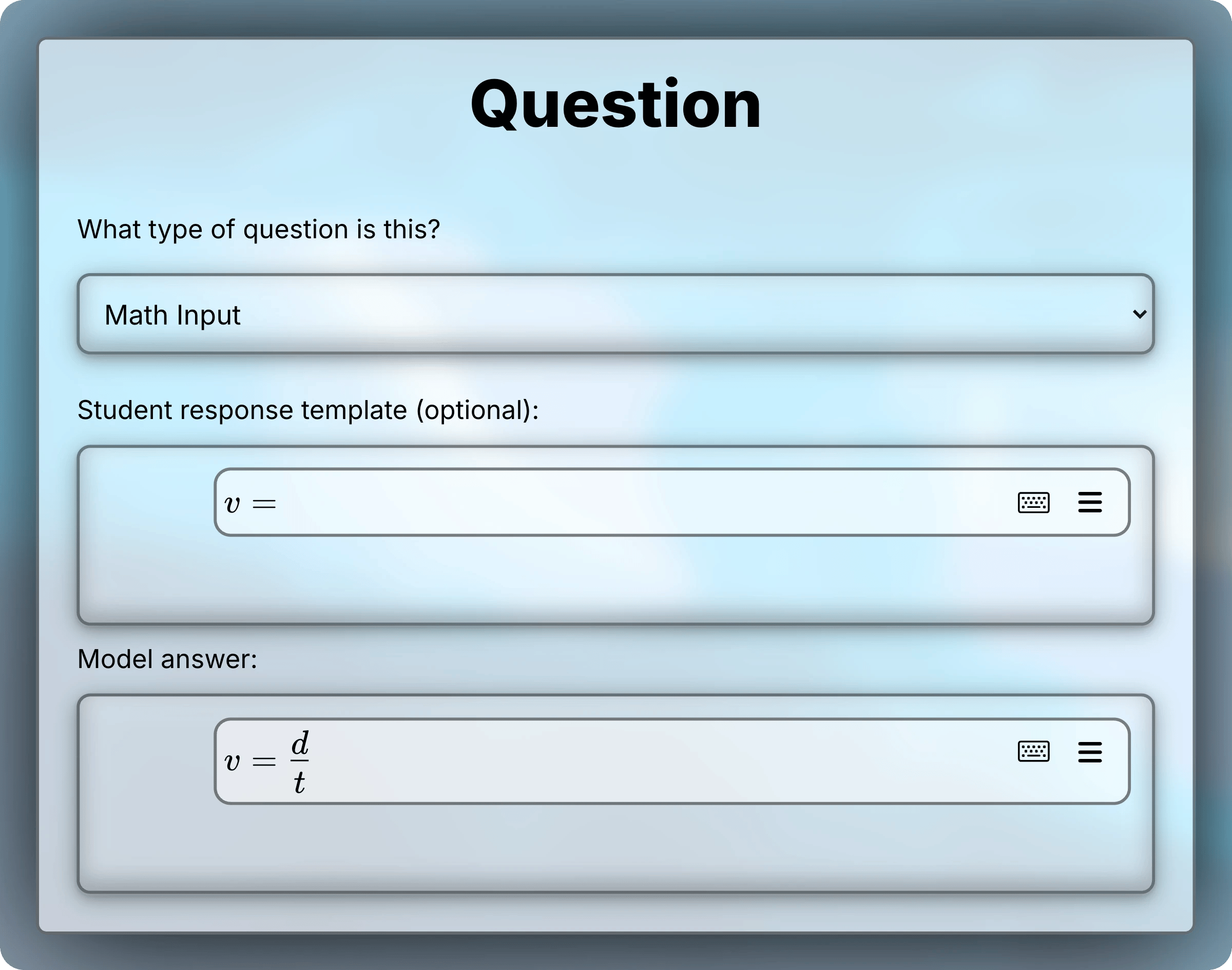
/starts a fraction.^starts an exponent.
Students start from v =, and Uflo grades against v = d/t.
How Answers Are Compared
A Math Input question earns either full credit or no credit at all. Uflo checks whether the student’s answer is mathematically equivalent to your answer. All of these answers match:
These forms don’t match, so steer students away from them in the prompt or template:
- Letter case:
Xandxare different variables. - Units:
v = 15 m/sdoesn’t matchv = 15. Ask for the answer without units. - A missing left side:
d/tdoesn’t matchv = d/t. Addv =as a template. - Listed solutions:
x = 2, x = -2doesn’t matchx = ±2. - Inequalities times -1:
-x < -2doesn’t matchx > 2.
What Students See
Students get one math field below the prompt, holding your template if you set one. When you show answers, they also see your model answer.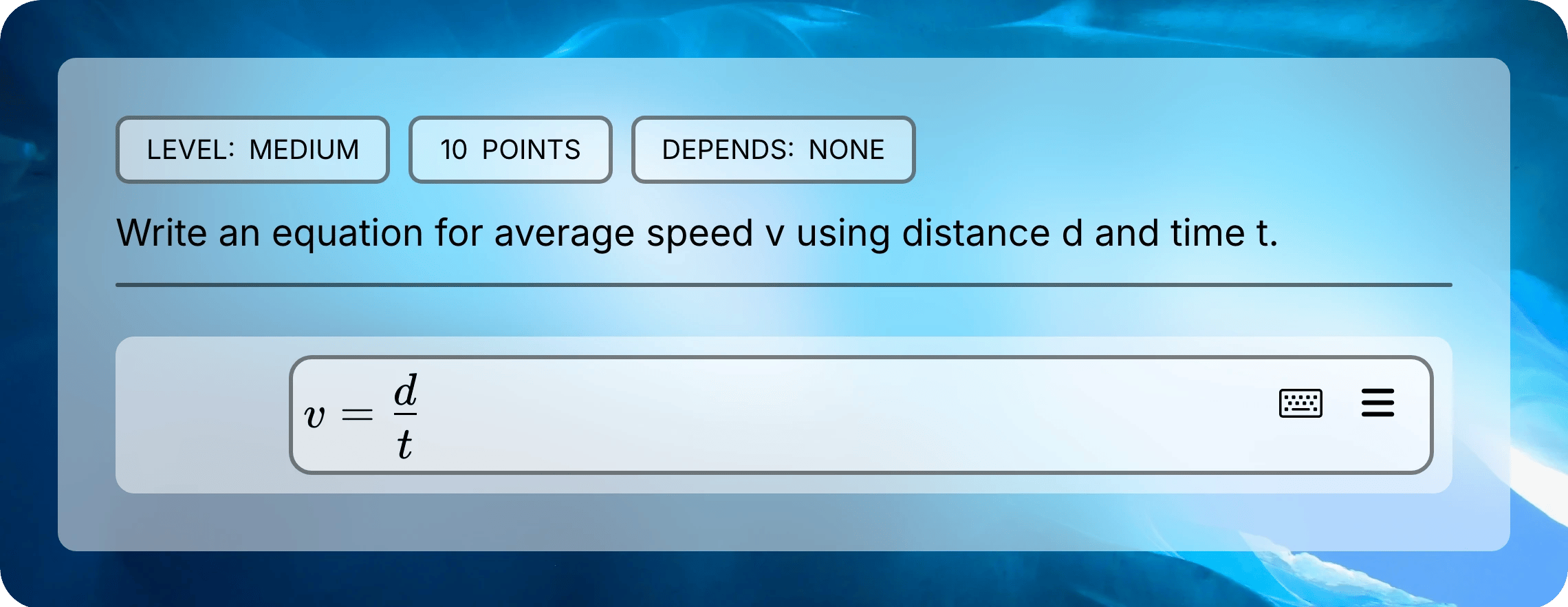

A student’s answer in the math field.
See the student guide for how students enter math.Next: Drawing Questions
Ask students to draw their answer, graded against your rubric.