
Set the Answer
1
Choose the Type
In the question form, set the question type to Number.
2
Fill In the Fields
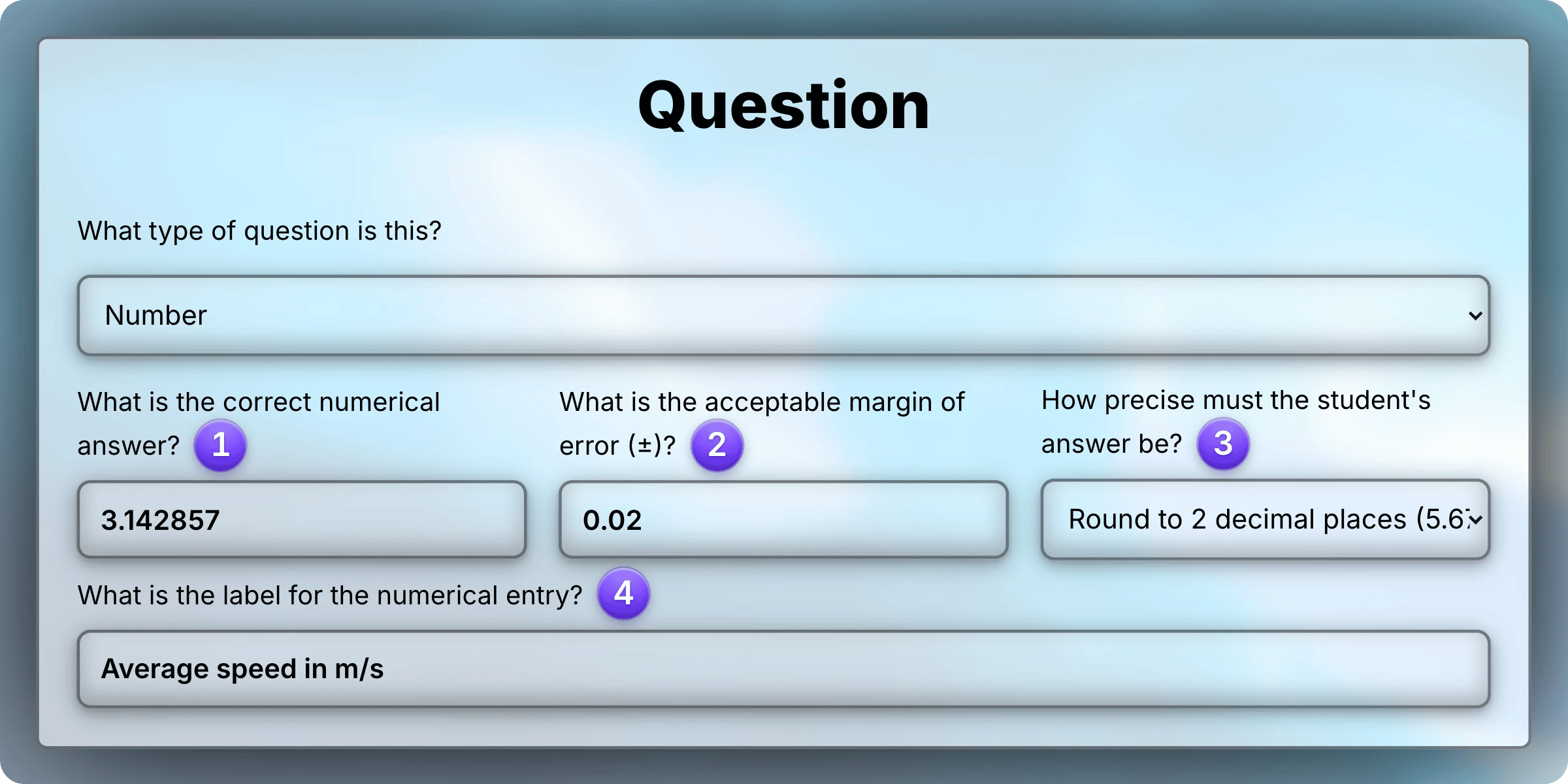
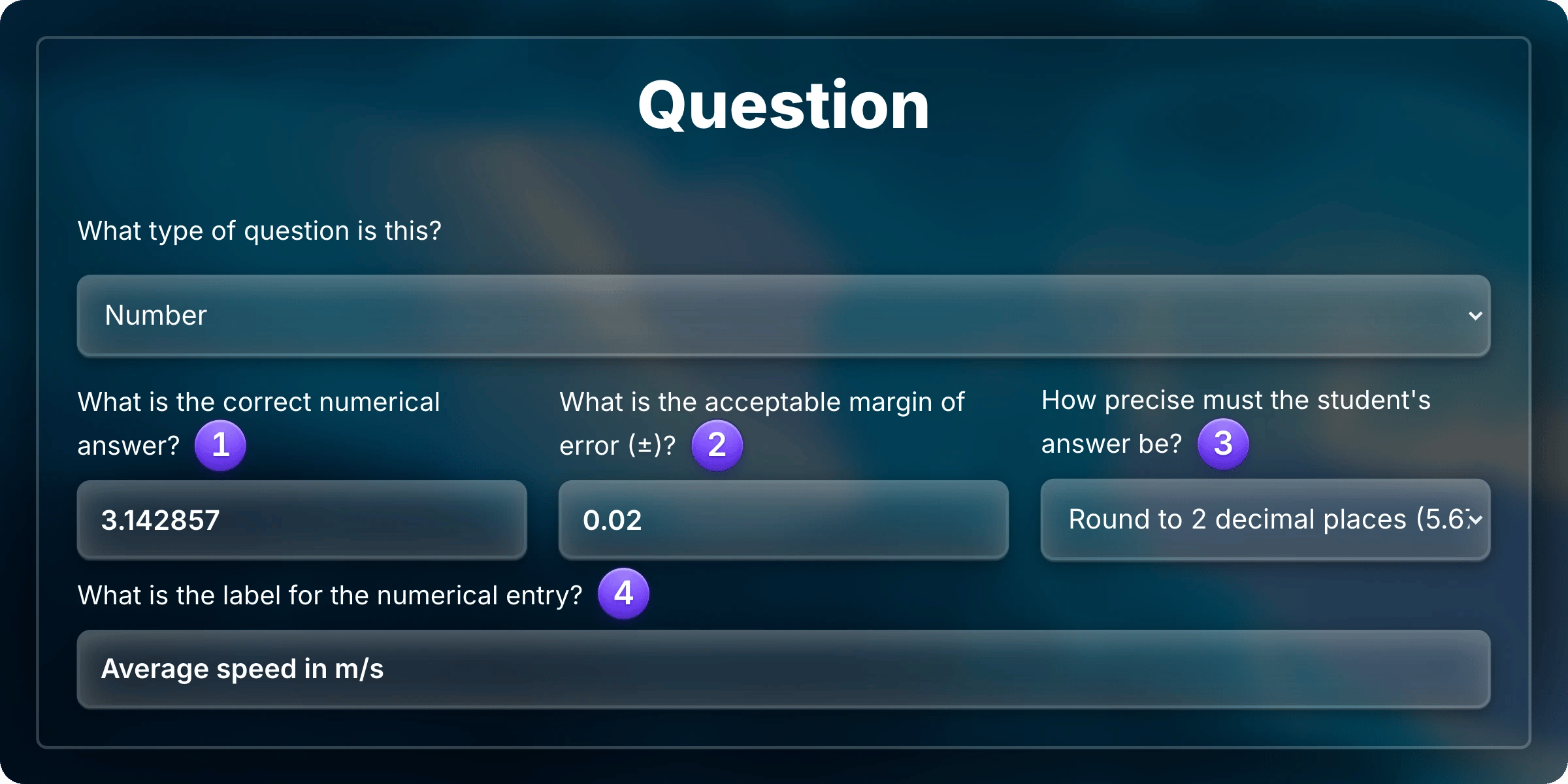
The answer is 22 ÷ 7, compared at two decimal places with a margin of 0.02.
- Correct answer: your answer, in full and unrounded.
- Margin of error: how far off an answer can be and still count.
- Precision: Exact Value, or decimal places. Uflo rounds your answer and the student’s to that many places, so extra digits don’t cost credit.
- Label: text beside the field, like the unit.
What Students See
Students get a single number field. Beside it, Uflo shows your label, the precision, and the margin, if you set one. Put the unit in the label, since the field only takes numbers.

Uflo adds the precision and margin to your label.
How Answers Are Graded
Uflo grades a Number question as soon as it’s submitted and offers no partial credit. Uflo checks each answer in two steps:- Round: With decimal places set, Uflo rounds your answer and the student’s to that many places. With Exact Value, nothing is rounded.
- Compare: The two values must match, or be within the margin if you set one.
Example
A cyclist travels 22 metres in 7 seconds. You enter the answer 3.142857 and choose two decimal places, so Uflo compares at 3.14.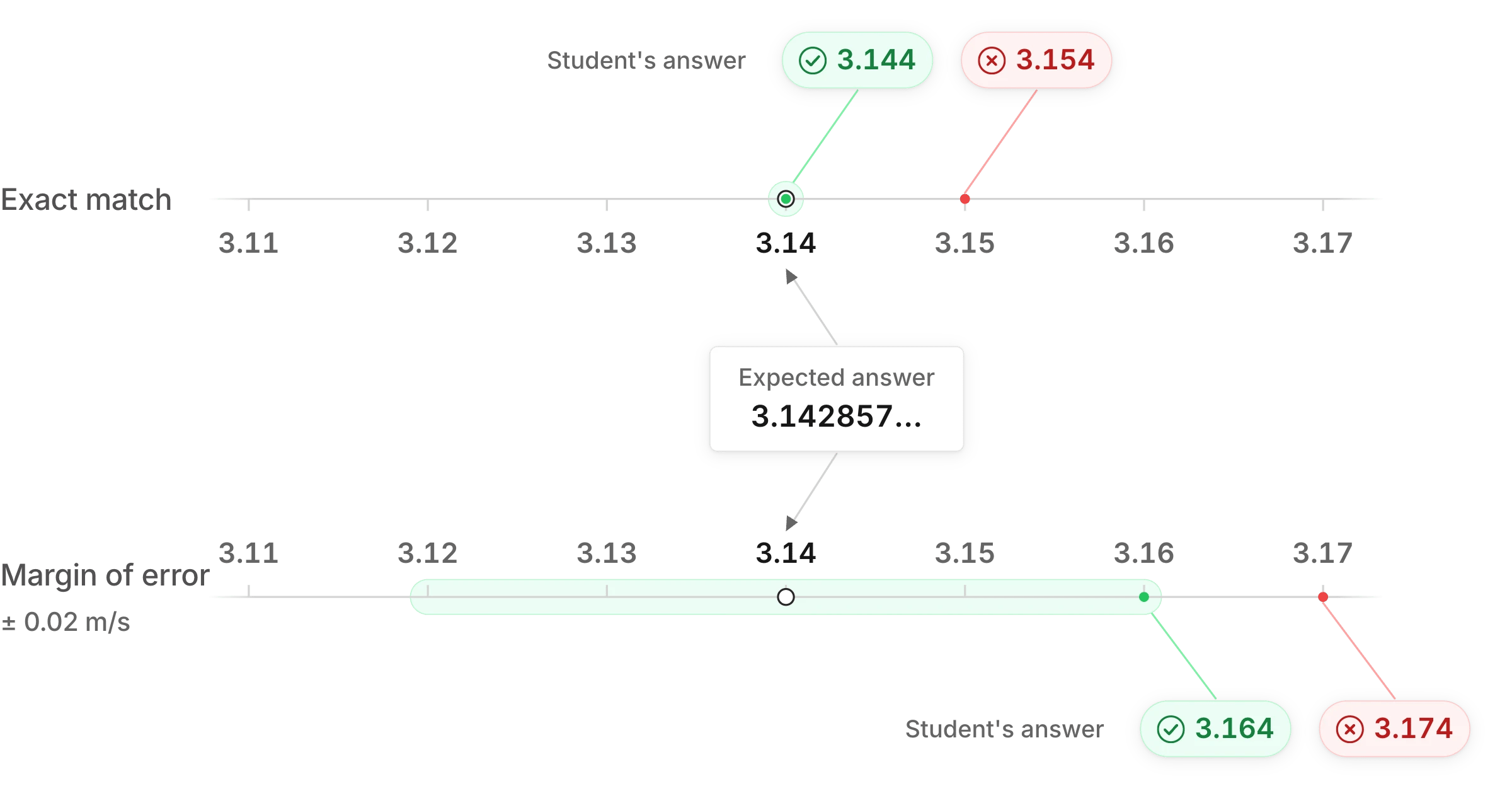
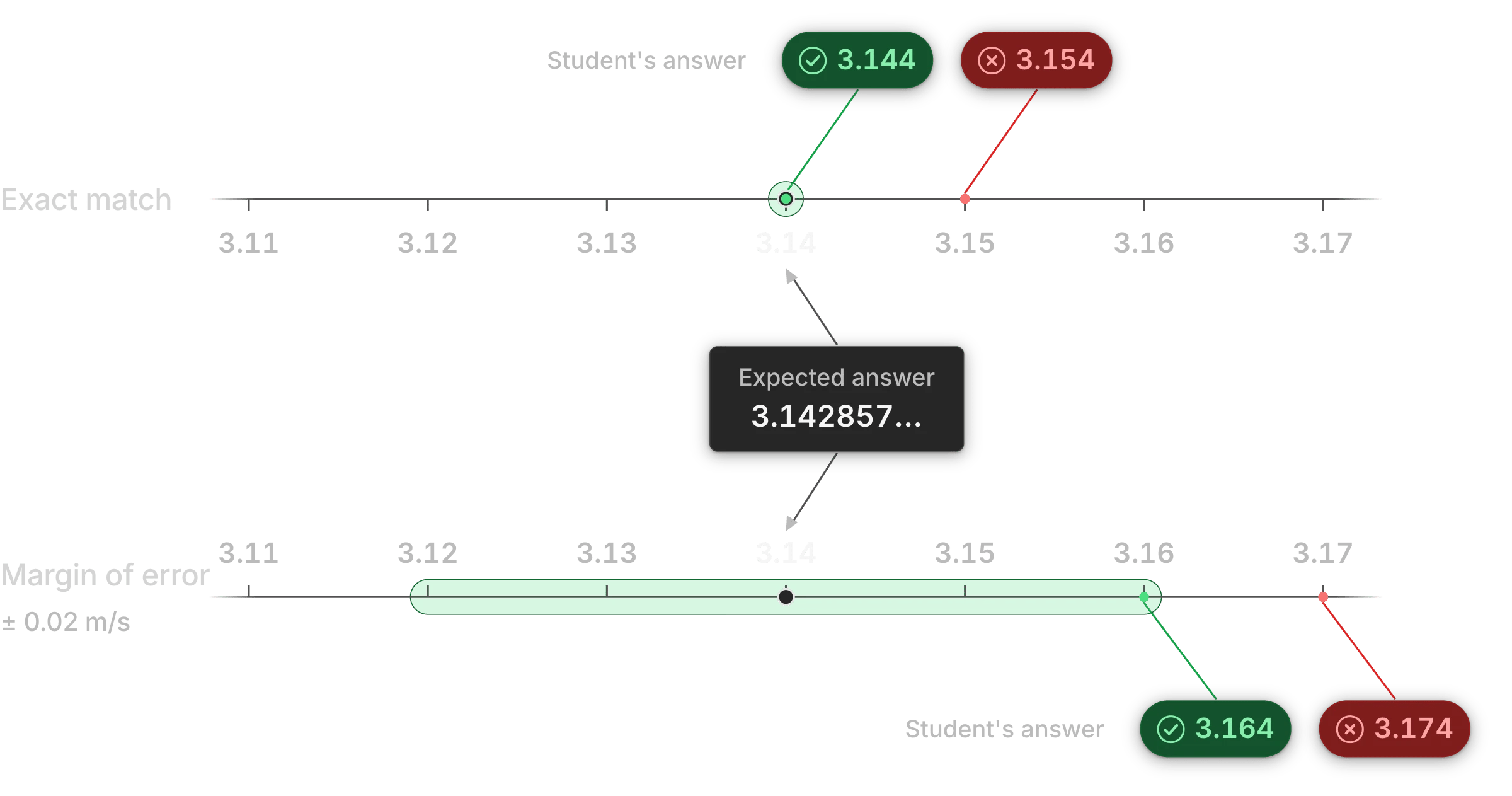
Both values are rounded first. A margin of error widens the accepted range.
- No Margin
- Margin of 0.02
The student’s answer must round to 3.14.
Common Questions
Should I round the correct answer myself?
Should I round the correct answer myself?
No. Enter the full value. Uflo rounds it to the decimal places you choose, the same way it rounds the student’s answer.
What if a student enters fewer decimal places?
What if a student enters fewer decimal places?
Their answer is compared as typed. With two decimal places, 3.1 doesn’t match 3.14 unless the margin covers the gap.
Can students use scientific notation?
Can students use scientific notation?
Yes. Students can type a value like
6.02e23.Do I need a different type for a formula or several values?
Do I need a different type for a formula or several values?
Yes. Use Math Input for an expression, or Fill In The Blank for several numbers. Neither works on paper or LMS assessments.
Next: Fill-in-the-Blank
Add blanks to your text and set the answer for each.