
Add the Blanks
1
Choose the Type
In the question form, set the question type to Fill In The Blank. The editor appears below, with Add Text Blank and Add Number Blank above it.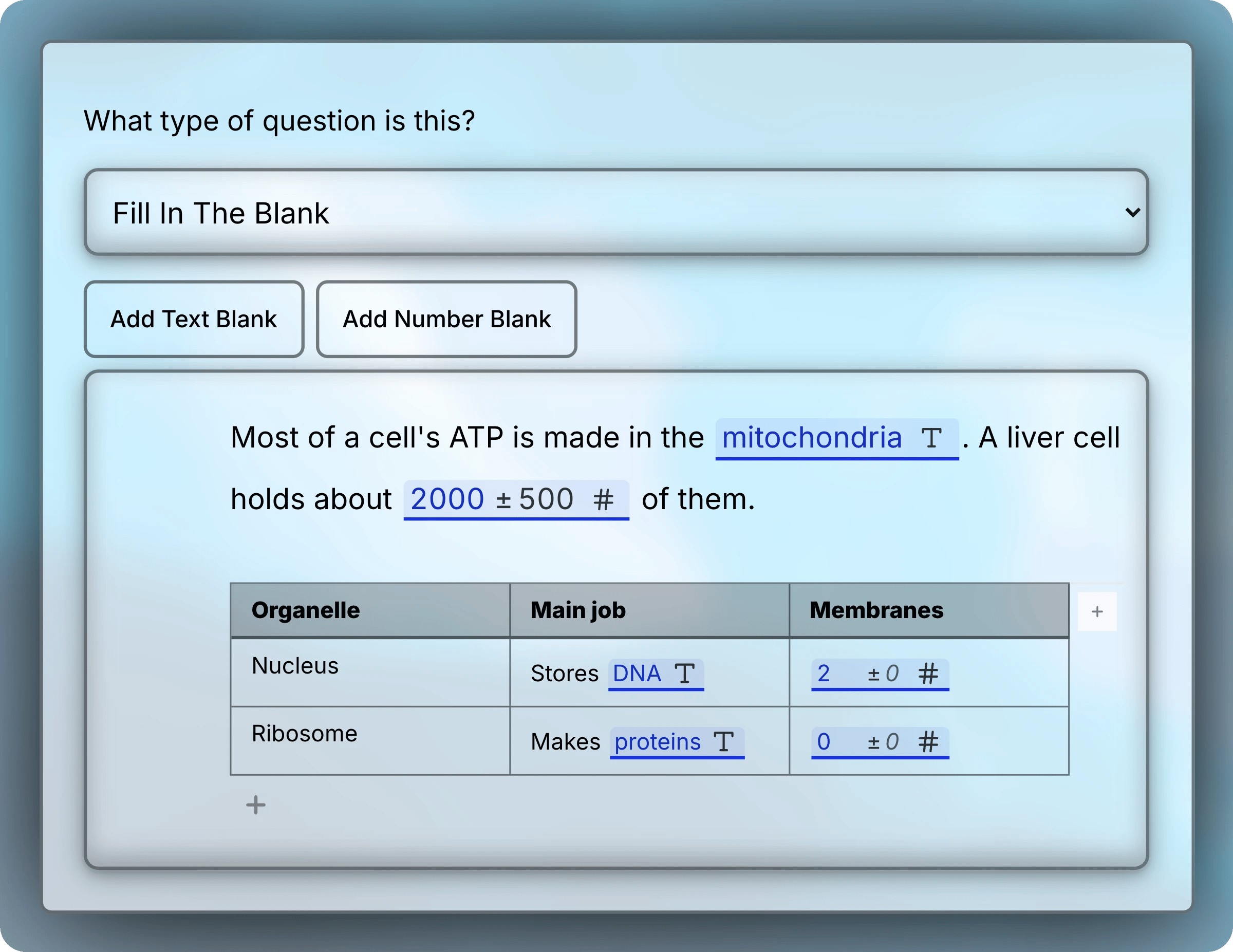
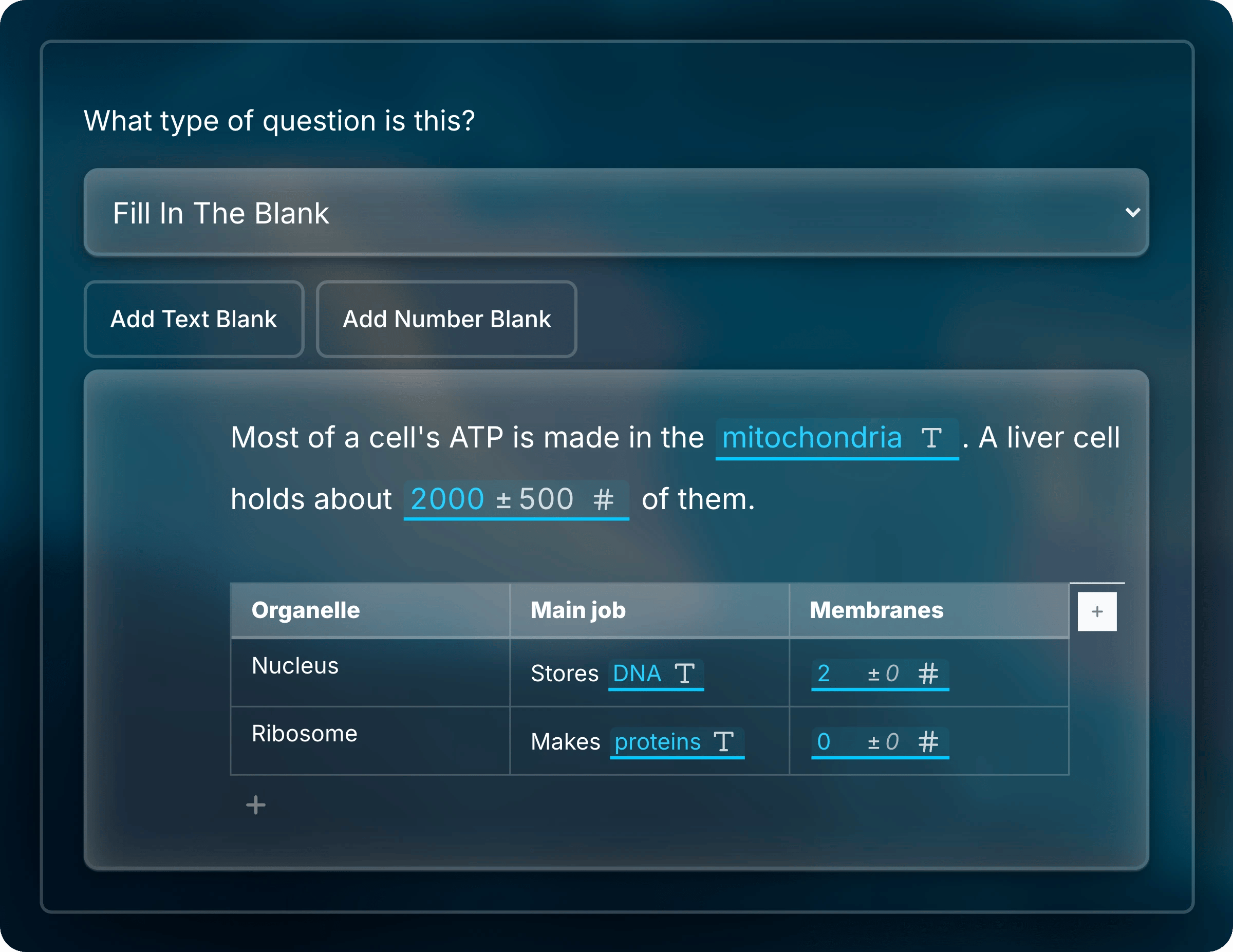
Text blanks end in T, number blanks in #.
2
Add Each Blank
- Text
- Table
There are two ways to add blanks to your text:
- At the cursor: click where the blank belongs, select Add Text Blank or Add Number Blank, and type the answer.
- Around selected words: select words already in your text, then select Add Text Blank or Add Number Blank. The words become the answer.
Add a blank at the cursor, or around selected words.
Math in the text shows to students as raw LaTeX, such as$P_{S}$.Blanks don’t take commas, so write
1000 rather than 1,000.3
Edit the Blanks
A text blank takes a word or phrase, and a number blank takes a number.
- Margin of Error
- Switch Type
- Remove
A number blank has a ± field after its answer. Enter how far a student’s answer can be from yours and still count. Leave it empty to require the exact number.For example, 2000 with a margin of 500 accepts answers from 1500 to 2500.
Type the margin in the ± field after the answer.
What Students See
Students type into each blank. A text blank ends in T and a number blank in #, so students know what to enter. The student guide shows how students fill in blanks.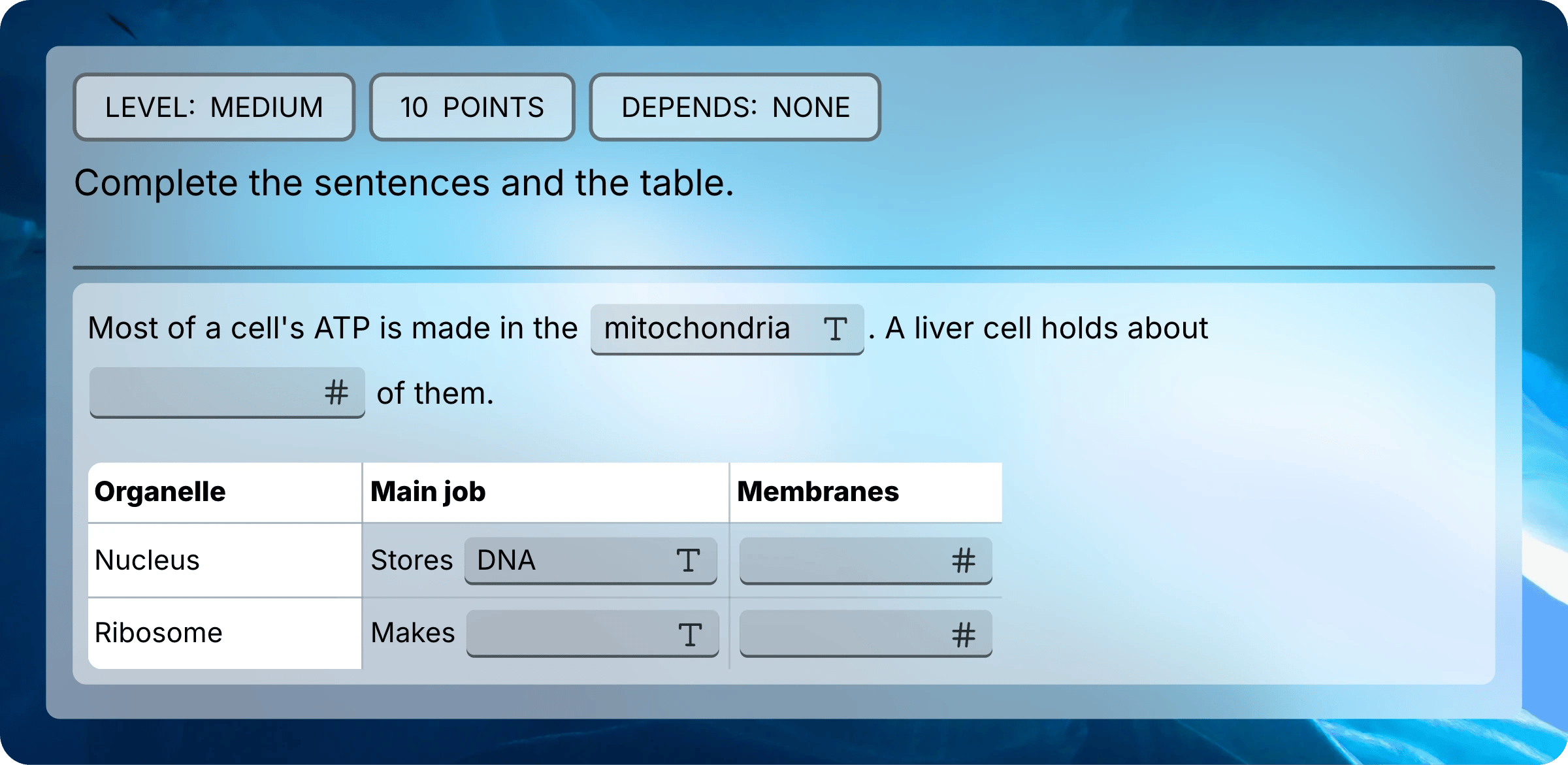
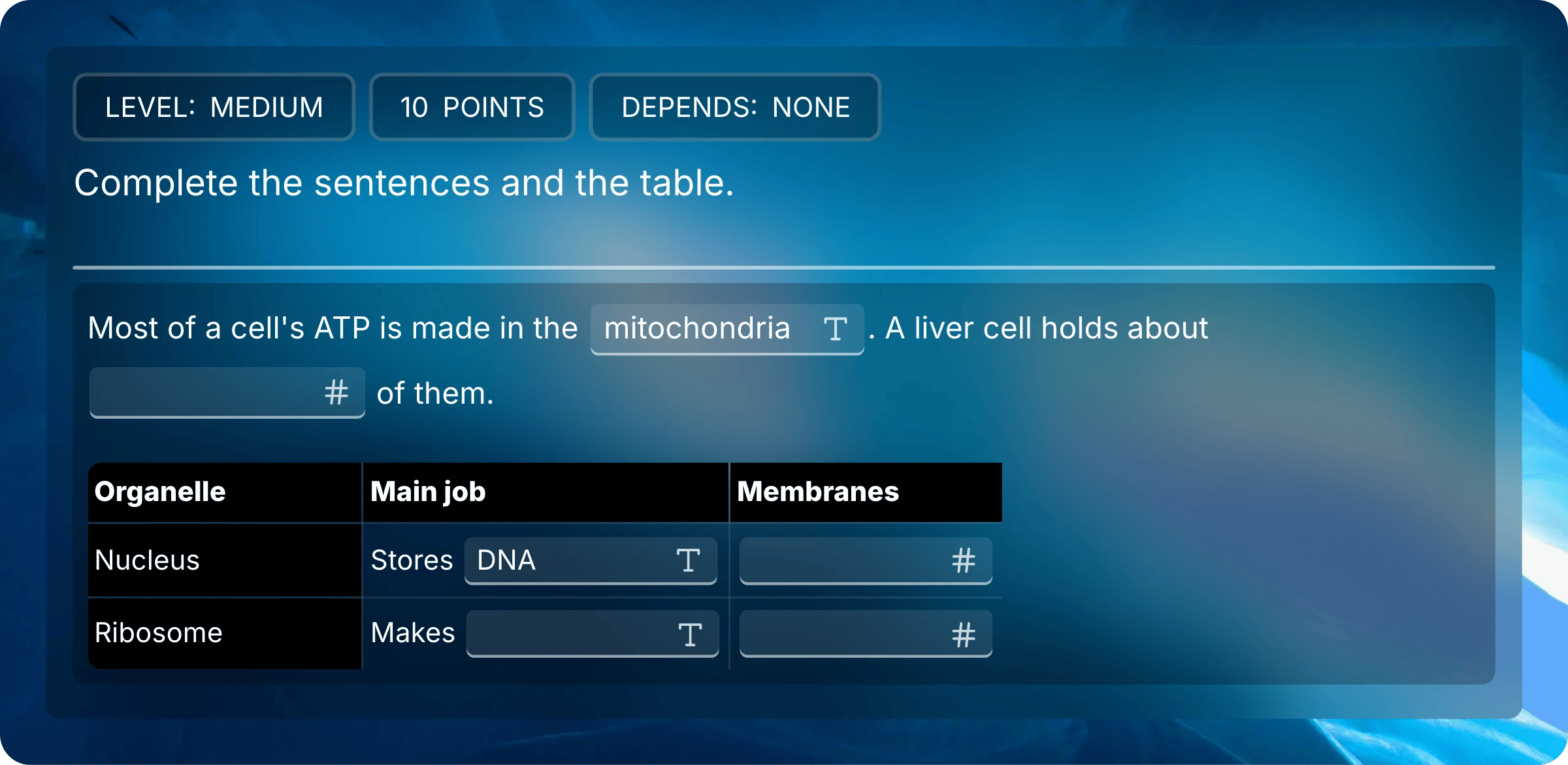
Students fill in each blank, in the text and the table.
What students see when you show answers
What students see when you show answers
When you show answers, students see every blank filled in, with any margin shown. Each blank they answered also shows a check or an X.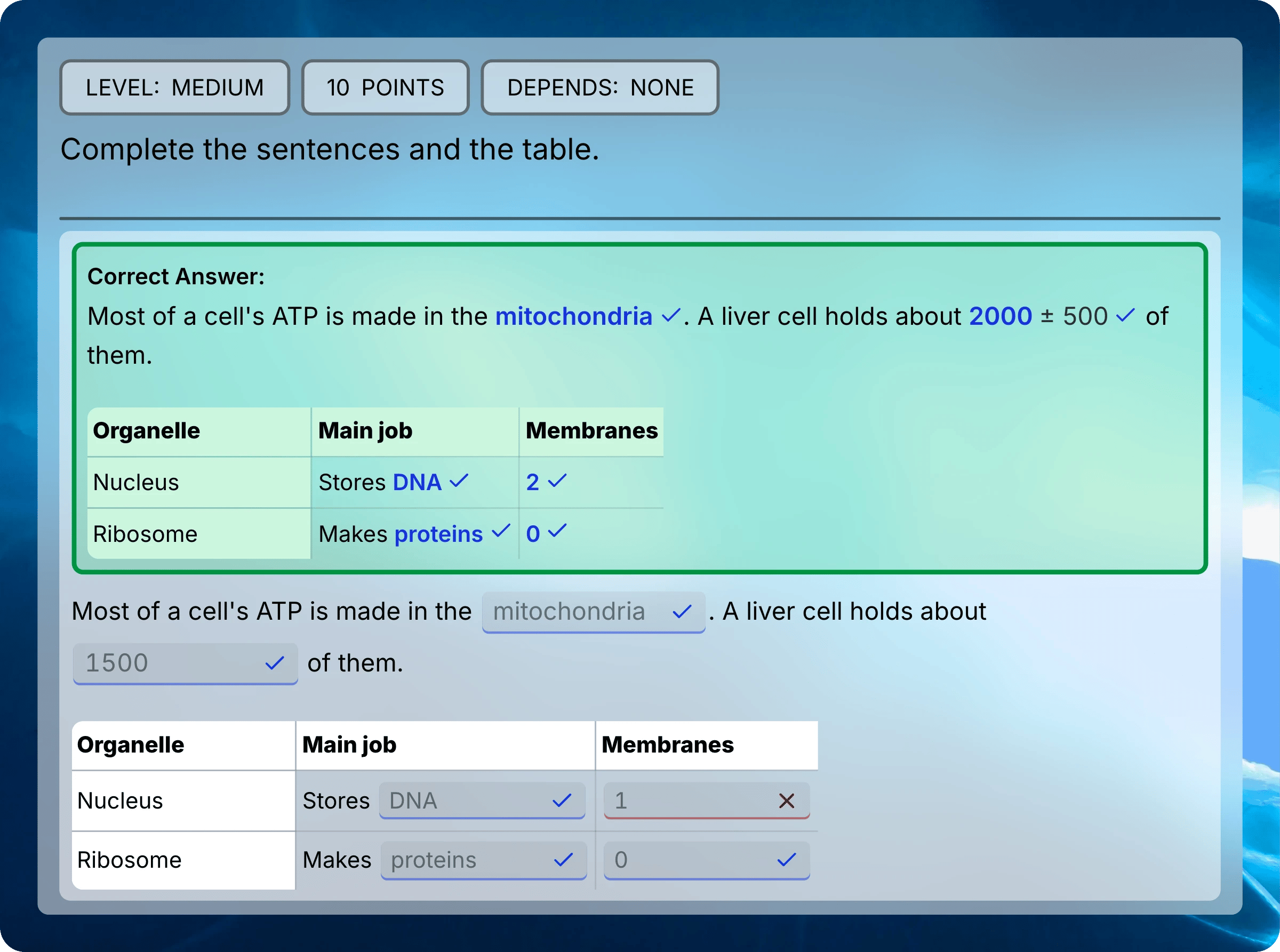
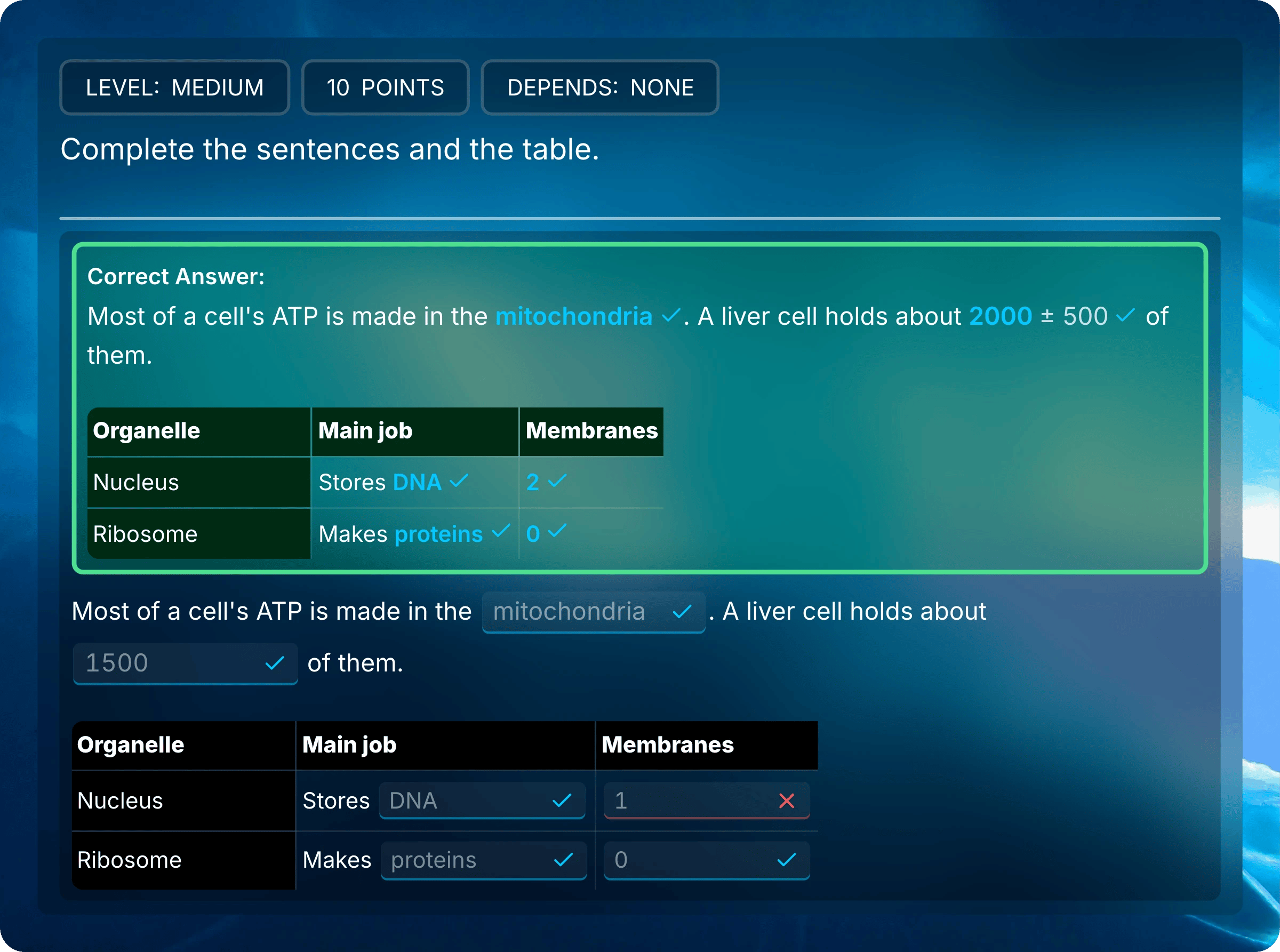
With answers shown, students see the key above their marked response.
How Answers Are Graded
Uflo grades a fill-in-the-blank question as soon as it’s submitted. Each blank is checked against its own answer, so the right word in the wrong blank doesn’t count.- Case and extra spaces don’t matter.
Mitochondriamatchesmitochondria, andcell wallmatchescell wall. - Numbers match by value.
5.0matches5. - A margin widens the match. Without a margin,
4.99doesn’t match5. With a margin of0.01, it does. - Each blank is worth an equal share. With two blanks on a 4-point question, each correct answer earns 2 points.
Question Analytics
See how students answered each blank.