
Choose What a Chapter Represents
Pick one meaning for chapters and use it across the whole course. Students choose a chapter first, so a consistent pattern tells them where to look.
Once you choose, rename chapters and lessons to match, such as Week and Topic.
Decide What Goes in Each Lesson
Each lesson either teaches or tests. You choose Teach or Test when you create it.
- Teach Lessons
- Test Lessons
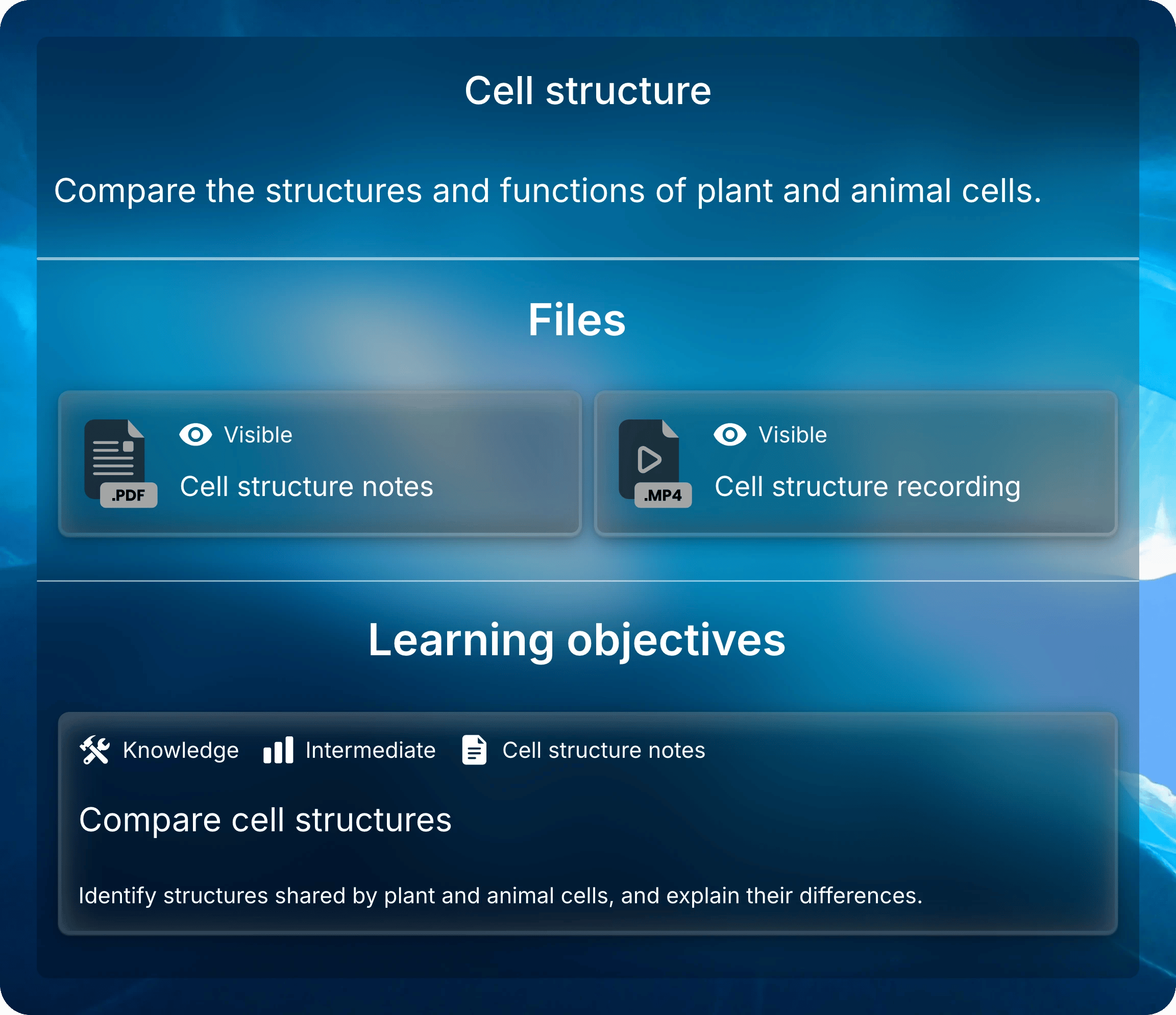
A Teach lesson holds materials for one class or topic: slides, readings, recordings, and links.
Uflo creates study tools from each file, such as summaries and flashcards.Add learning objectives that describe what students should be able to do after the lesson.
Students see them below the lesson’s files.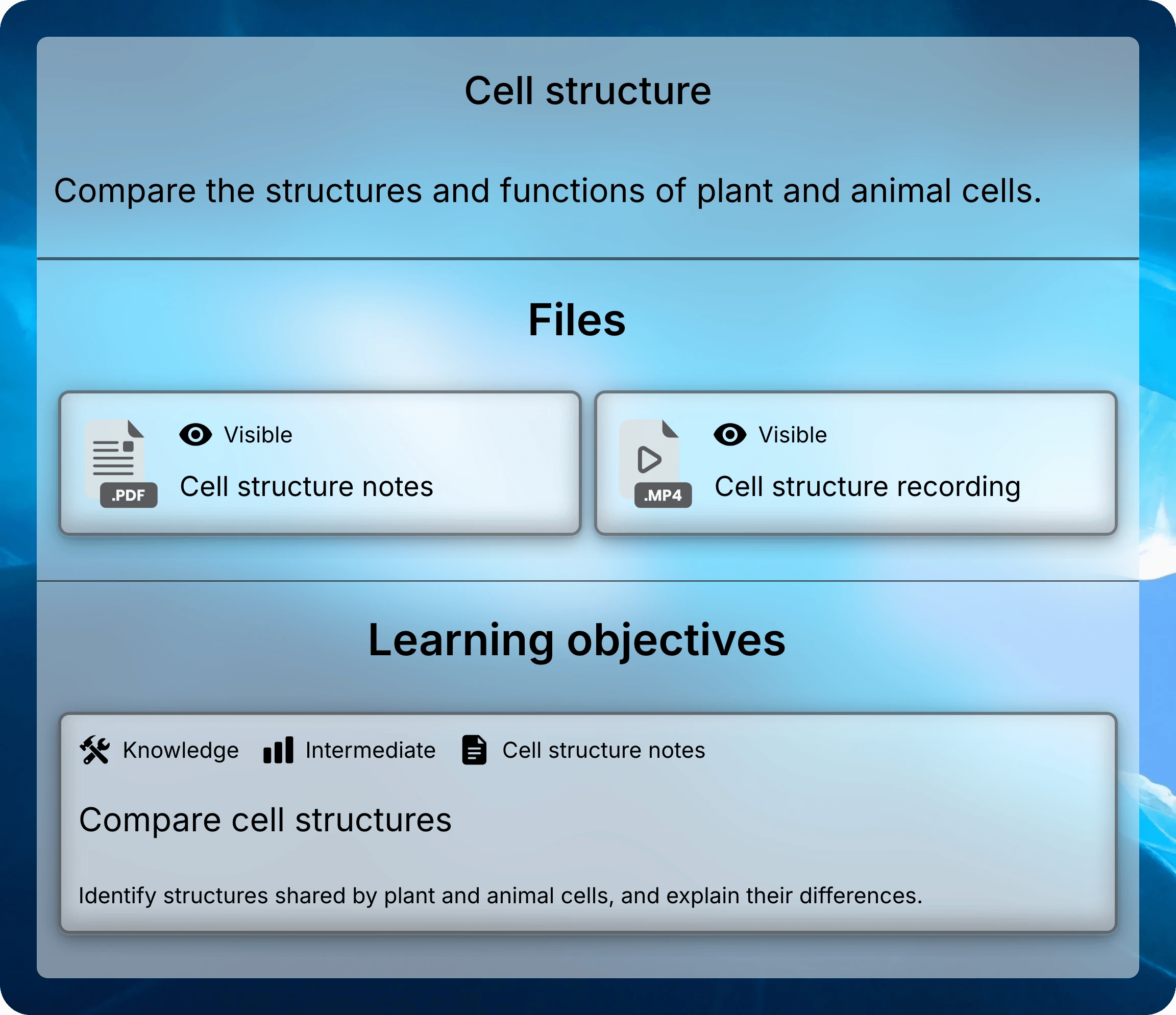
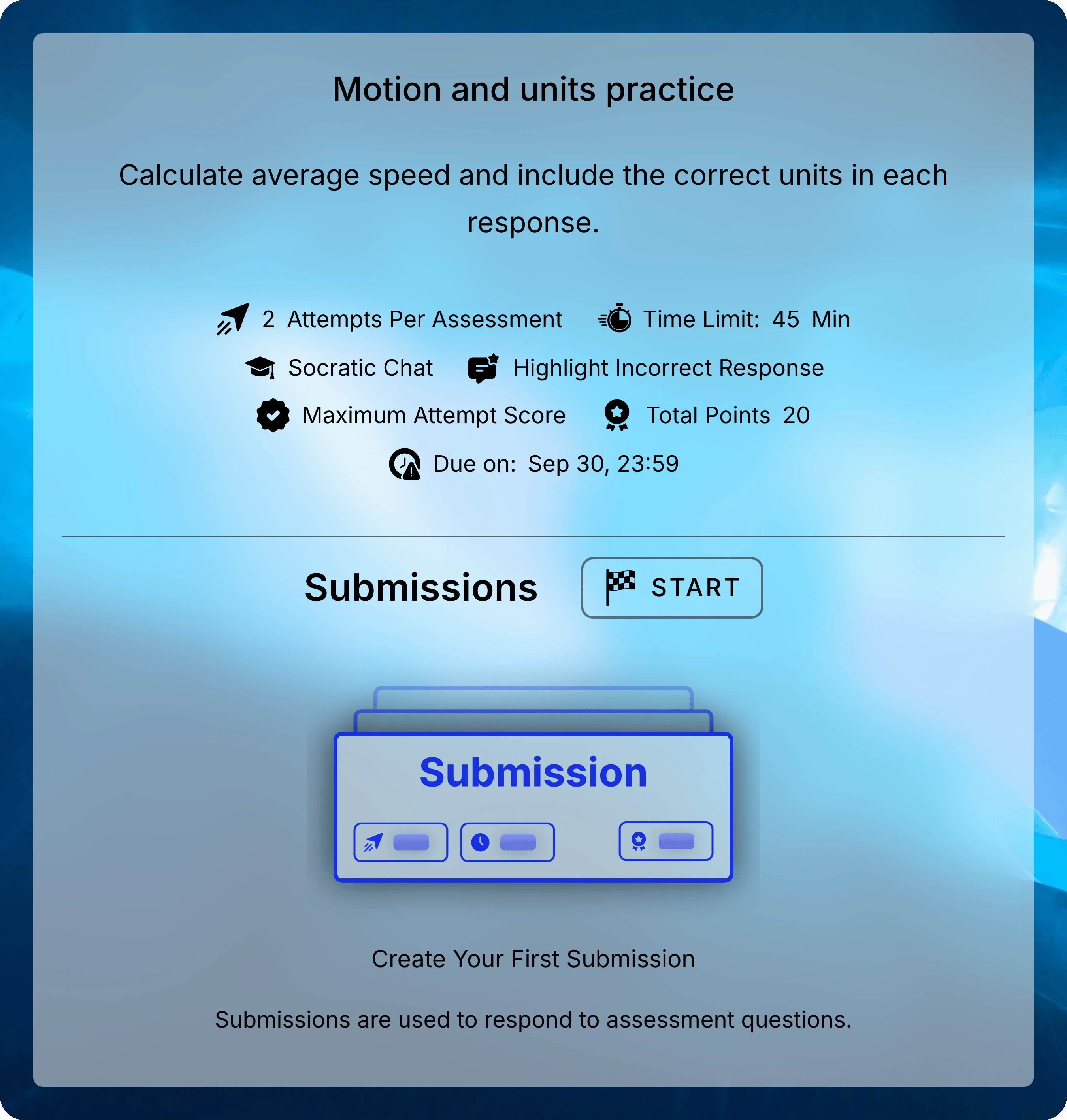
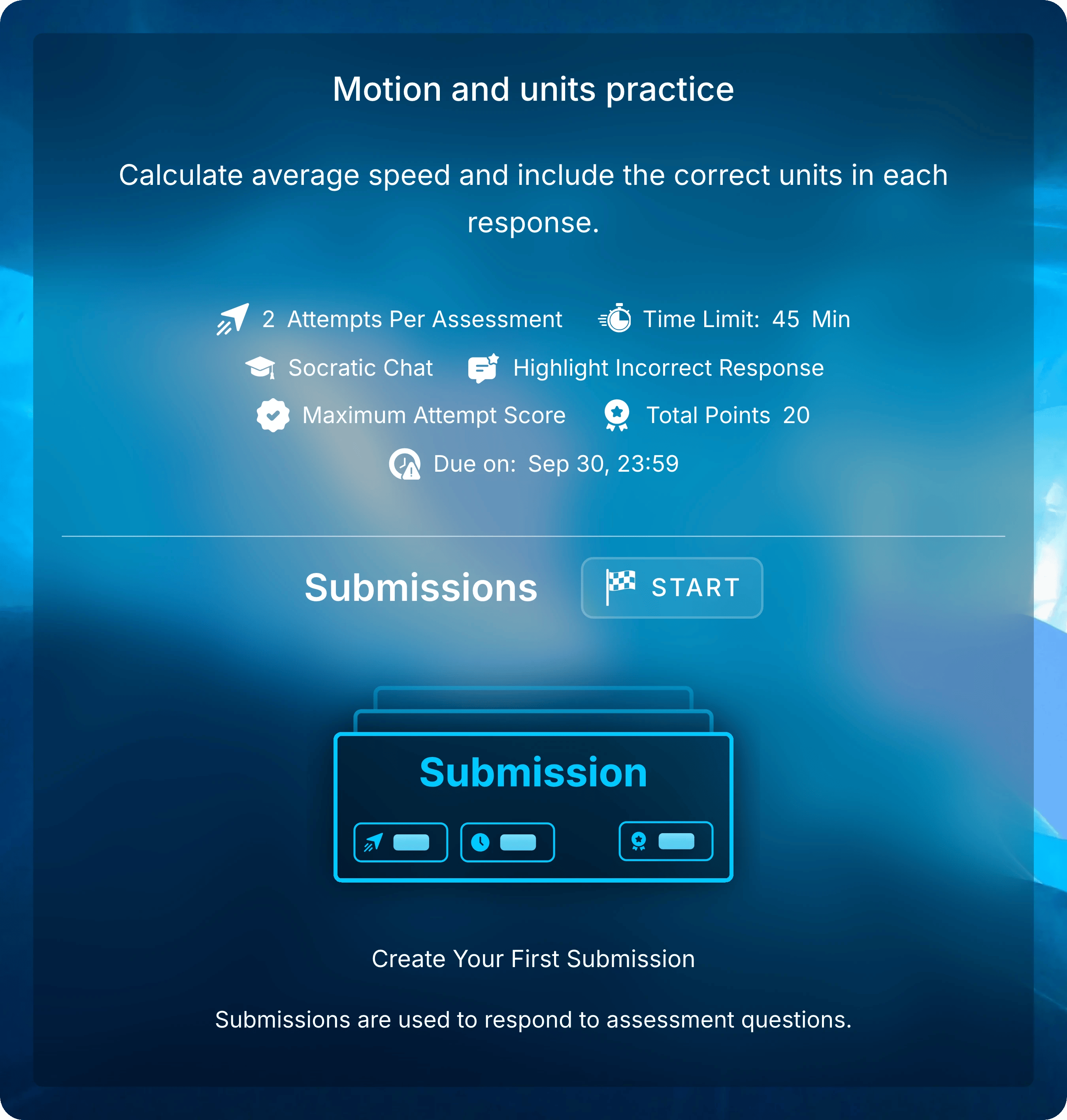
Mix Practice and Graded Assessments
Practice and graded assessments work the same way. Their settings make the difference. Low-stakes practice helps students find gaps before graded work.
Students can also practice on their own, without an assessment.
Each file’s study tools include practice questions and flashcards, and nothing is scored.
Release Content Over the Term
You can build the whole course at the start of the term and release it as you go. Hide a chapter, lesson, or file until it’s ready, or give a lesson dates that open and close it.Two Example Courses
These courses use the same building blocks with different chapter meanings.- Weekly Course
- Topic-Based Course
Introduction to Biology meets weekly, so each chapter is a week.
Each week has a Teach lesson, a practice set, and a graded assignment.
The midterm has its own week.
Introduction to Biology
Week 1: Cells and systems
Cell structure (Teach)
Lecture slides.pdf
Lecture recording.mp4
Cell structure practice (Test)
Cell structure quiz (Test)
Week 2: Cell division
Mitosis and meiosis (Teach)
Textbook chapter 4.pdf
Cell division practice (Test)
Homework 2 (Test)
Week 5: Midterm
Midterm review (Teach)
Review guide.pdf
Midterm (Test)
Common Questions
Can I change the structure after students join?
Can I change the structure after students join?
Yes. You can reorder chapters, move lessons between chapters, and change titles at any time.
Manage Chapters and Manage Lessons show how.
Can one lesson hold both files and questions?
Can one lesson hold both files and questions?
No. A lesson is either a Teach lesson or an assessment.
Put the reading in a Teach lesson next to the assessment, in the same chapter.
How do I reuse lessons next term?
How do I reuse lessons next term?
Duplicate a chapter to copy its lessons and files, then update the titles and dates.
To copy a whole course, contact Support.
Next: Create a Course
Set up your course manually or from your syllabus.