
The Question Page
After processing, your questions are imported into Uflo inside the question page.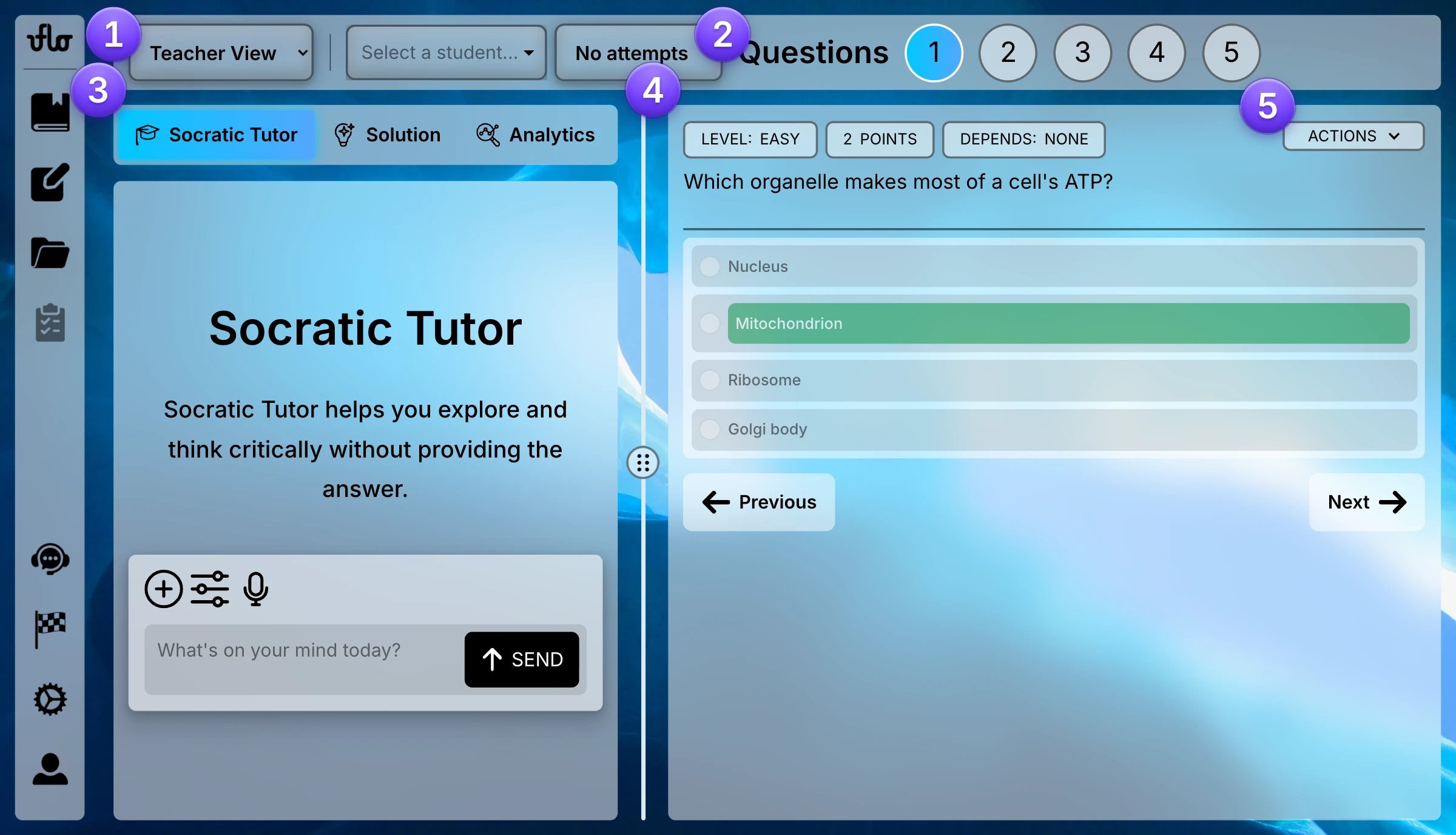
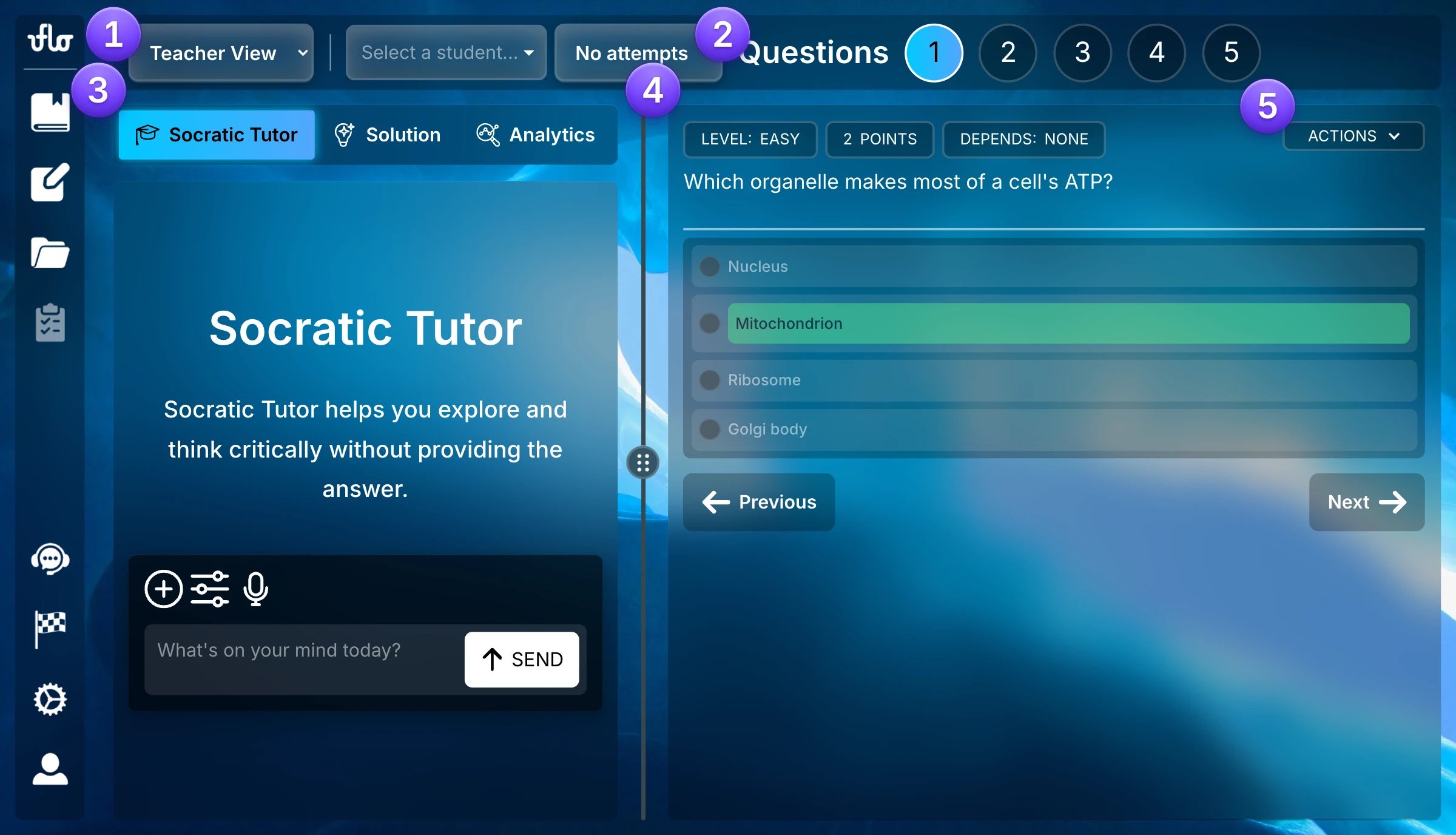
The question page in Teacher View, open on the first question.
- Views: These menus switch views or show a student’s work.
- Question list: Select a number to open that question.
- Side panel: Try the Socratic Tutor, read the worked Solution, or see the Analytics.
- Question: The selected question, as students see it, plus its answer.
- Tags: Its difficulty, points, and prerequisite.
- Prompt: The question text.
- Response box: Where students respond.
- Correct answer: Shown to you in Teacher View.
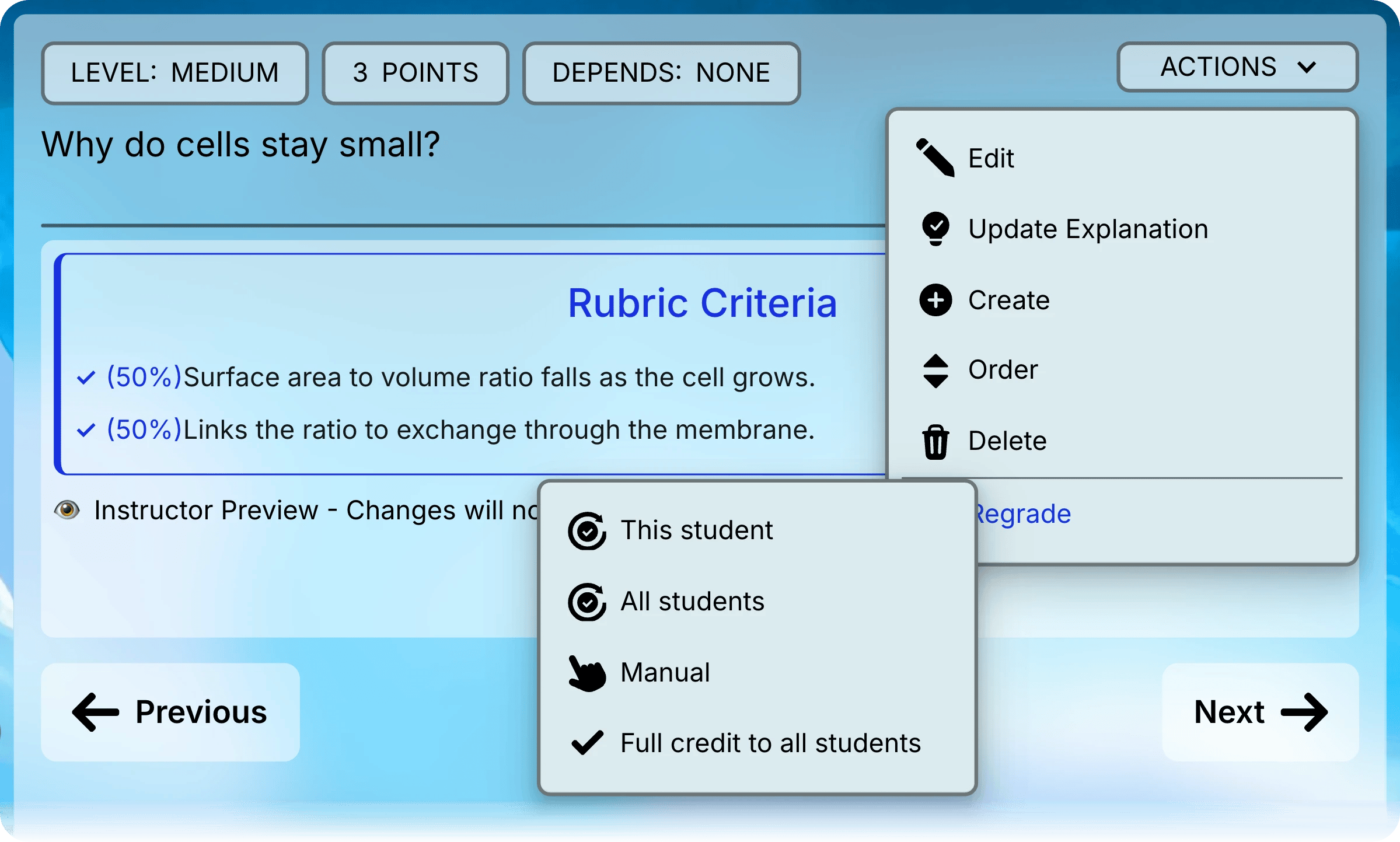
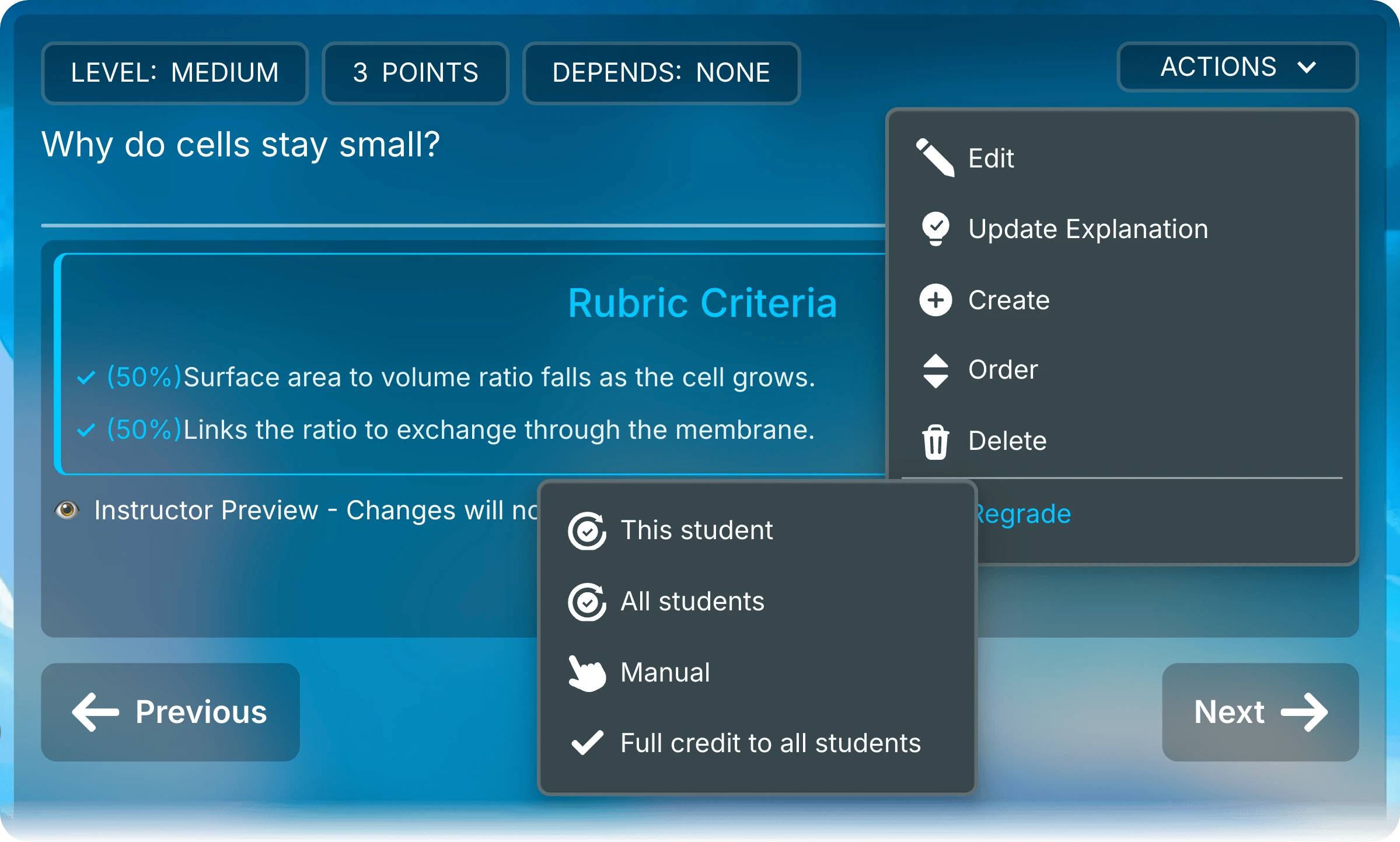
- Actions: This menu holds every change you can make.
Act on Questions
Select a question, then open Actions and choose what to do.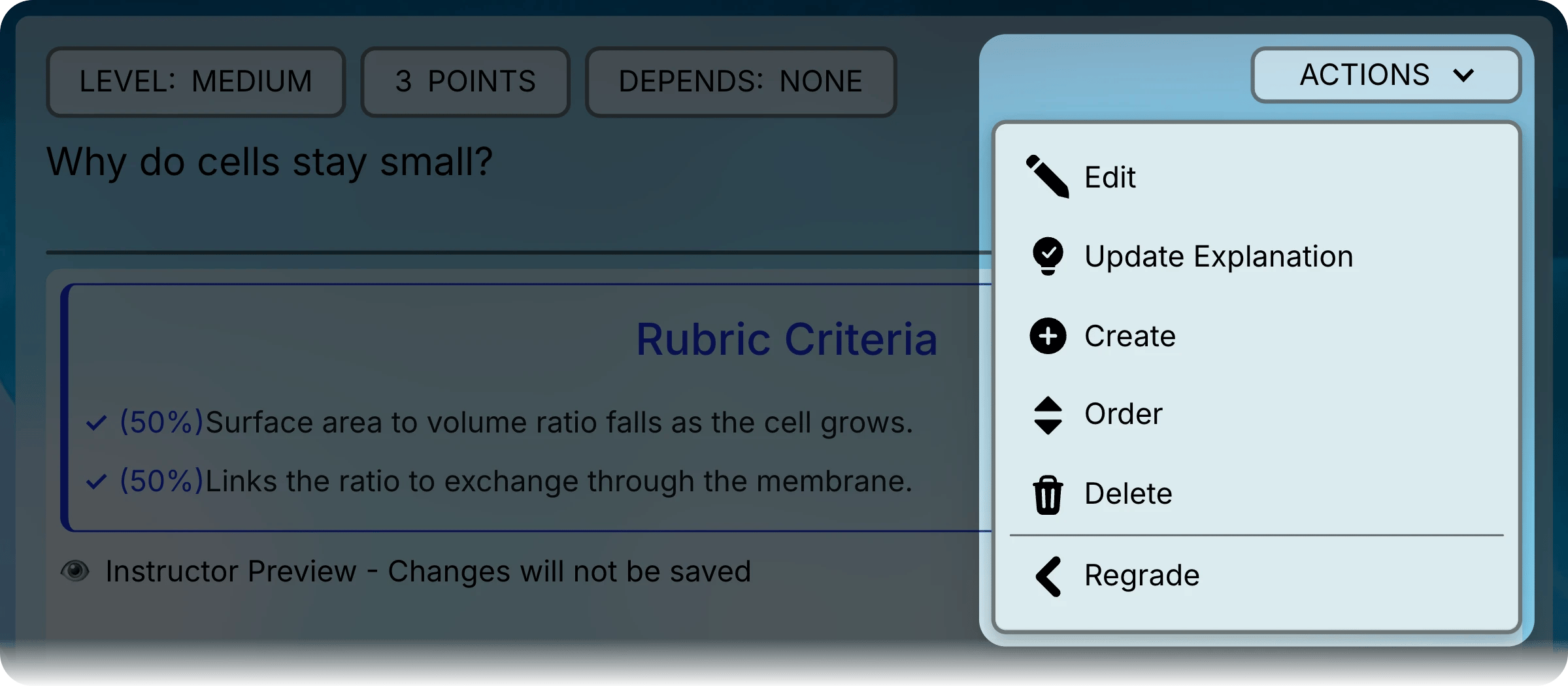
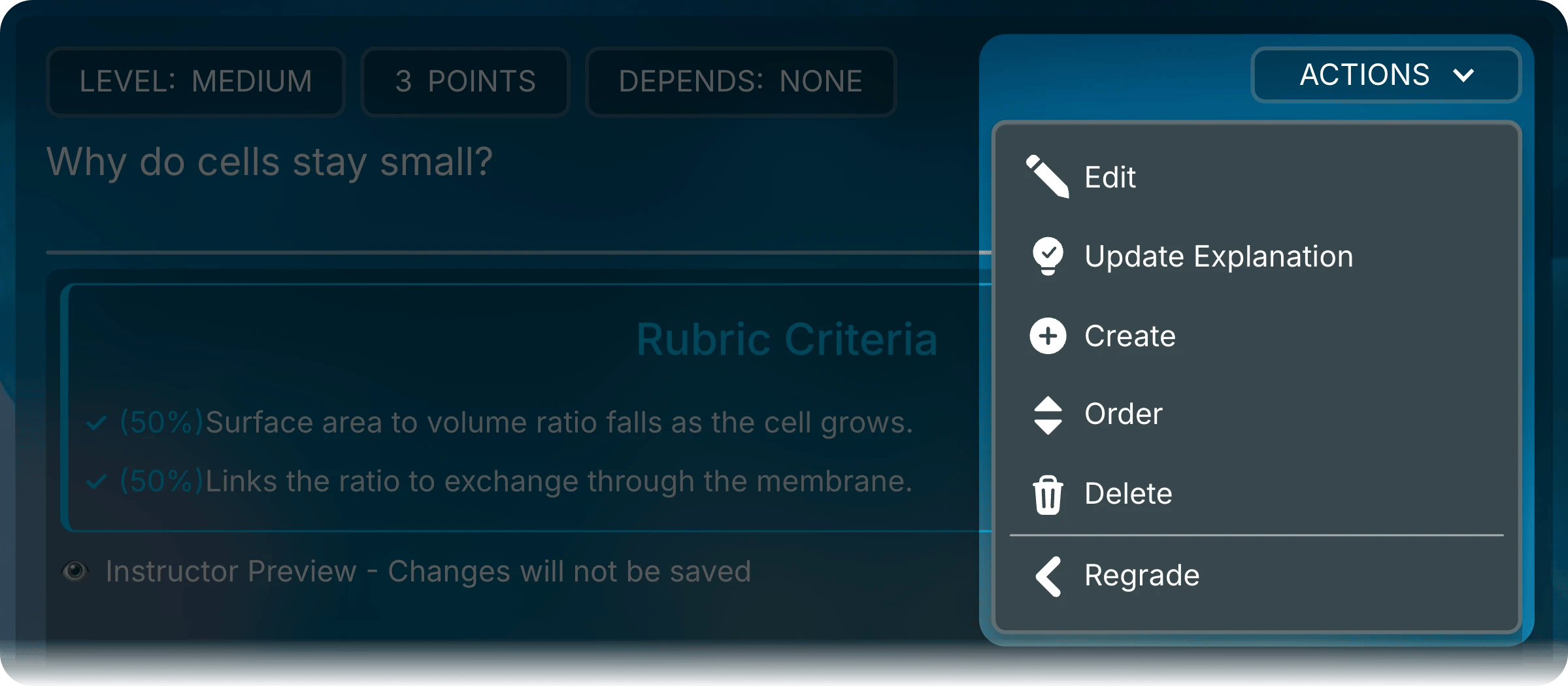
The Actions menu holds every way to change the questions.
- Create
- Edit
- Explanation
- Order
- Delete
- Regrade
1
Open Create
Open Actions and select Create.
2
Write the Prompt and Choose a Type
Write the question students read as the prompt, then choose its type. Question Types compares the types and how each is graded.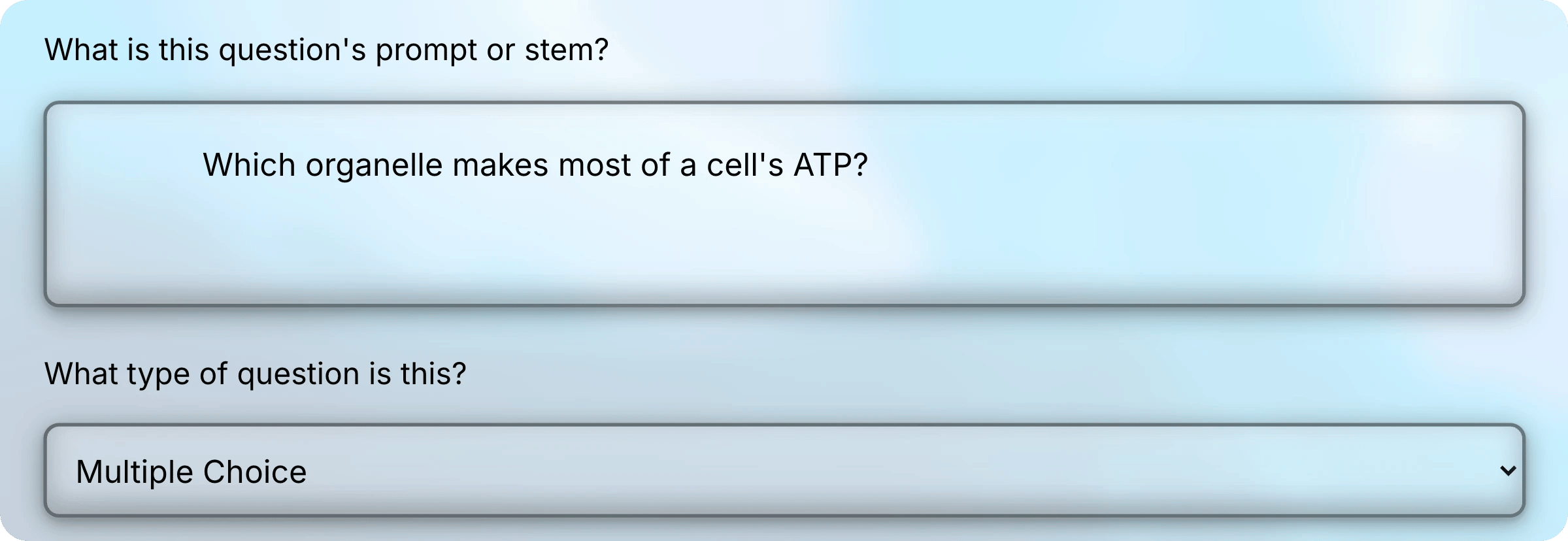
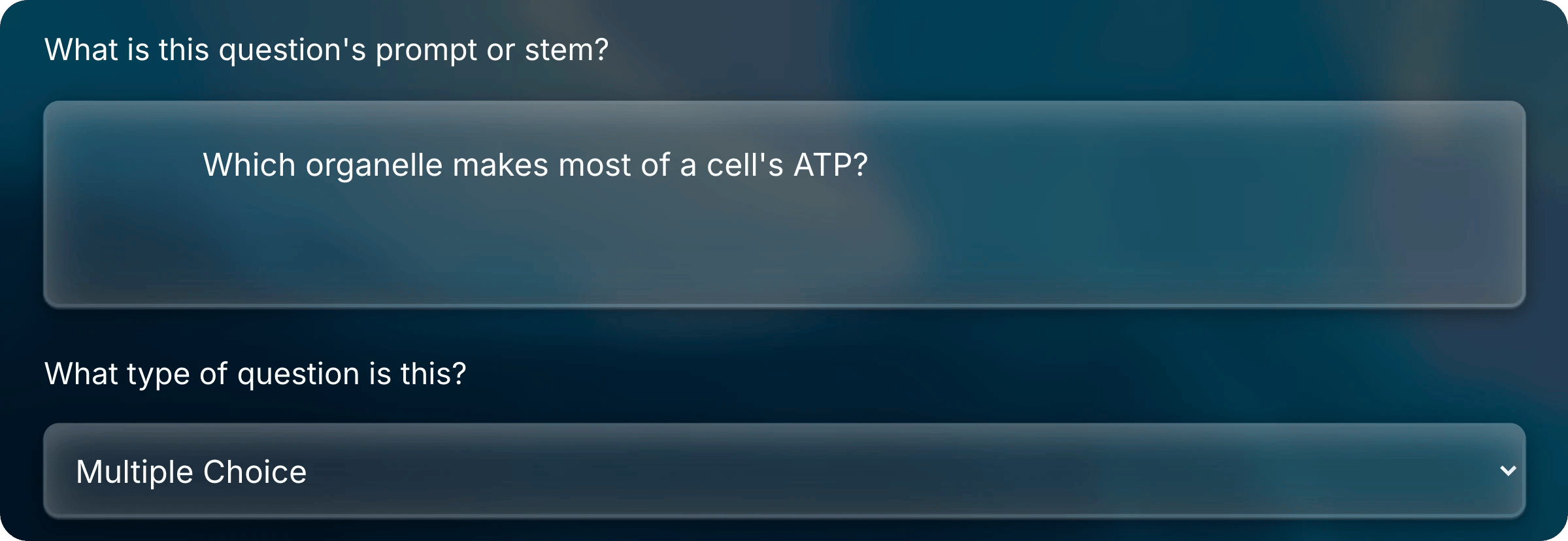
Write the prompt, then choose the type.
3
Set the Answer
Each question type has its own unique fields, which appear below the type.
4
Submit
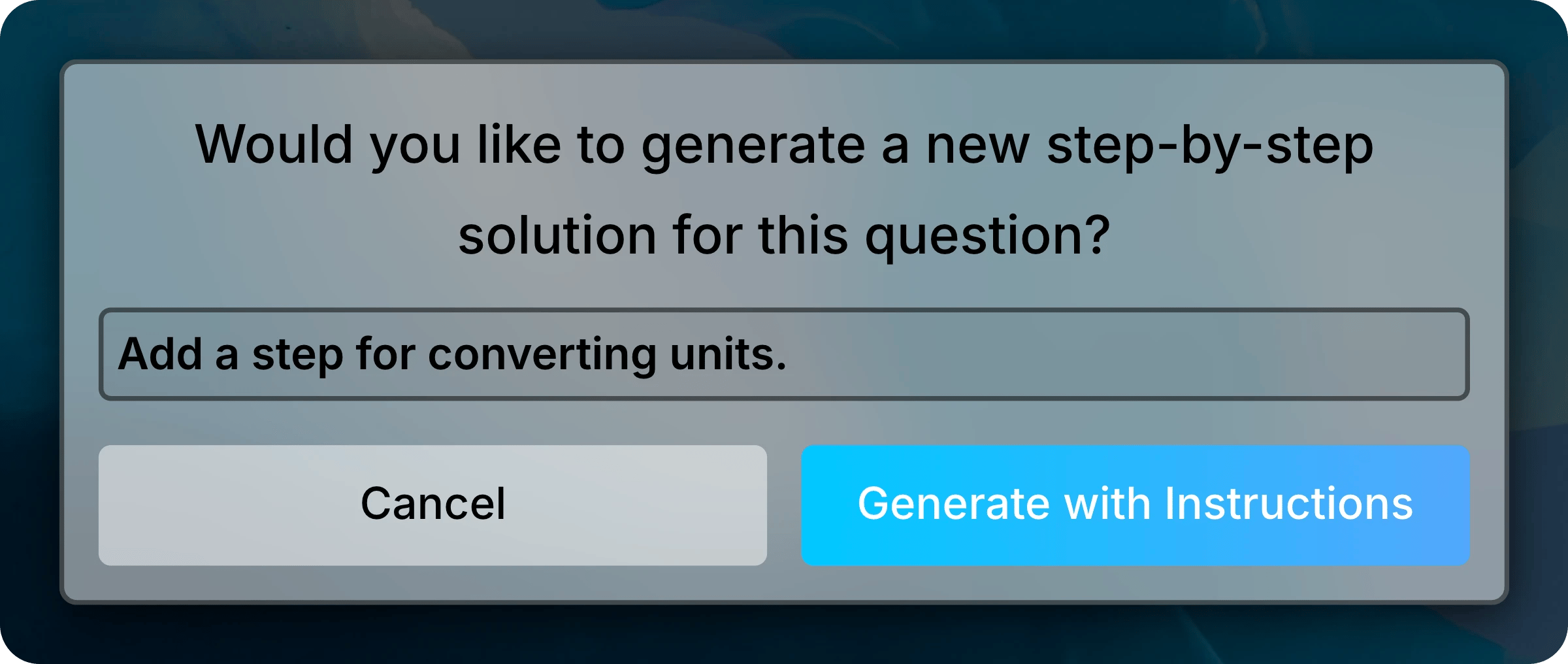
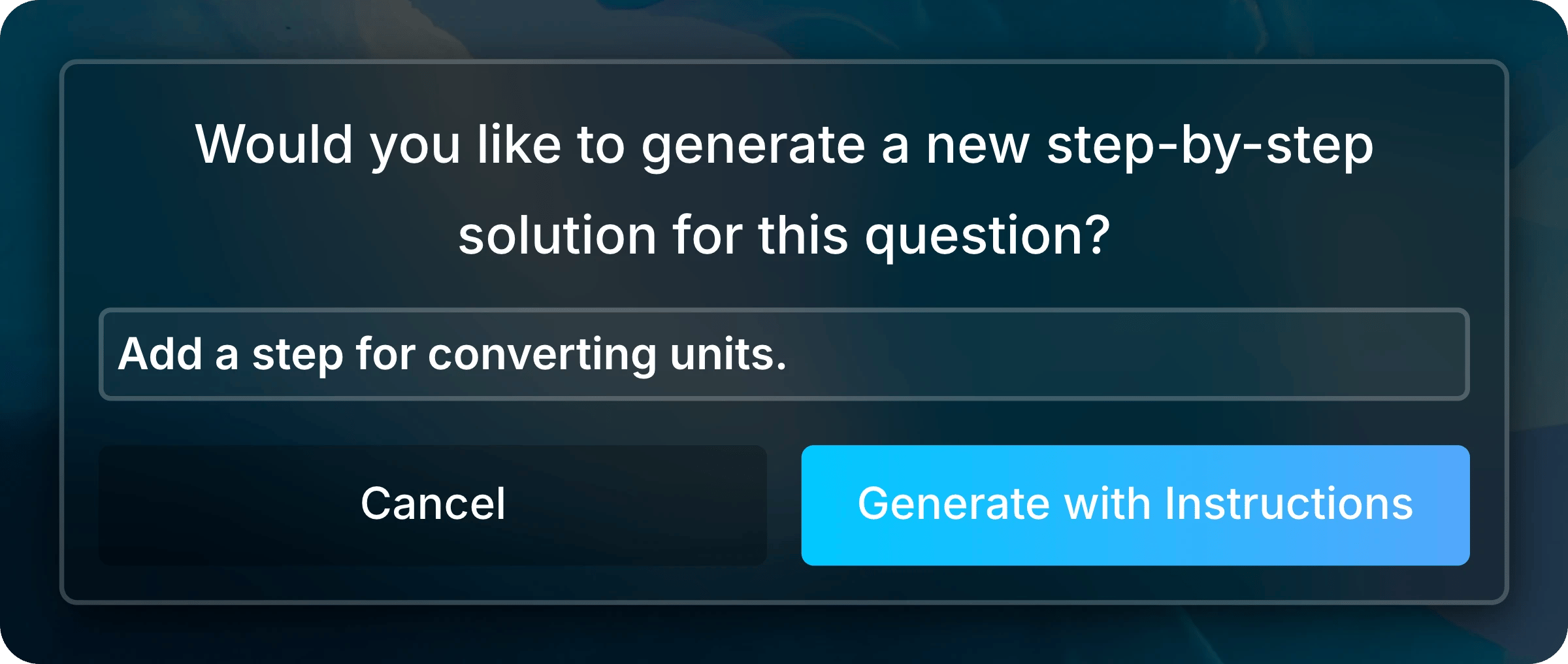
Fill in any other fields and select Submit. Uflo adds the question last and offers to write its step-by-step explanation based on the correct answer.
Points, Difficulty, Prerequisites, and Learning Objectives
Points, Difficulty, Prerequisites, and Learning Objectives
The following fields apply to every question regardless of its type.

The shared fields sit at the top of every question form.
Set prerequisites to show how questions relate. A question appears after its prerequisite when shuffled, and is never hidden or locked.Survey Questions
Survey Questions
Survey questions earn full points for any response and none for a blank, with no correct answer shown. To make one, check Is this a survey question?Survey questions are useful for check-ins and opinions, like a Number question asking, “How many hours did you study for this quiz?”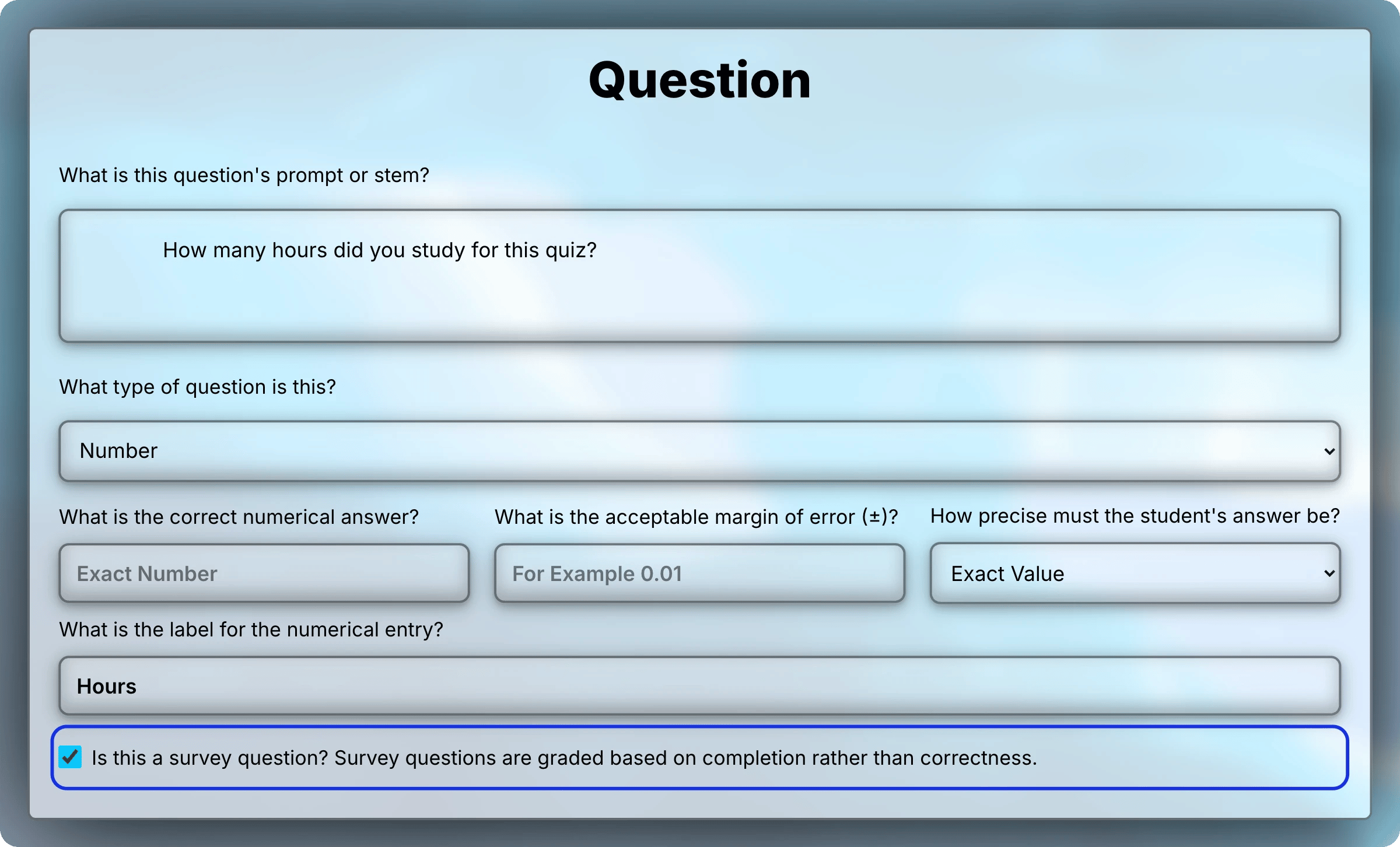
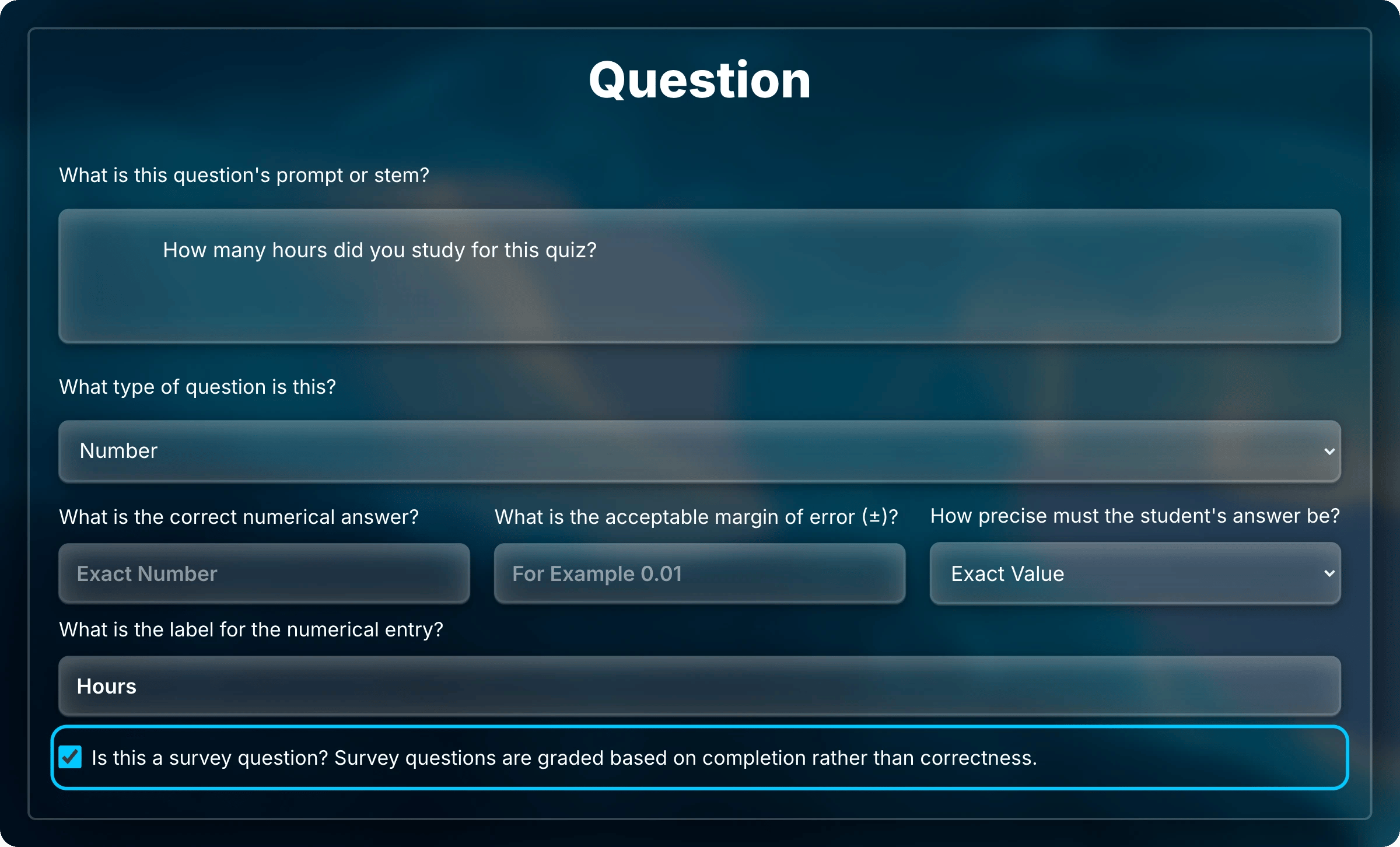
Check the box to grade the question on completion.
Question Groups
A Question Group holds questions that share context, such as a reading passage, a data table, or a figure. Students see the group’s text above each question in it.1
Create the Group
Open Actions, select Create, and choose Question Group as the type. Write the shared context as its prompt, then select Submit.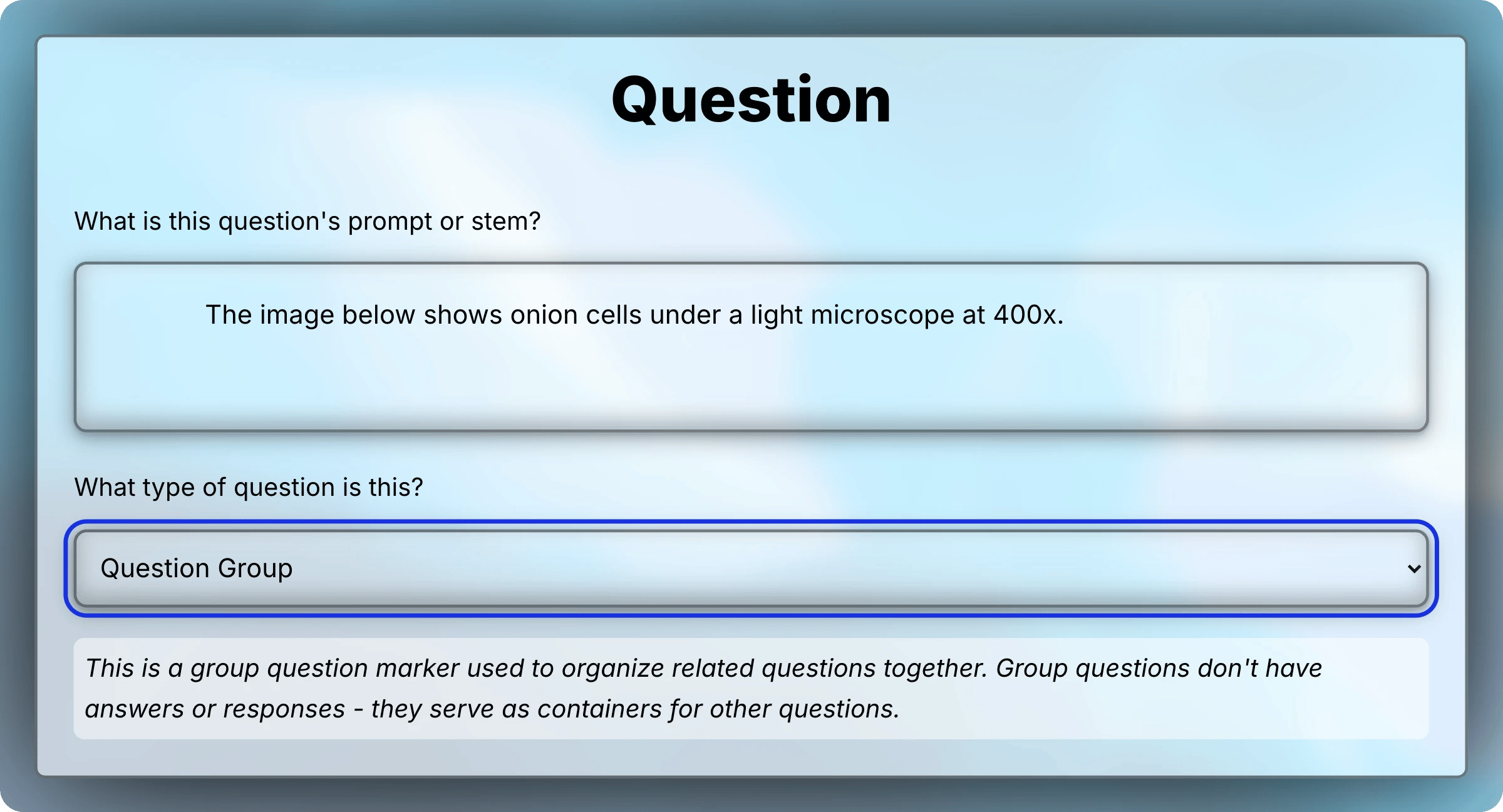
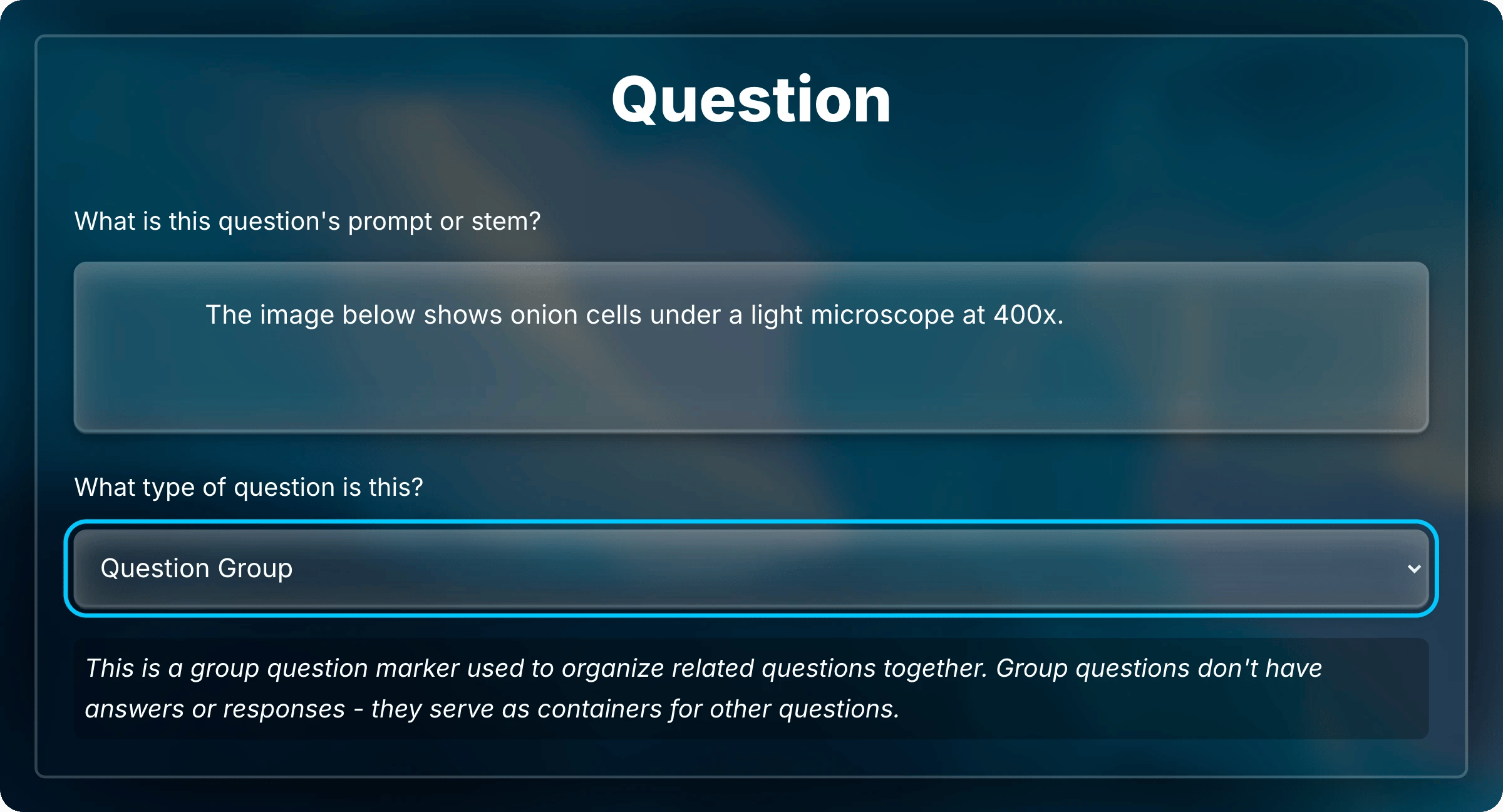
A group’s prompt holds the shared context. It has no answer.
2
Find the Group
A group shows as a box marked G, at the end of the list until you add questions. Only you see the G, and students see the questions numbered in order.

- Teacher View
- Student View


3
Move Questions Into It
Select Order, drag questions into the box, and select Confirm Order. Grouped questions stay together when questions are shuffled.
Drag a chip into the group’s box, then select Confirm Order.
How the Tutor Uses Your Questions
For each question, the Socratic Tutor reads:- The prompt, and the group’s shared context if there is one.
- Your answer and the explanation.
- The rubric, for open-ended questions.
- The student’s current response, and their feedback once it’s graded.
The tutor can take up to an hour to pick up a change to a question.
Common Questions
Can I duplicate a question or move it to another assessment?
Can I duplicate a question or move it to another assessment?
No. Questions have no duplicate or move action. To reuse a question, create it again in the other assessment.
Next: Question Types
Compare the question types and how each is graded.