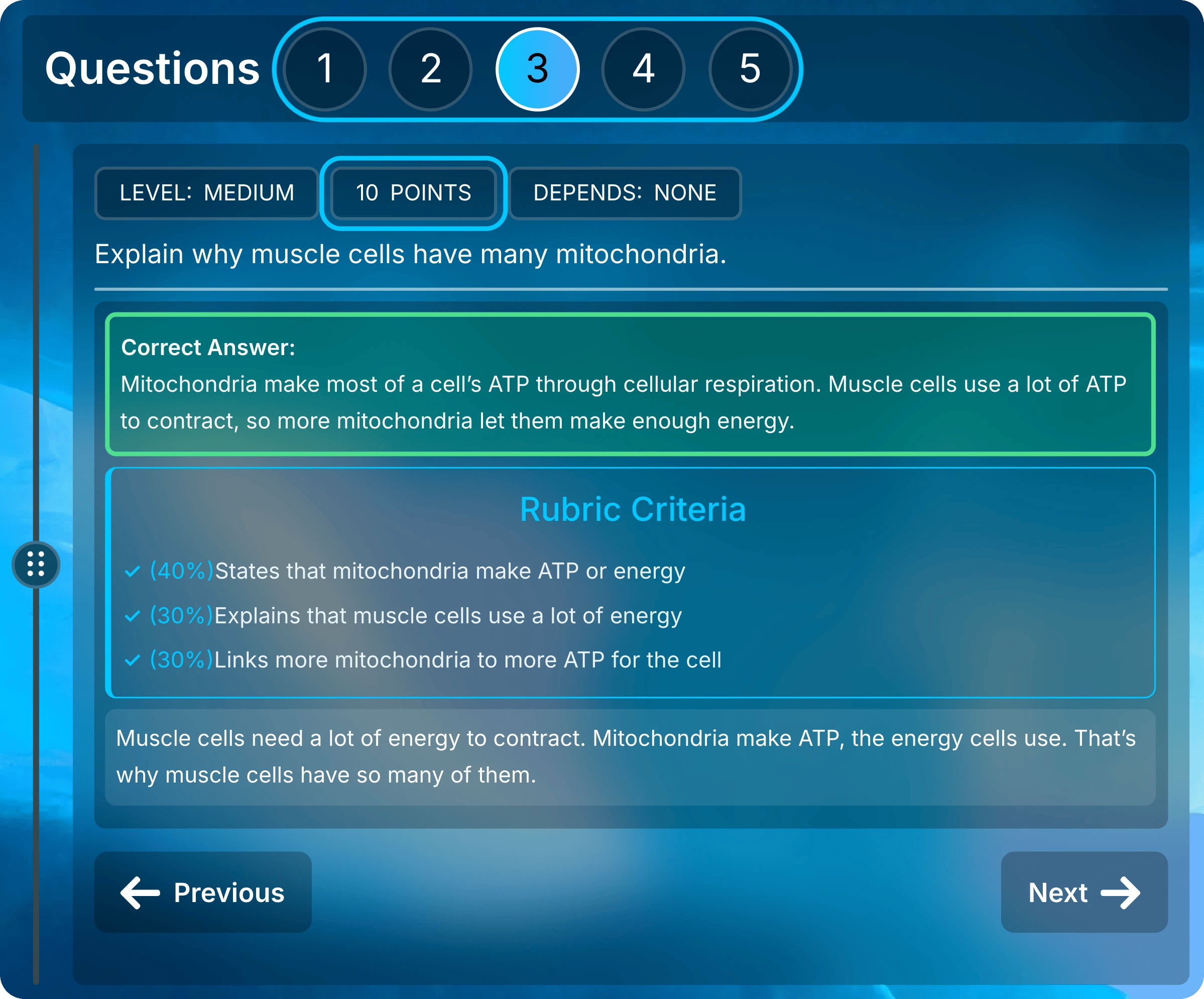
Students see their results when the assessment’s settings allow it. If you held them back, release them once you’ve reviewed them and are ready for students to see them.
By default, students see their score as soon as grading finishes, inside of Uflo or via email. Releasing grades only matters if you’ve held them back, usually for an exam, by setting the scores or answers to No Score or Never.
1

Open the Assessment Form

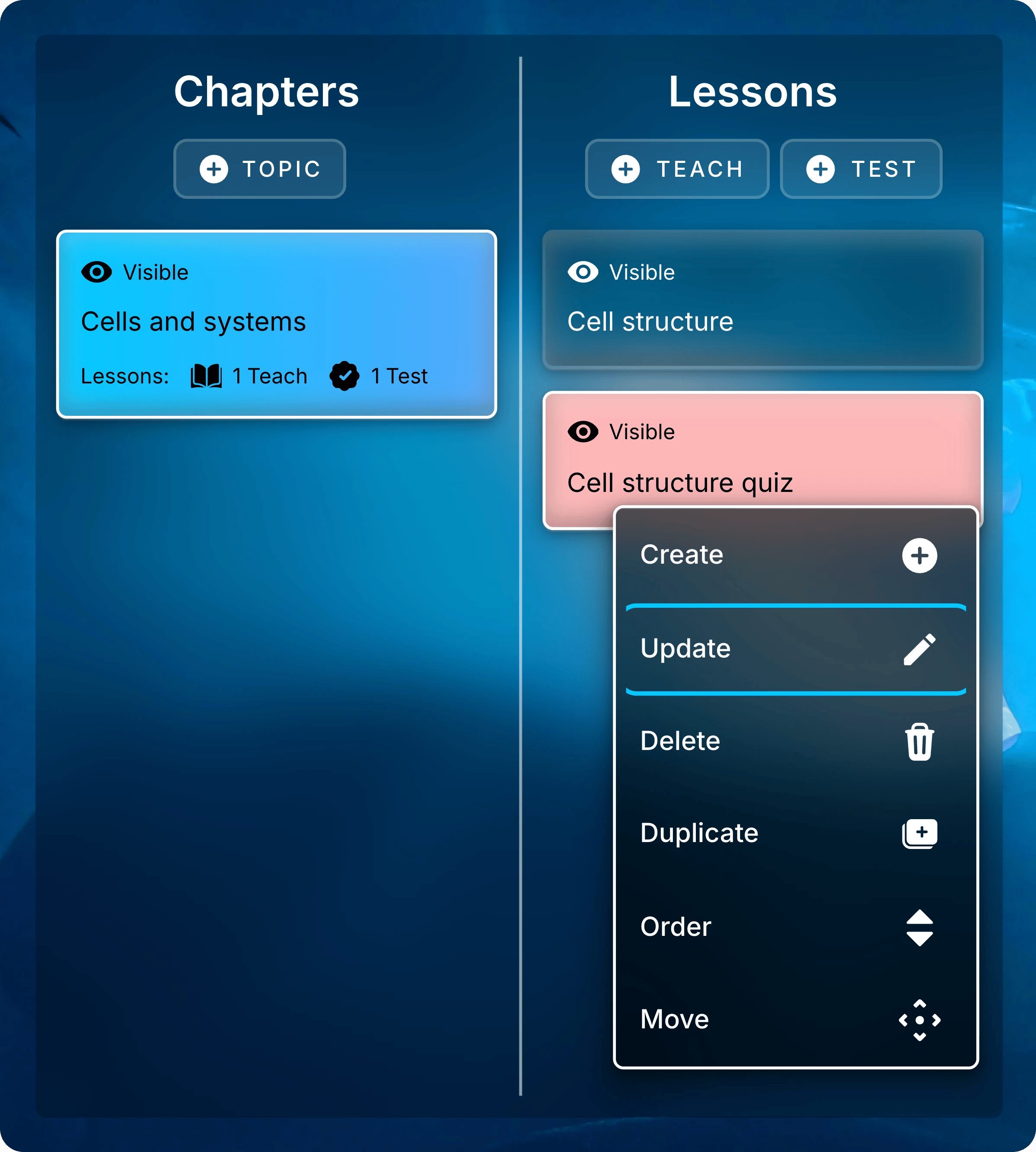
Right-click the assessment and select Update.Lessons list for Cells and systems with the menu open on Cell structure quiz and Update highlighted.Lessons list for Cells and systems with the menu open on Cell structure quiz and Update highlighted.
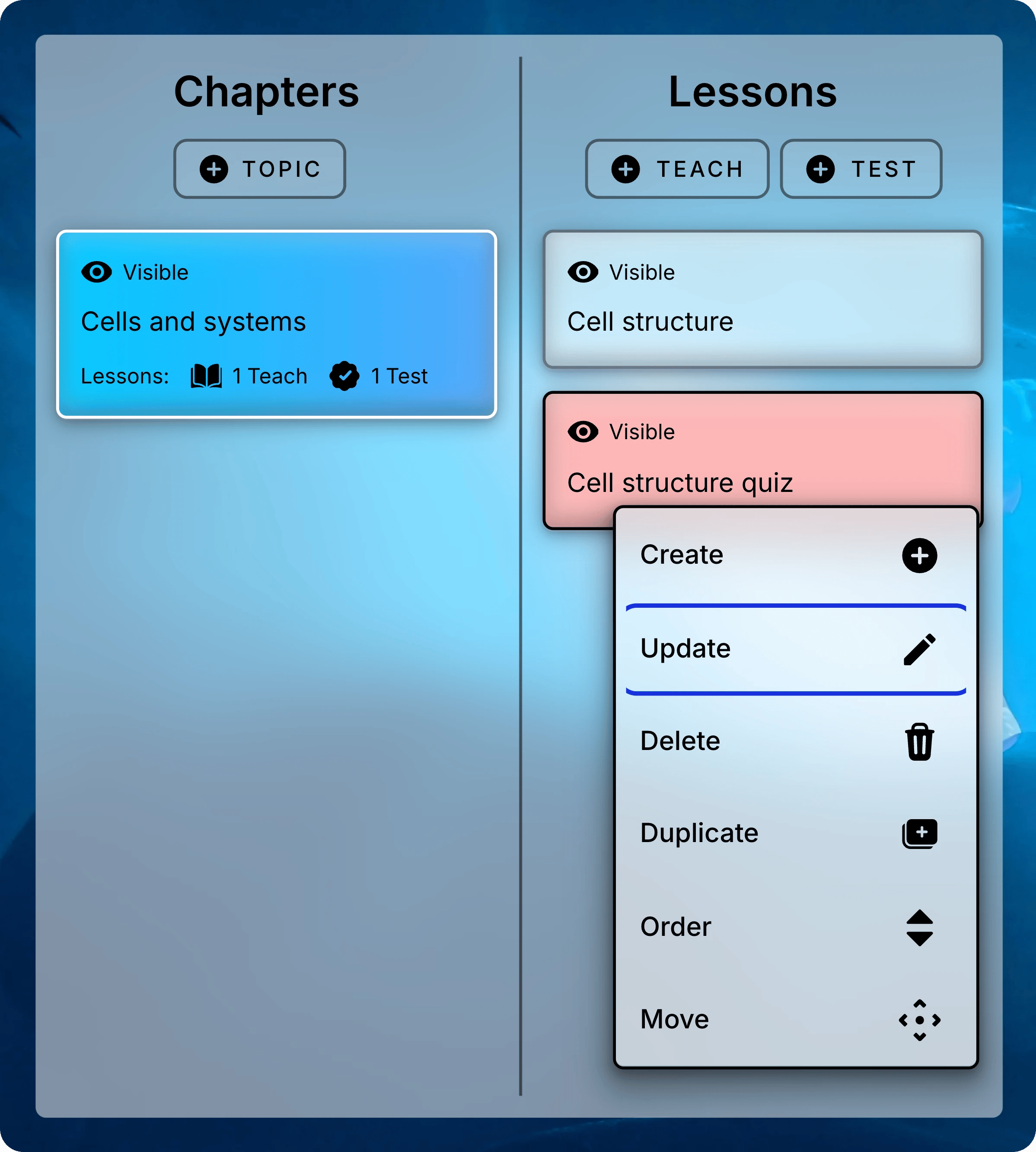
Right-click the assessment and select Update.
2

Show Scores and Answers

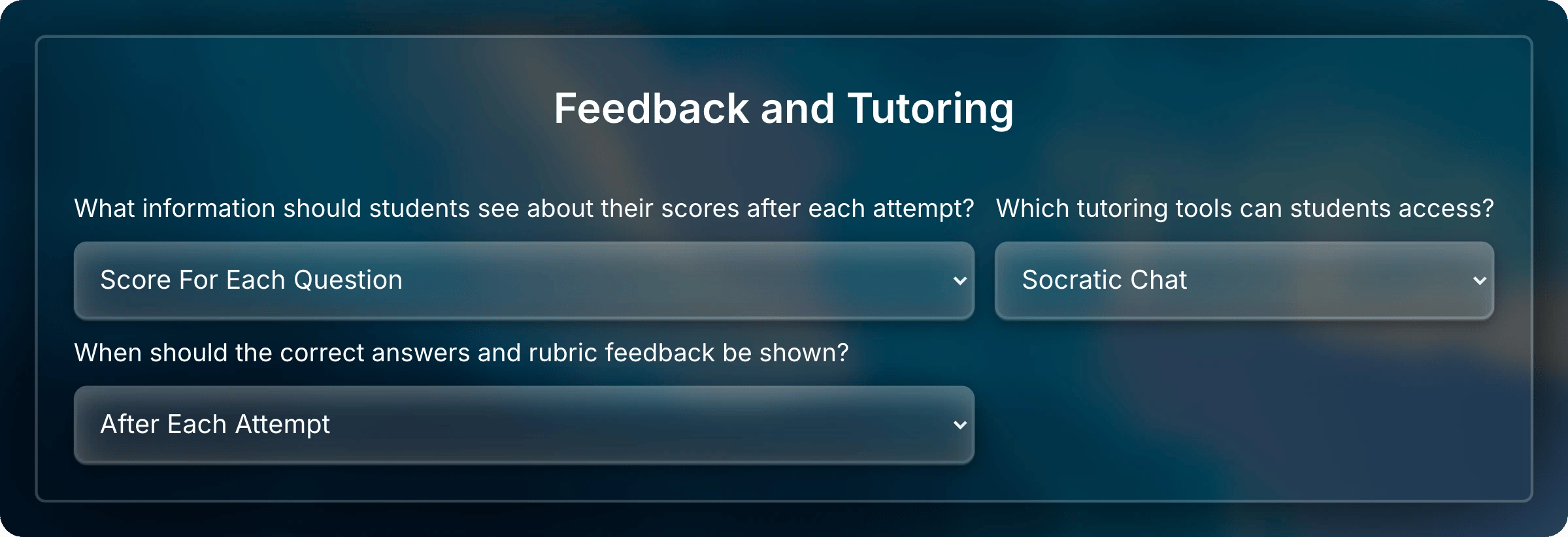
Under Feedback and Tutoring, set these, then select Submit.Feedback and Tutoring section with scores set to Score For Each Question, answers and rubric feedback shown After Each Attempt, and tutoring set to Socratic Chat.Feedback and Tutoring section with scores set to Score For Each Question, answers and rubric feedback shown After Each Attempt, and tutoring set to Socratic Chat.
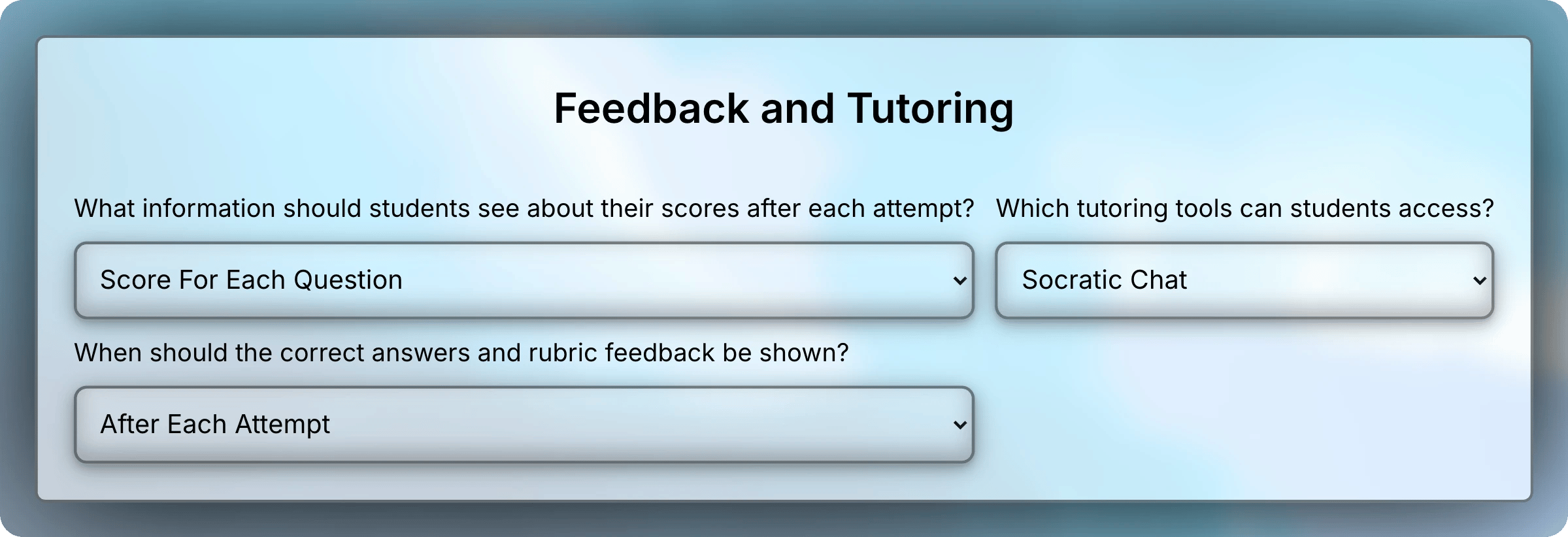
Students now see each question’s score and the answers.

3

Tell Students

Changing settings sends no email, so tell students their results are ready.

Grade Emails

What Students See

What students see depends on Scores After Each Attempt.
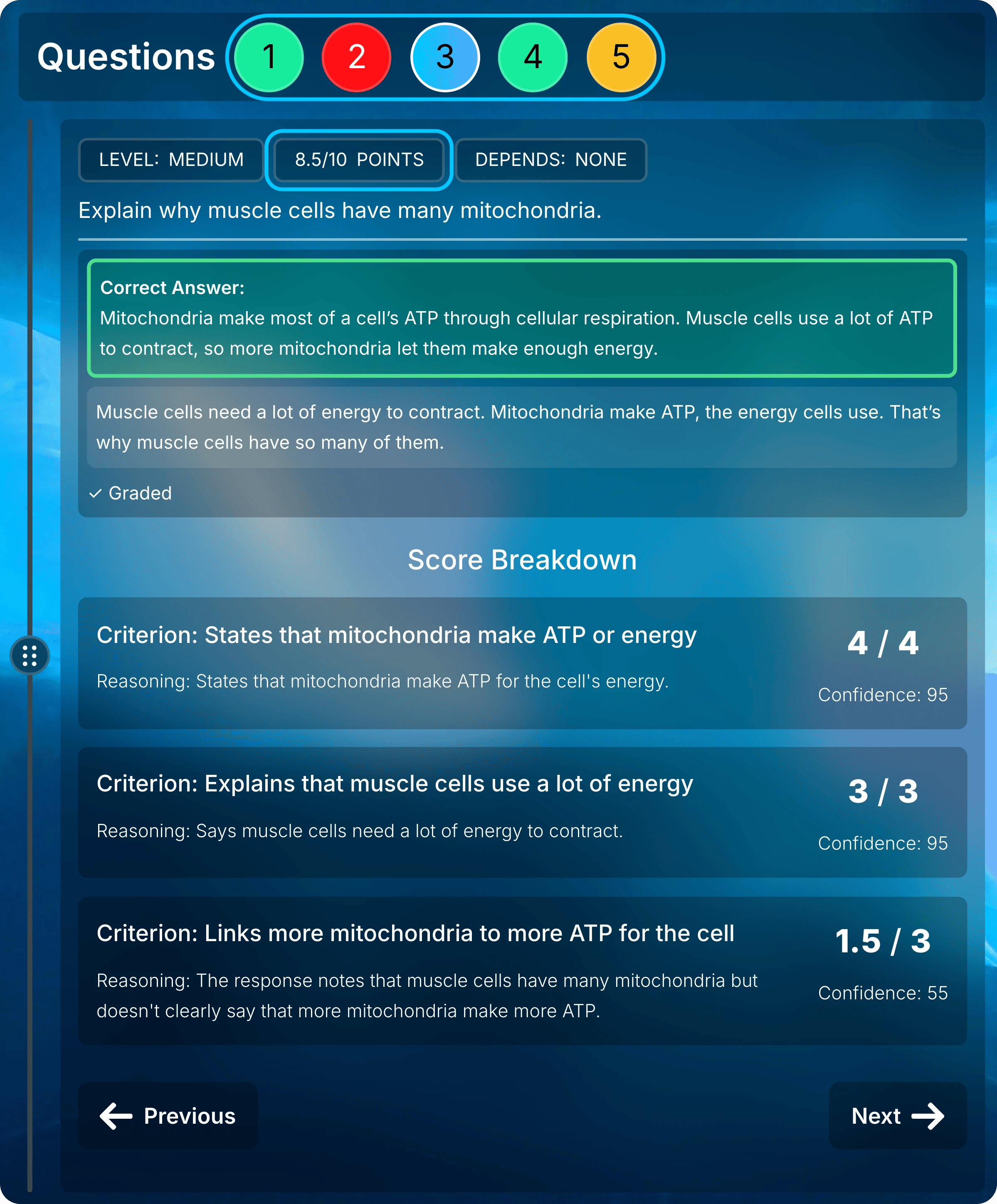
Students see their score on each question, and the question numbers turn green, yellow, or red. Once the answers show, they also see the correct answer and the Score Breakdown, with the grader’s reasoning for each criterion.A student's graded attempt on question 3 of 5. The question numbers, outlined, are green, red, and yellow, with question 3 selected. The muscle-cell question shows 8.5/10 points, outlined, the correct answer, the student's response marked Graded, and a Score Breakdown with the reasoning for each criterion.A student's graded attempt on question 3 of 5. The question numbers, outlined, are green, red, and yellow, with question 3 selected. The muscle-cell question shows 8.5/10 points, outlined, the correct answer, the student's response marked Graded, and a Score Breakdown with the reasoning for each criterion.
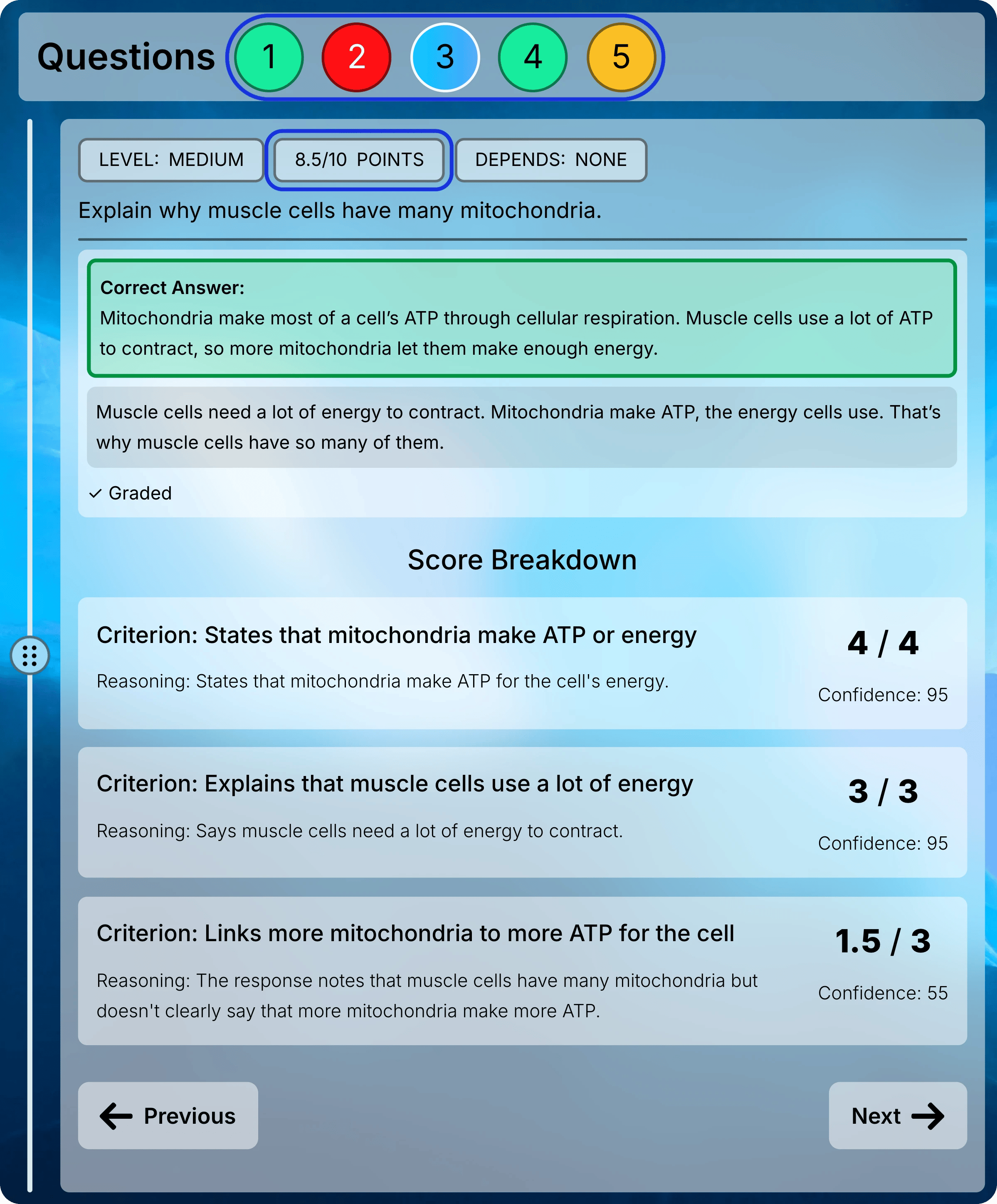
Students see each question’s score and the grader’s reasoning.
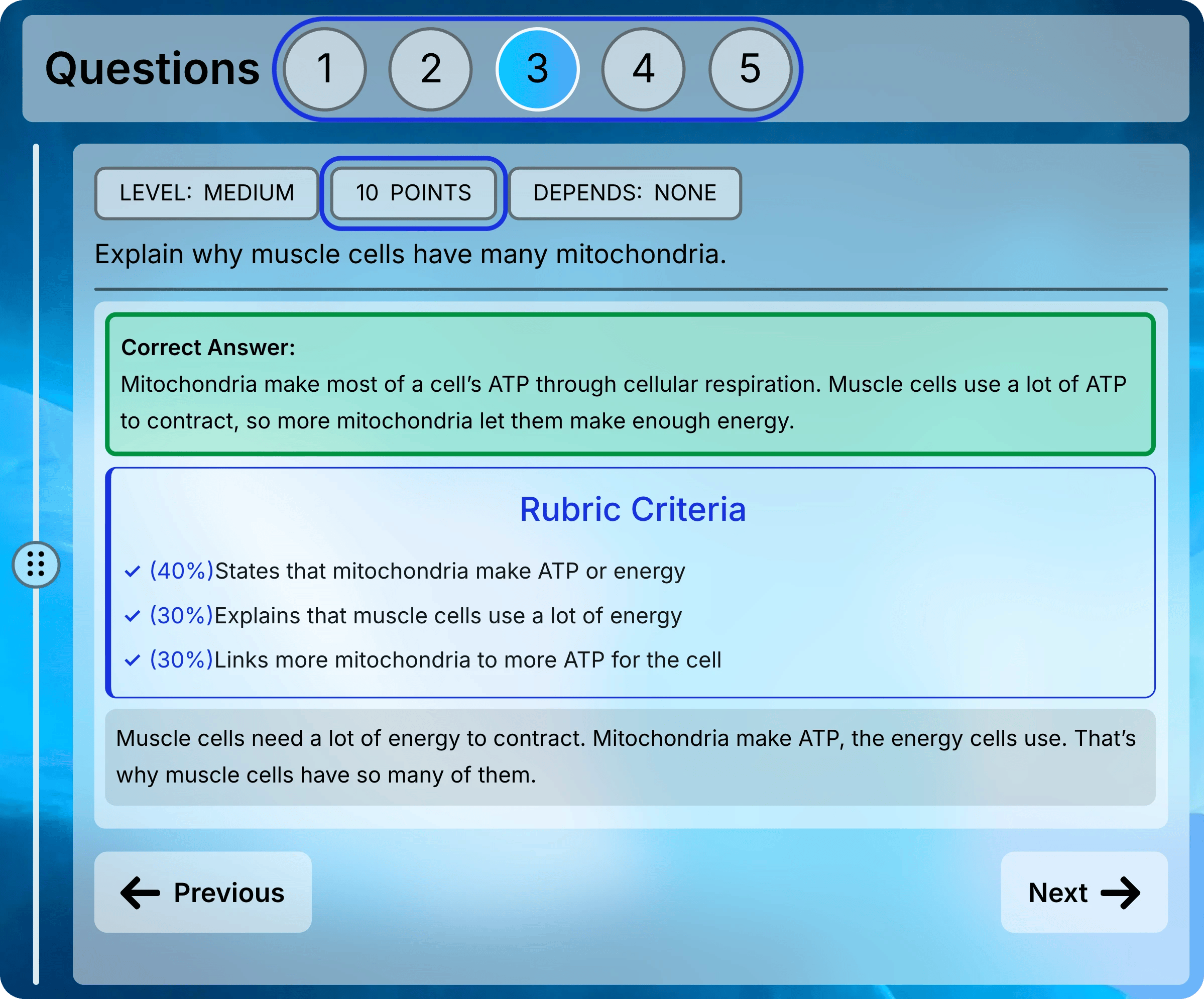
See the student guide for how students read their results.

Next: Regrade Requests

Let students ask for a second look at a score, and review their requests.
Last modified on October 26, 2026