
Set Up the Question
1
Choose the Type
In the question form, set the question type to Image Upload.
2
Write the Model Answer
Under Model answer, write out the correct working. It can hold text, math, and images, such as a photo of a worked solution.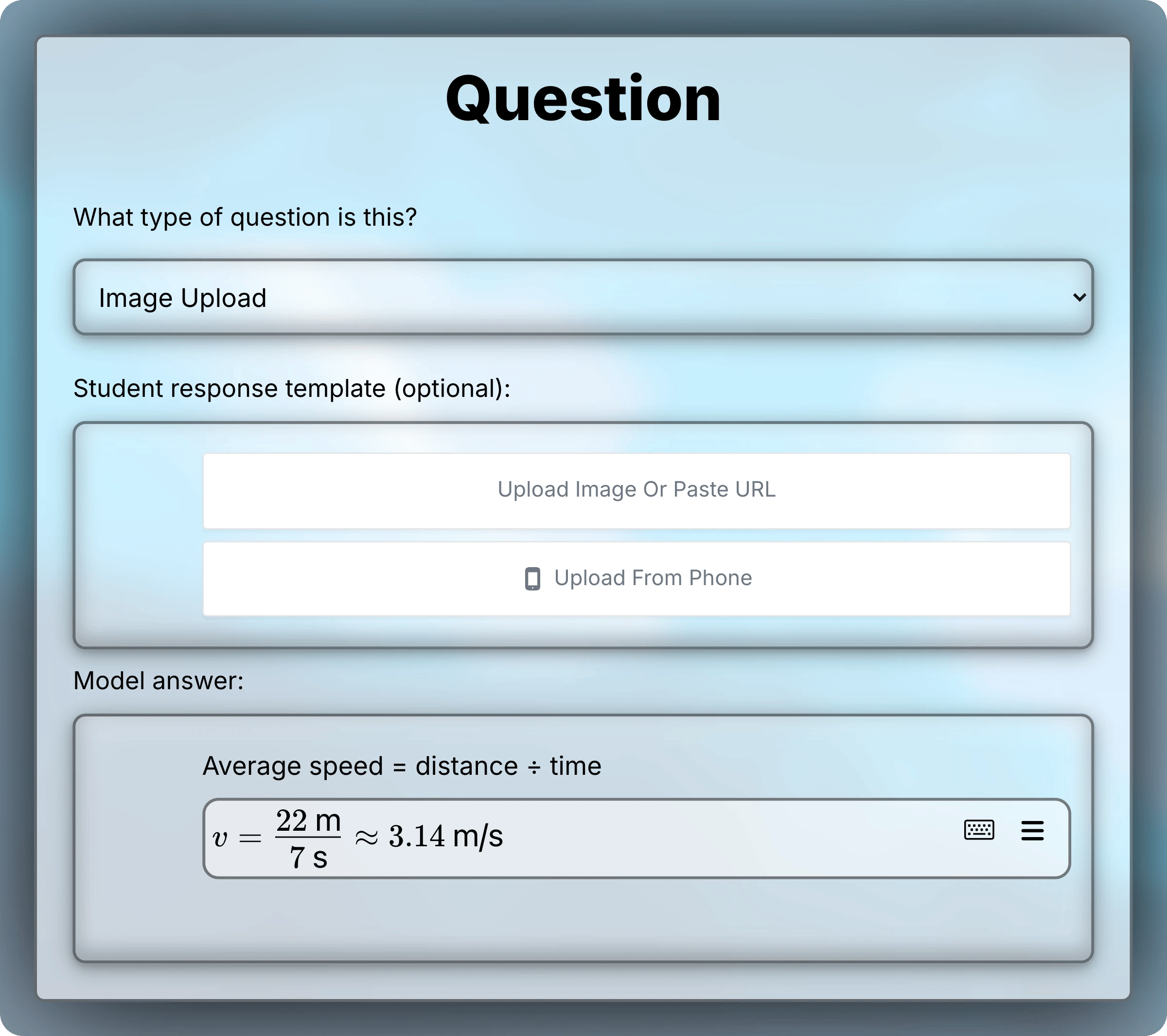
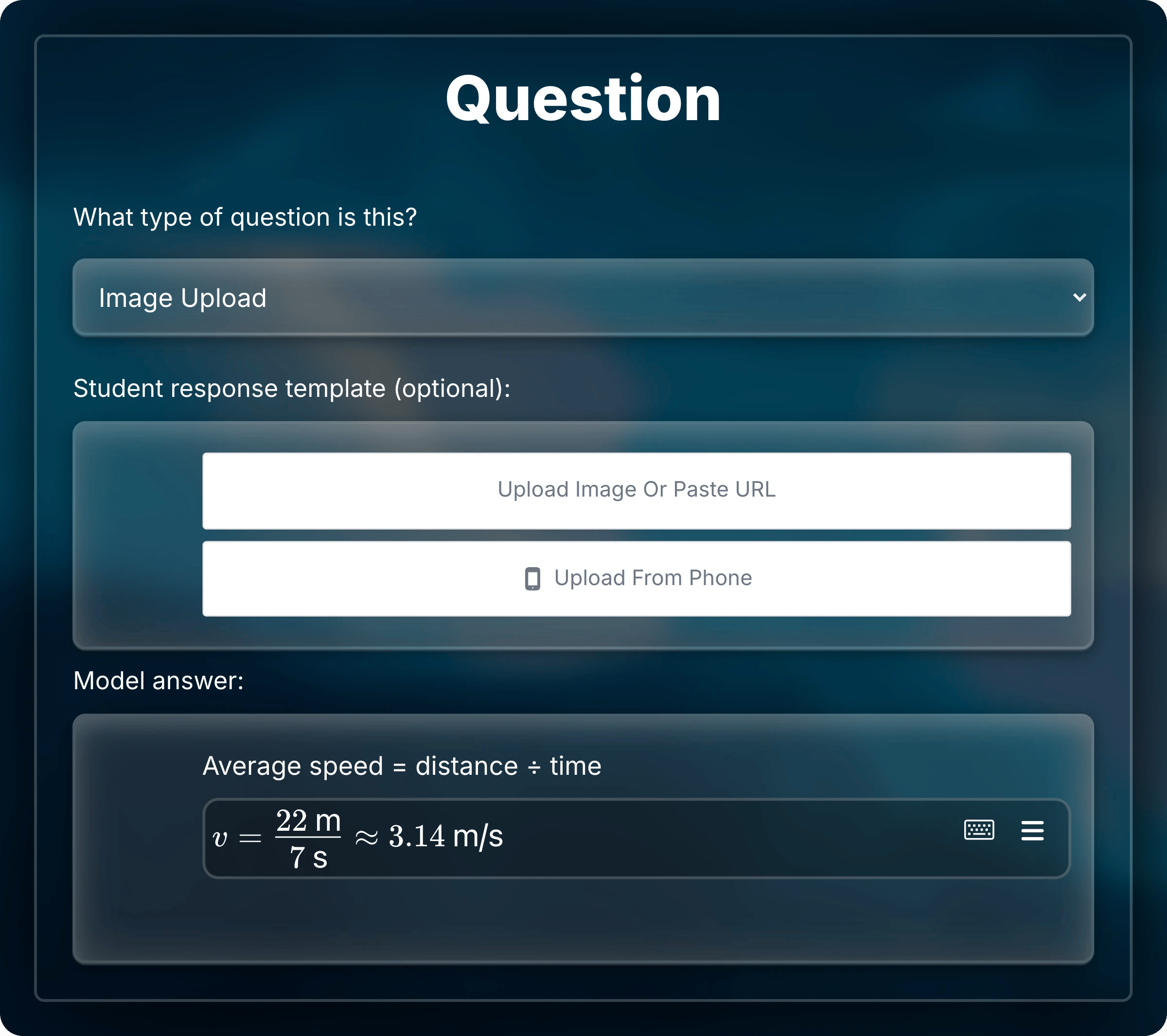
The model answer holds the worked solution.
3
Write the Rubric
Under Rubric Criteria, add what earns credit, with weights that add up to 100%.
Write a Rubric shows how to write good criteria.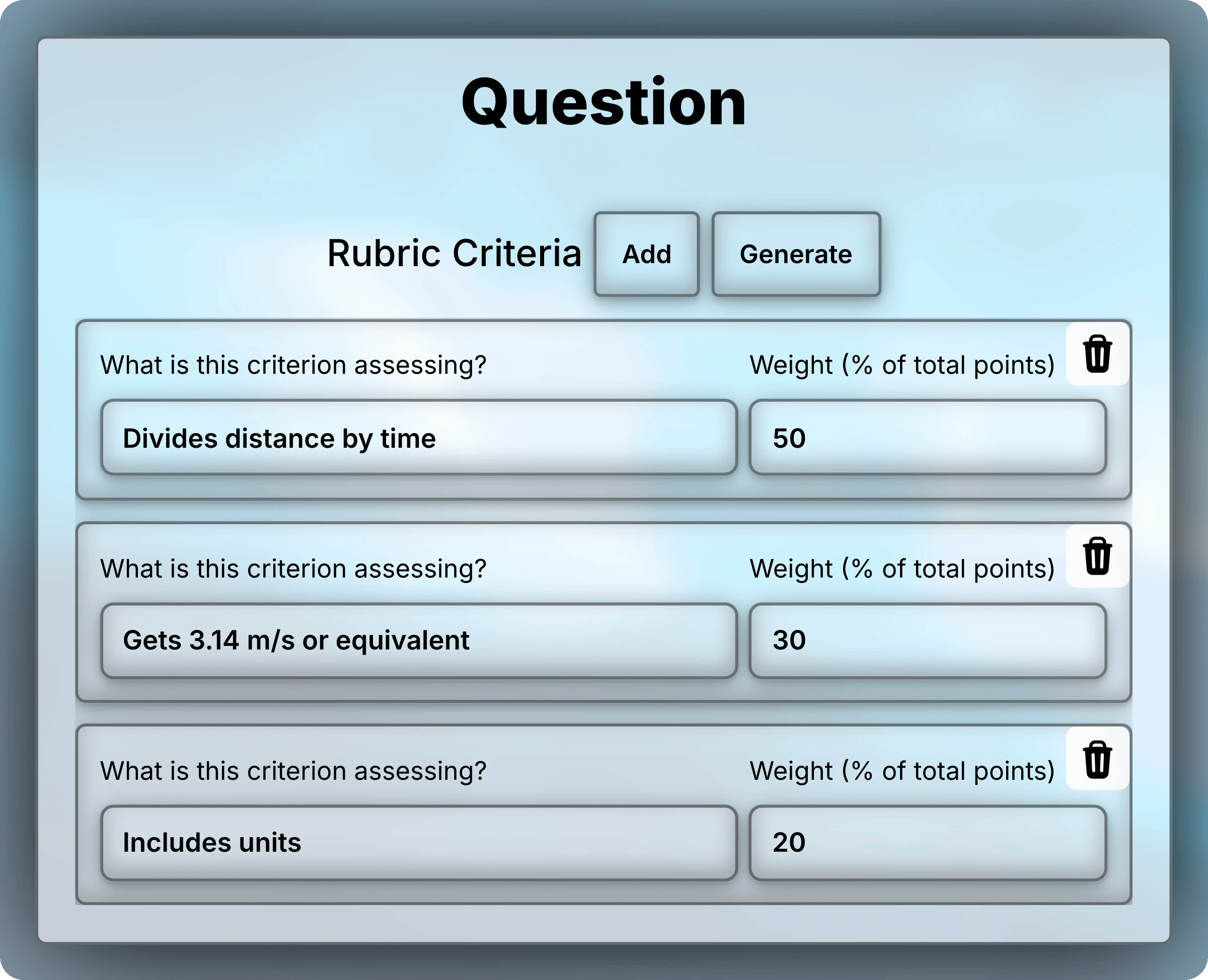
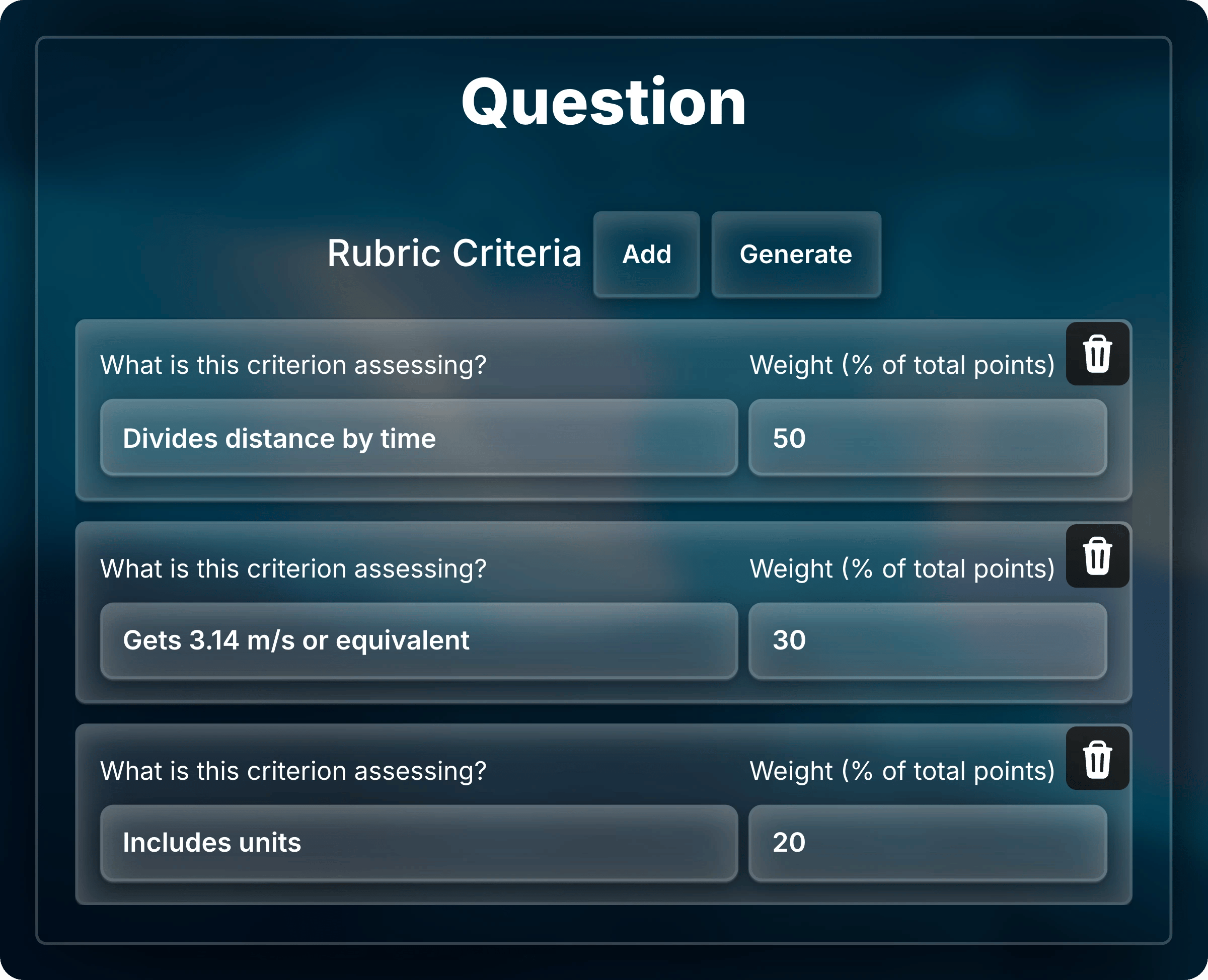
Each criterion names one thing the photo must show.
What Students See
Students upload one or more images from their computer, or send photos from their phone with a QR code. Before each upload, they can crop and rotate the image.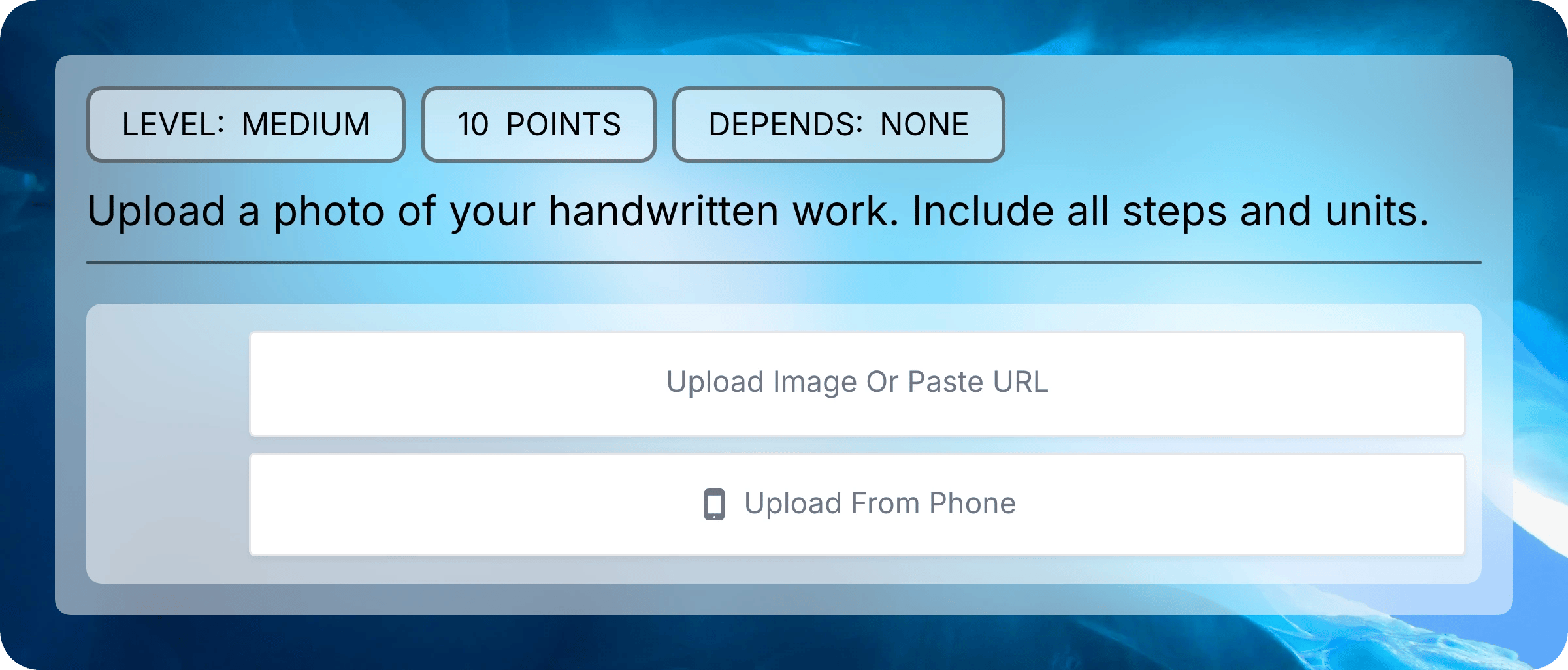
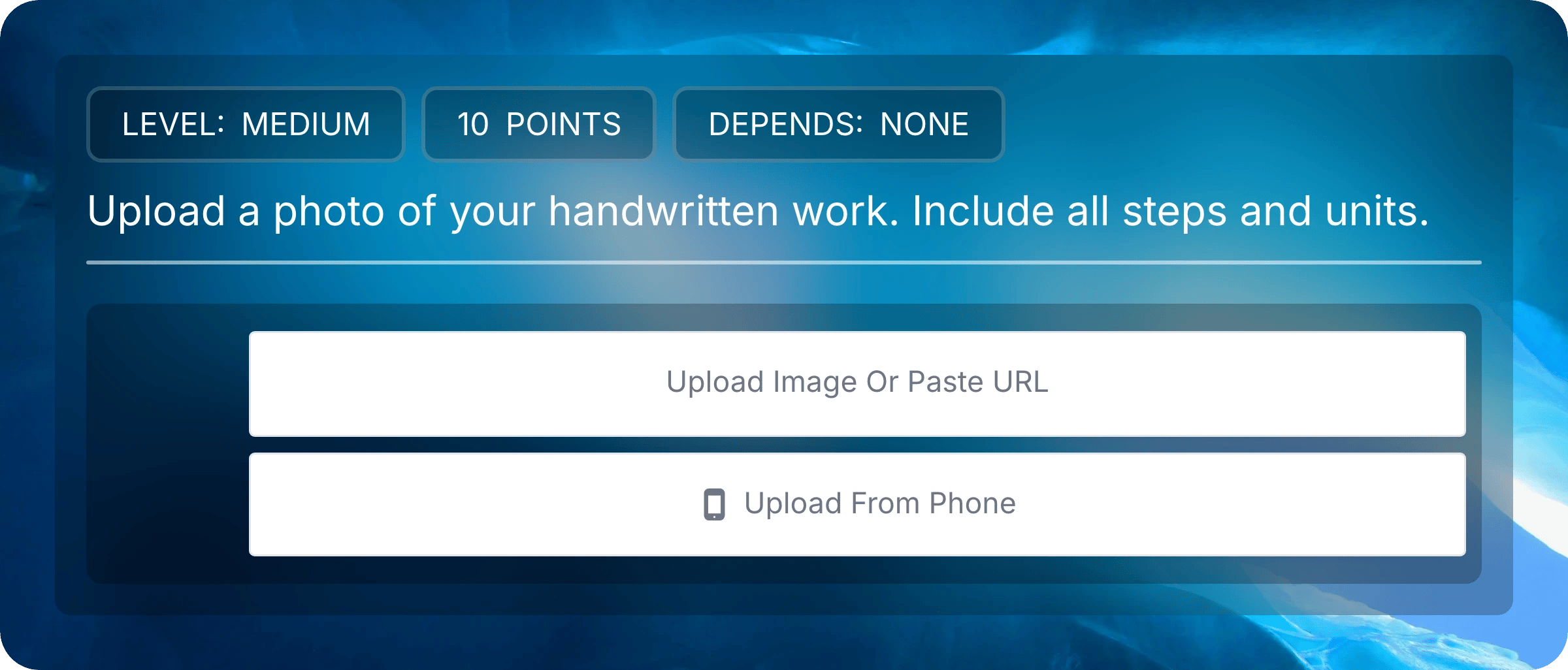
Students upload from their computer or their phone.
Each image can be a JPG, PNG, WebP, HEIC, or HEIF file of up to 20 MB. The student guide shows students how to upload from their computer or phone.How Images Are Graded
When a student submits, AI grades their images against your model answer and rubric. Students get an email when it’s done. Image questions also work on paper exams.Next: Free Response
Ask open-ended questions graded against your rubric.