
Set Up the Question
1
Choose the Type
In the question form, set the question type to Free Response.
2
Add a Template (Optional)
In the response template, add content each answer starts from, such as headings and a starting sketch. Learn more about templates.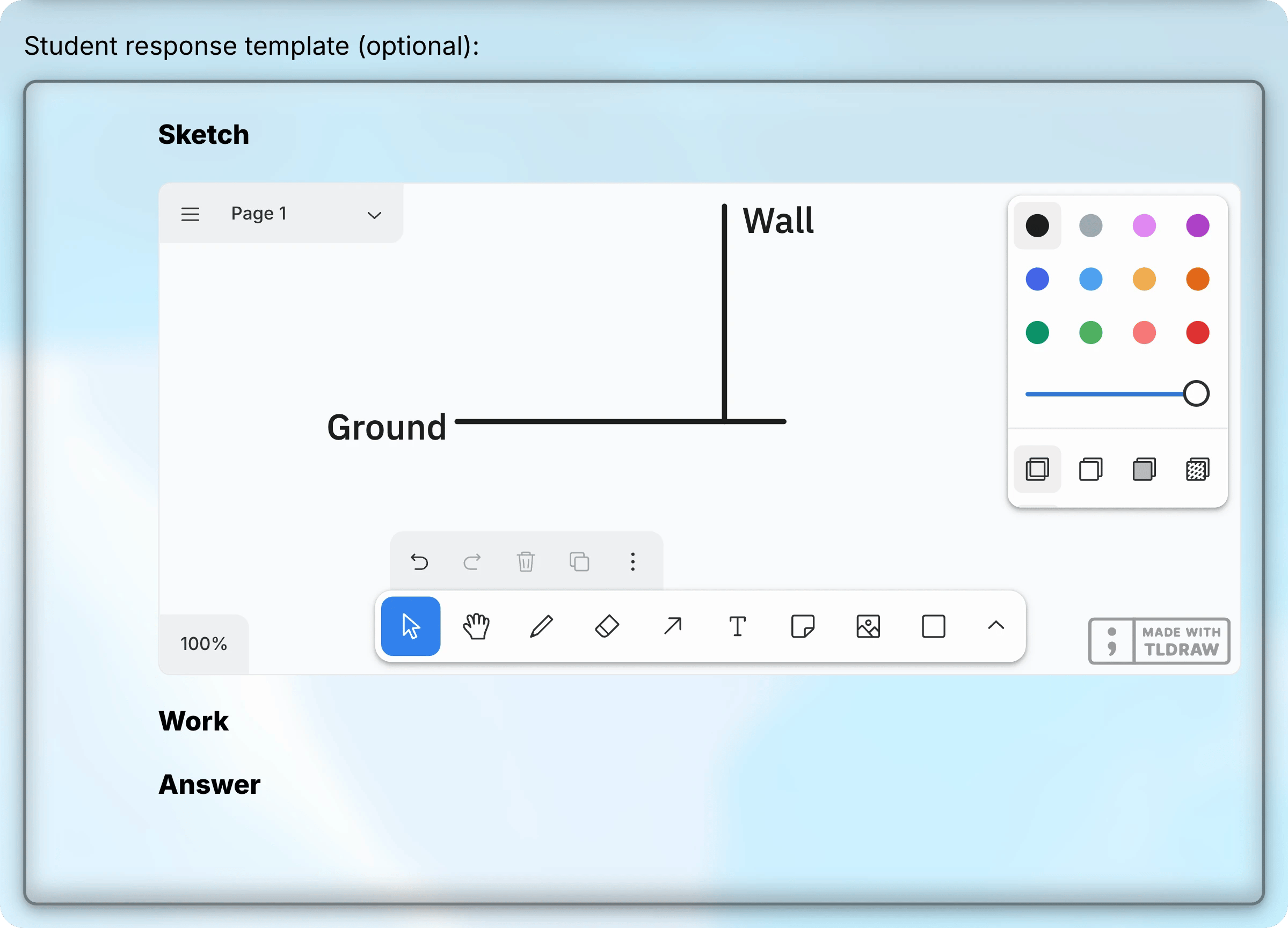
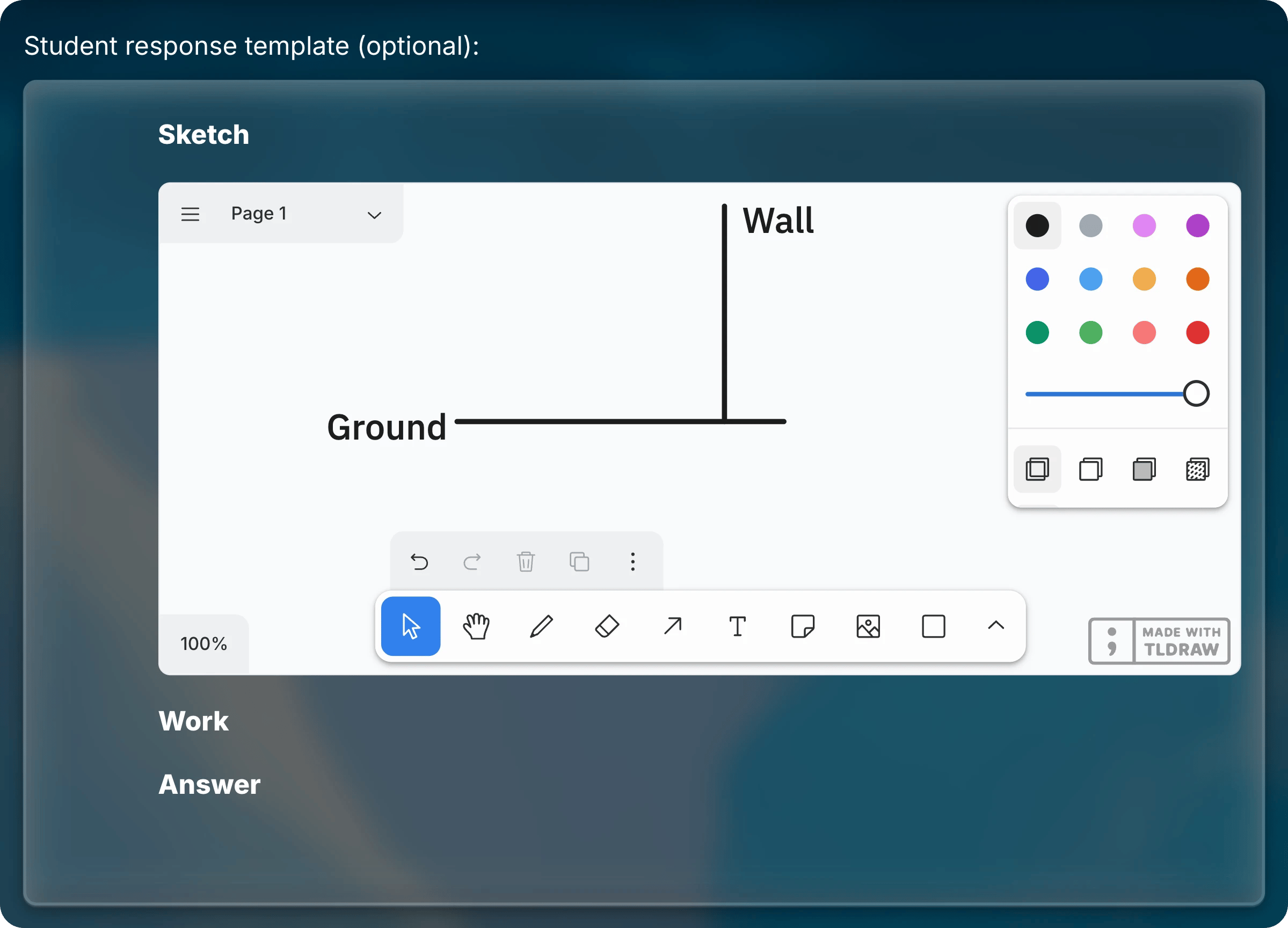
Headings and a starting sketch give each answer the same shape.
3
Write the Model Answer
Under Model answer, write a correct answer you’d give full points, with all of its working. Learn more about model answers.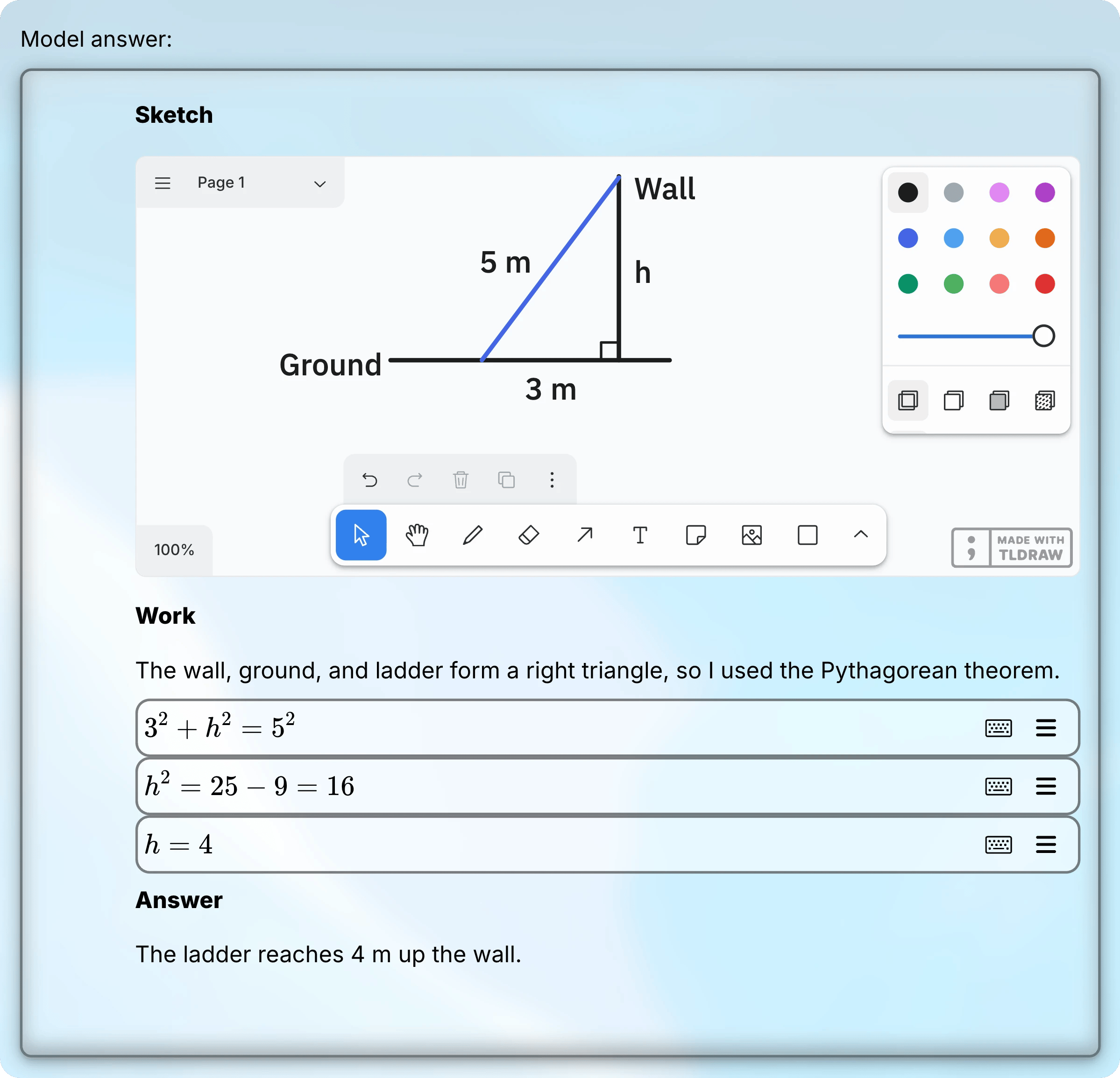
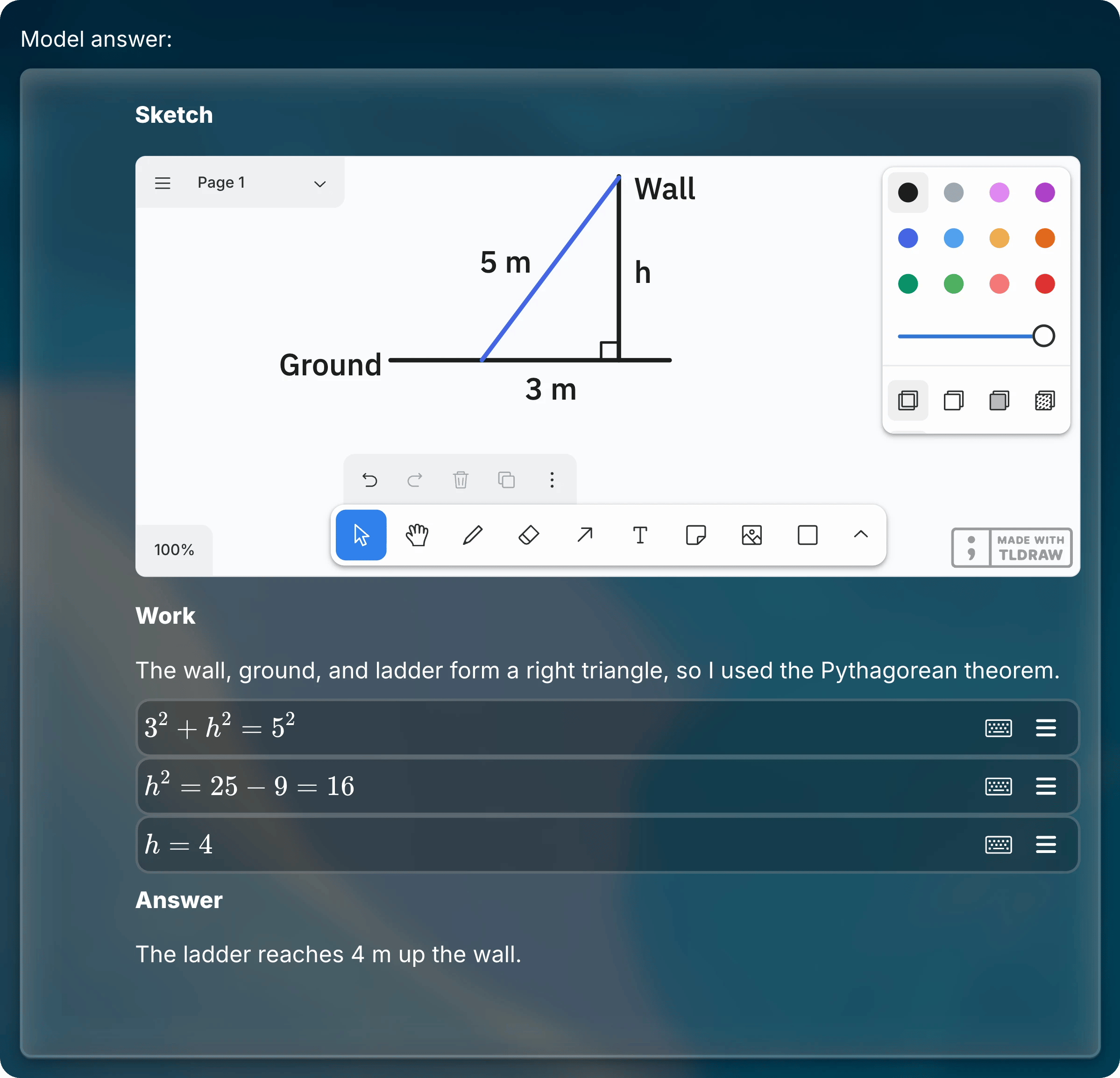
The model answer shows the sketch, the working, and the answer.
4
Write the Rubric
Under Rubric Criteria, list what earns credit and weight each part so the weights add up to 100%. Learn more about rubrics.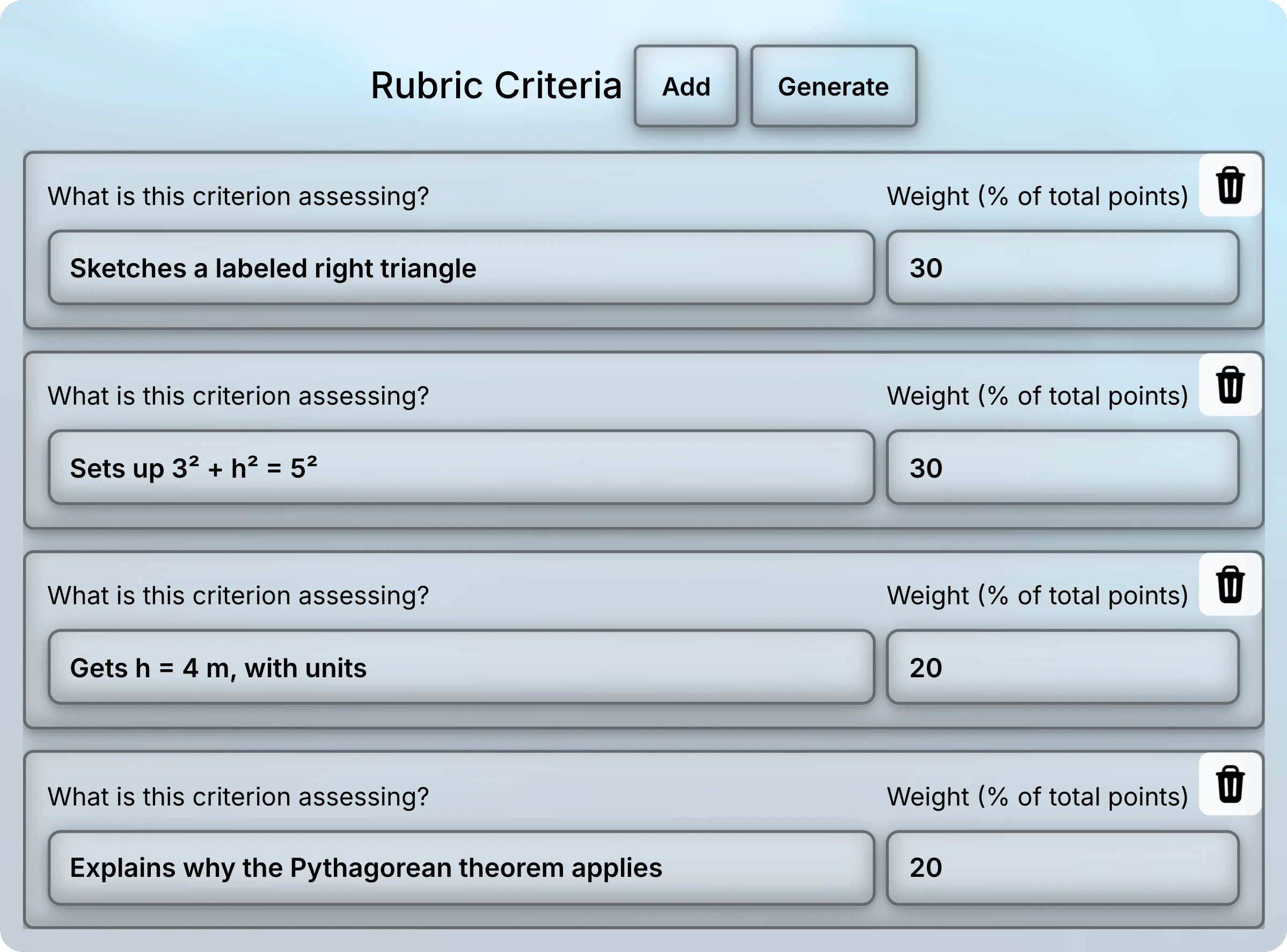
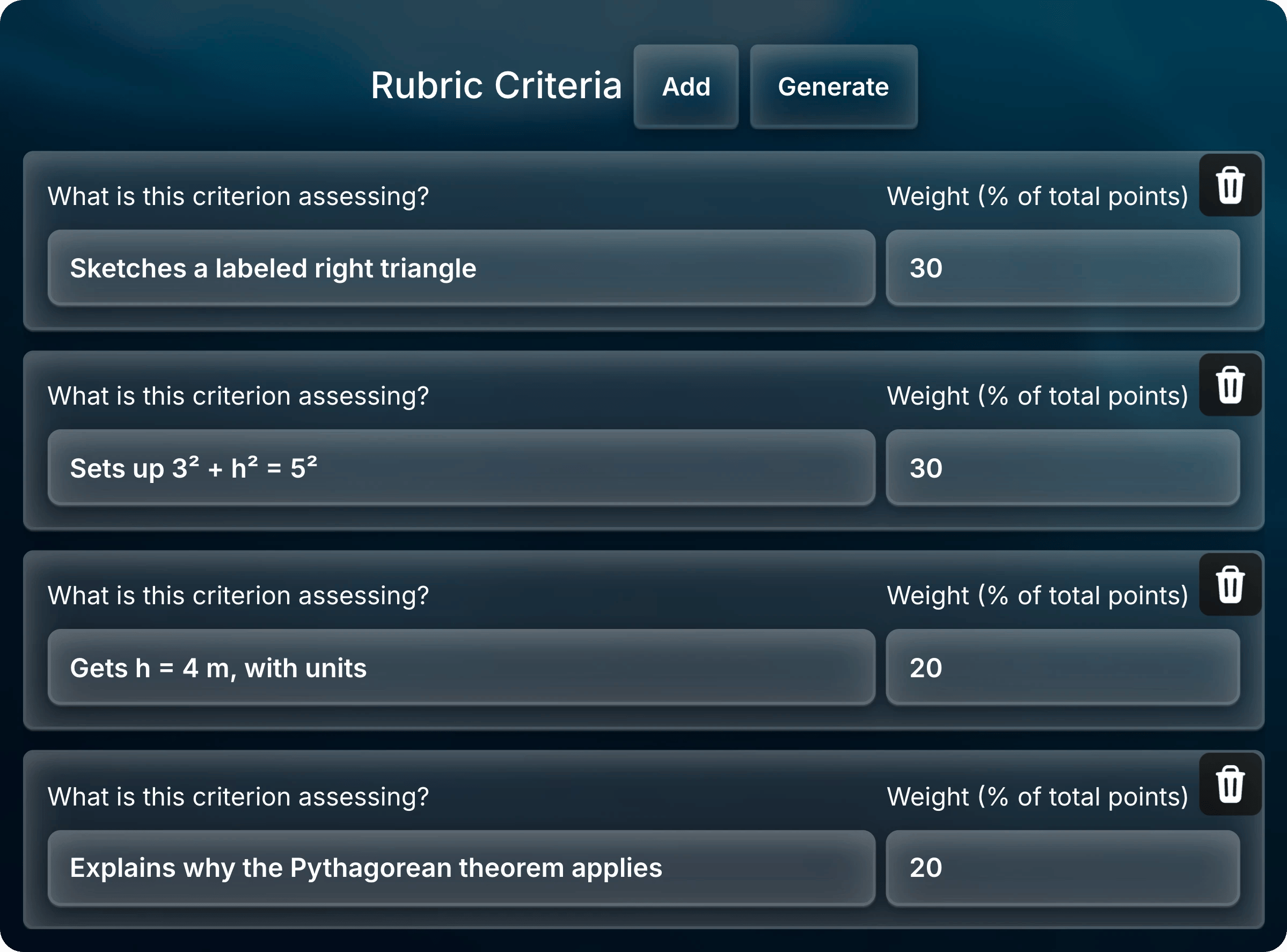
Each criterion checks one part of the model answer.
What Students See
Students answer in the same editor, with text, math, drawings, images, and more. Learn more about the editor and how the grader reads it. The student guide shows how students write and format their answers.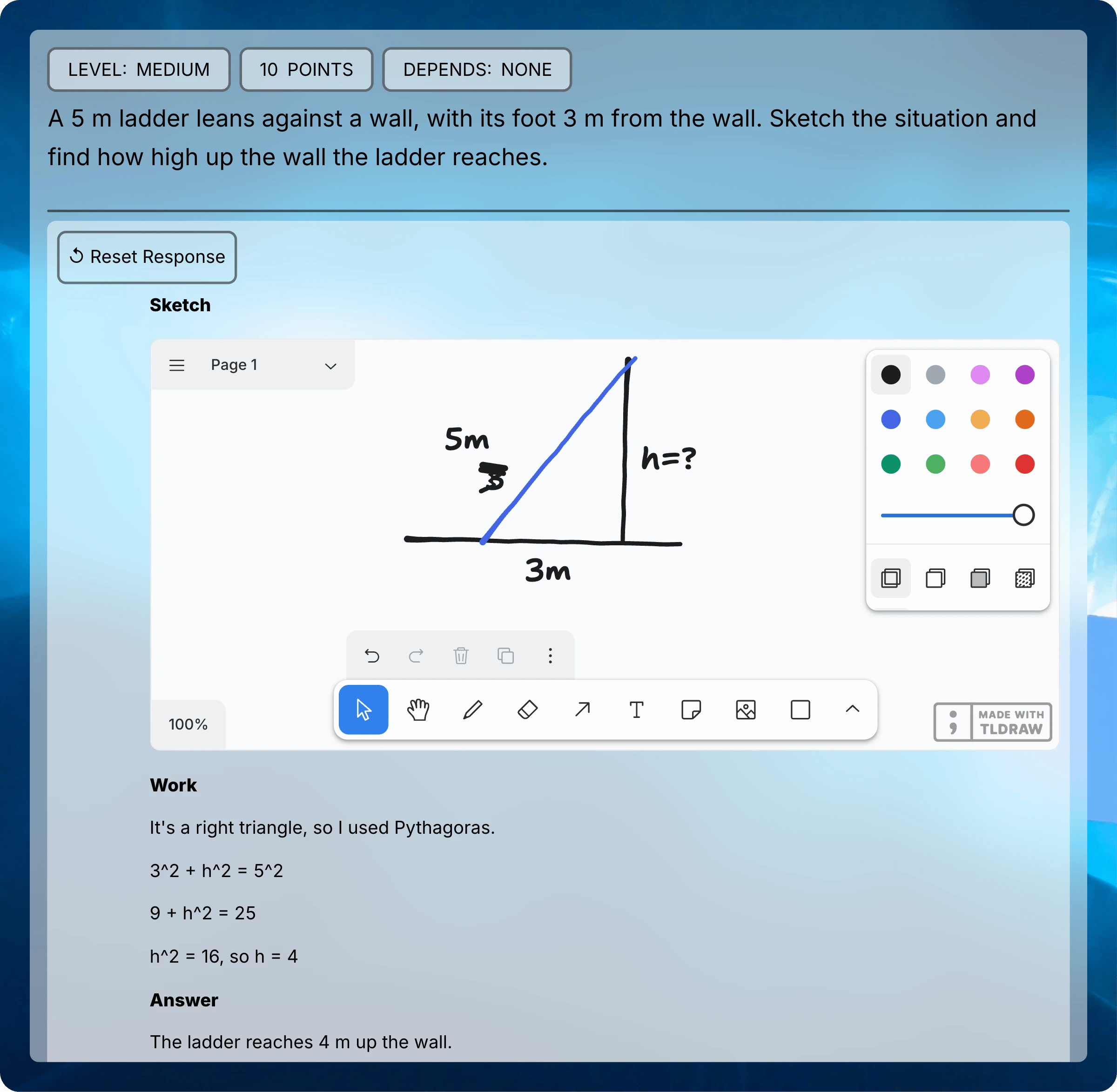
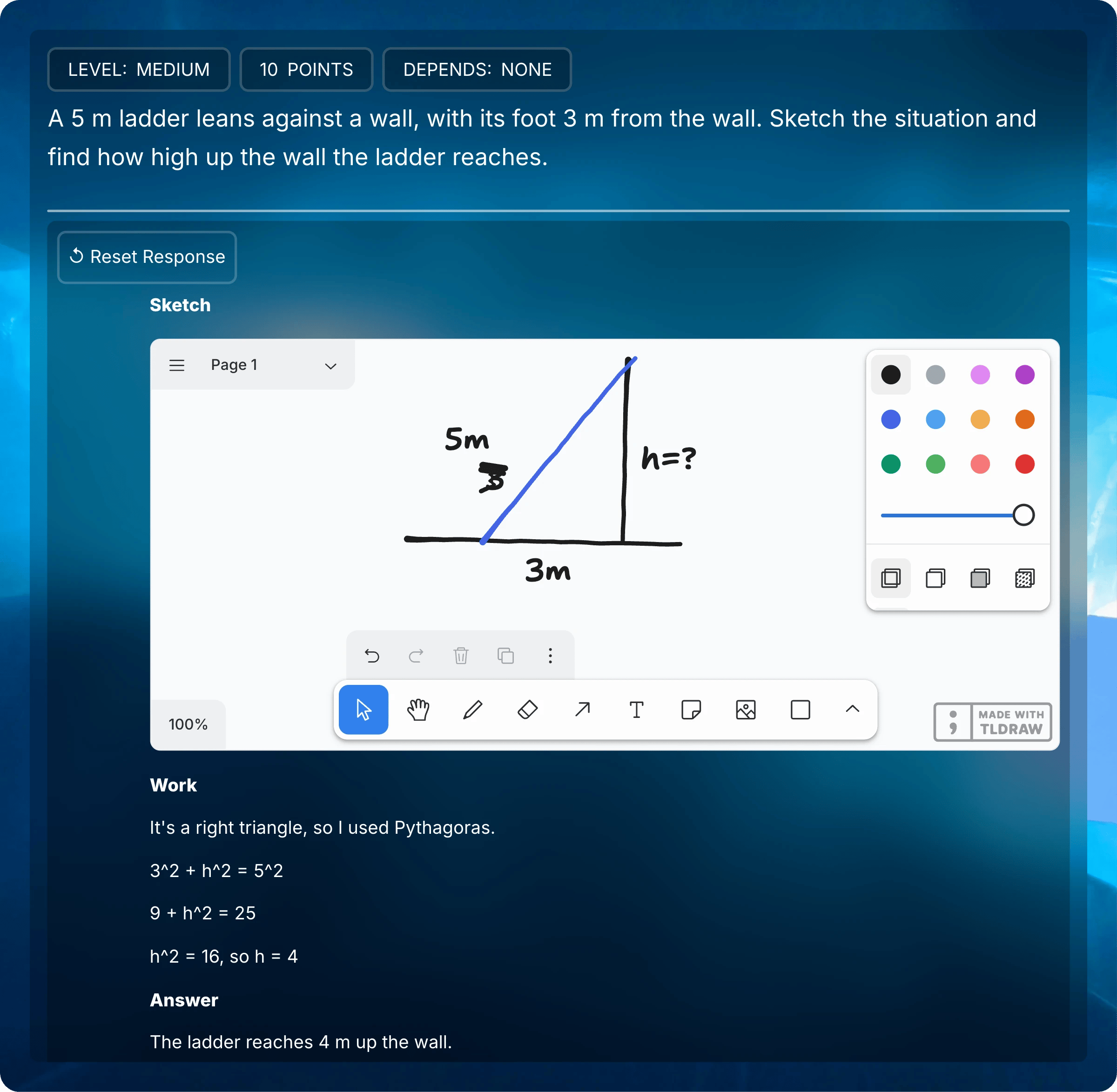
A student’s answer with a sketch, working, and an answer.
Next: Template and Model Answer
Set where each answer starts and what a full answer looks like.