
Create the Assessment
1
Select a Chapter and Choose Test
Select your course on Courses, then the chapter, then Test at the top of Lessons.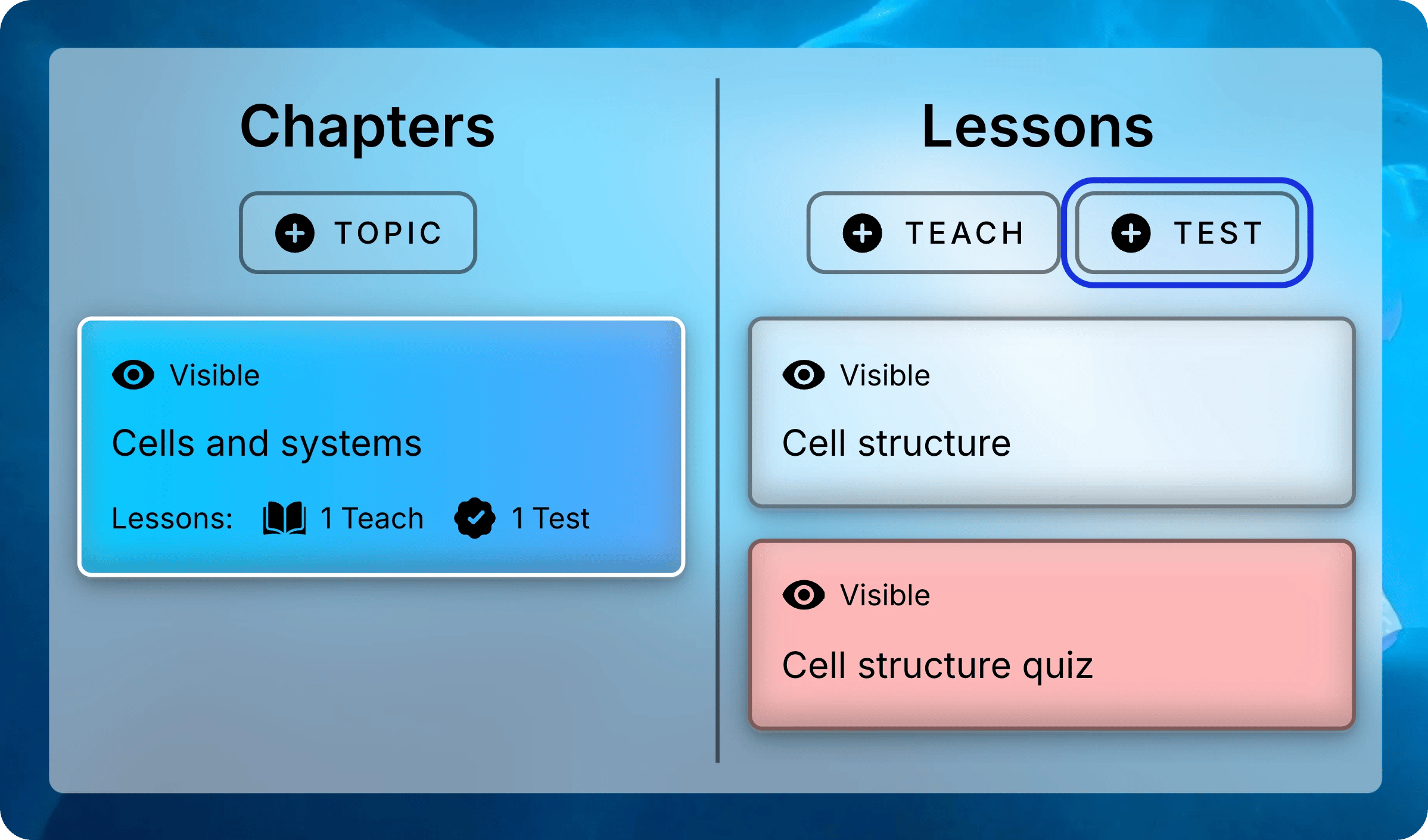
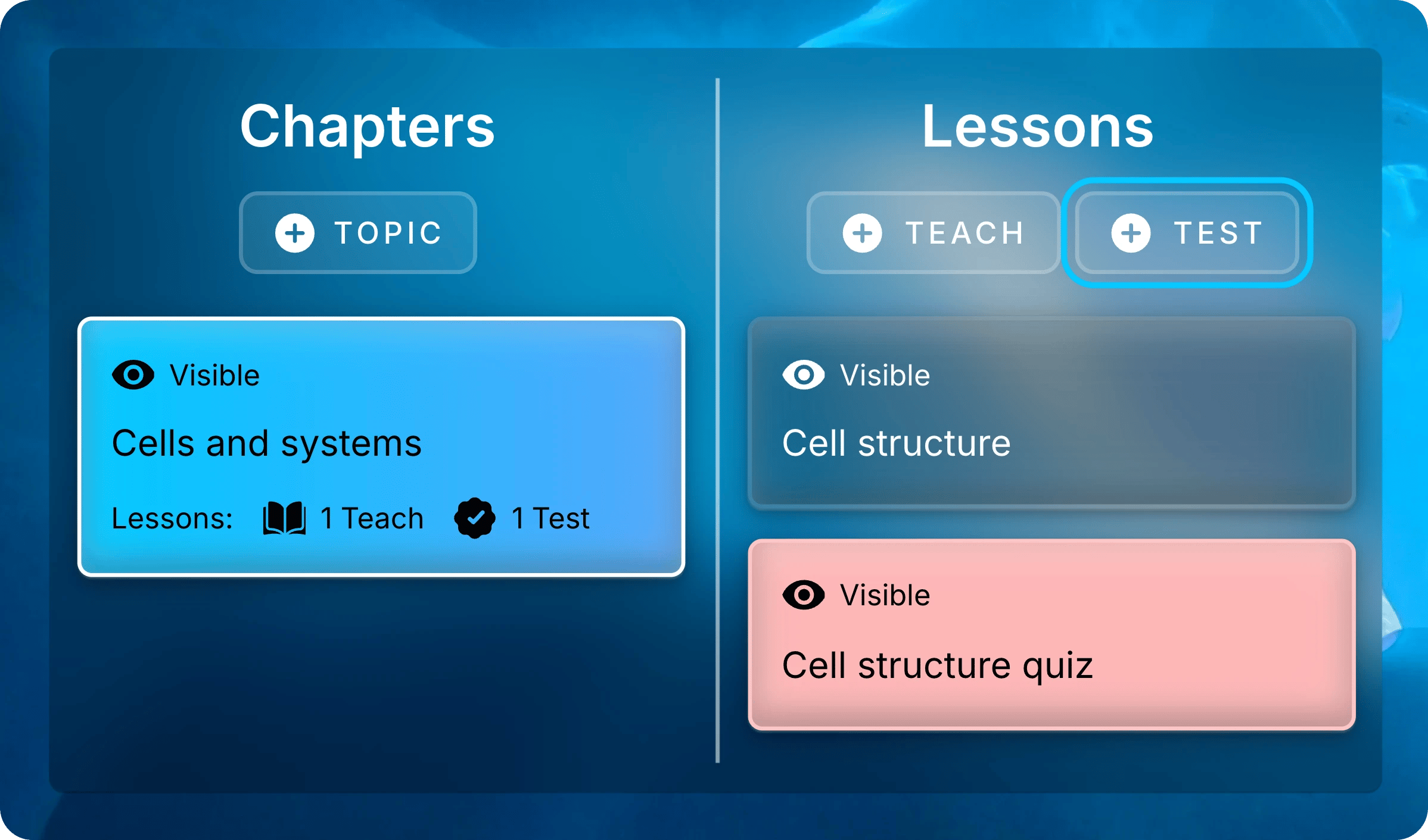
Select a chapter, then select Test.
2
Name the Assessment
Fill in What is this assessment called? You can also write instructions that students read before they start.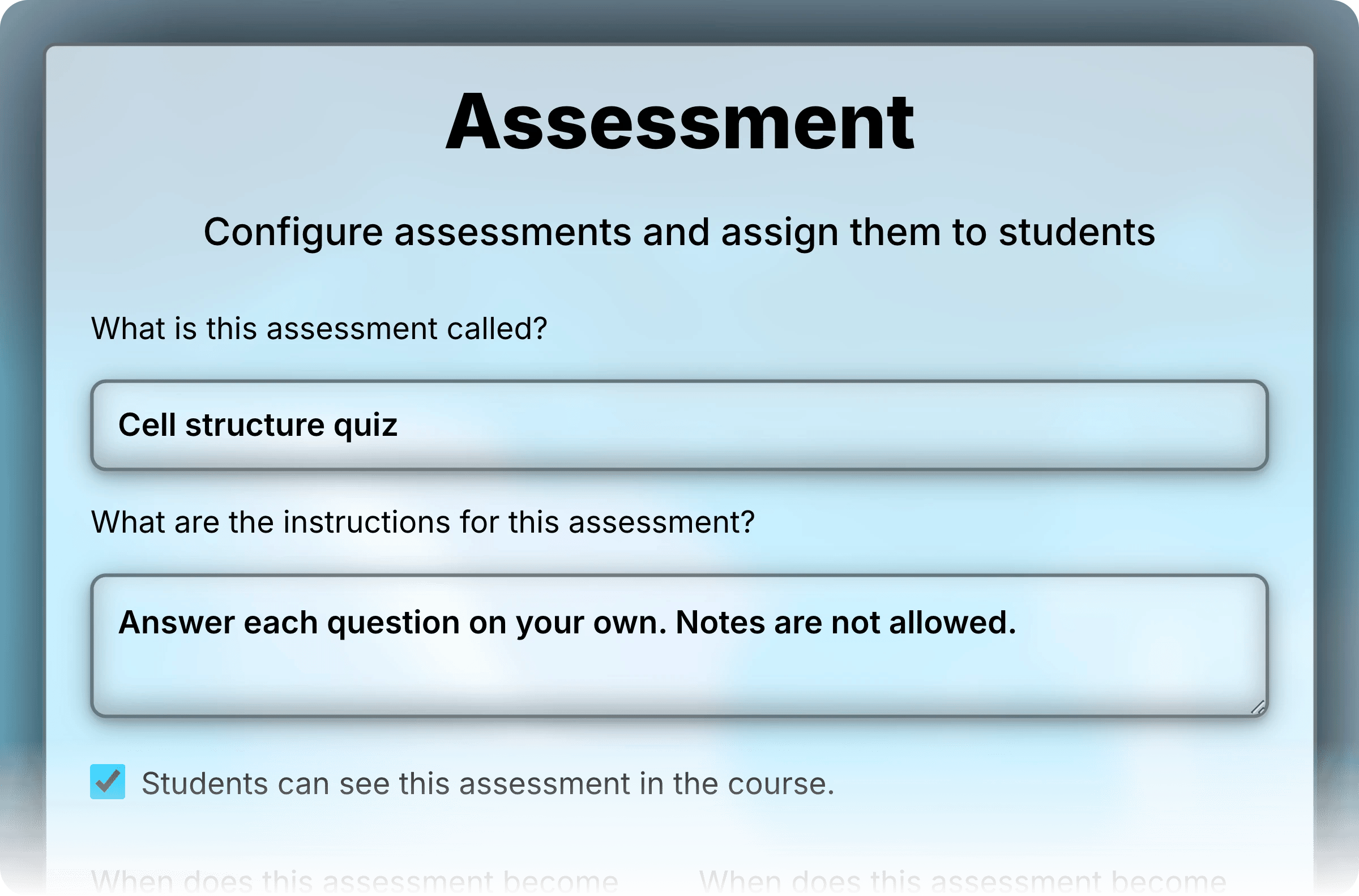
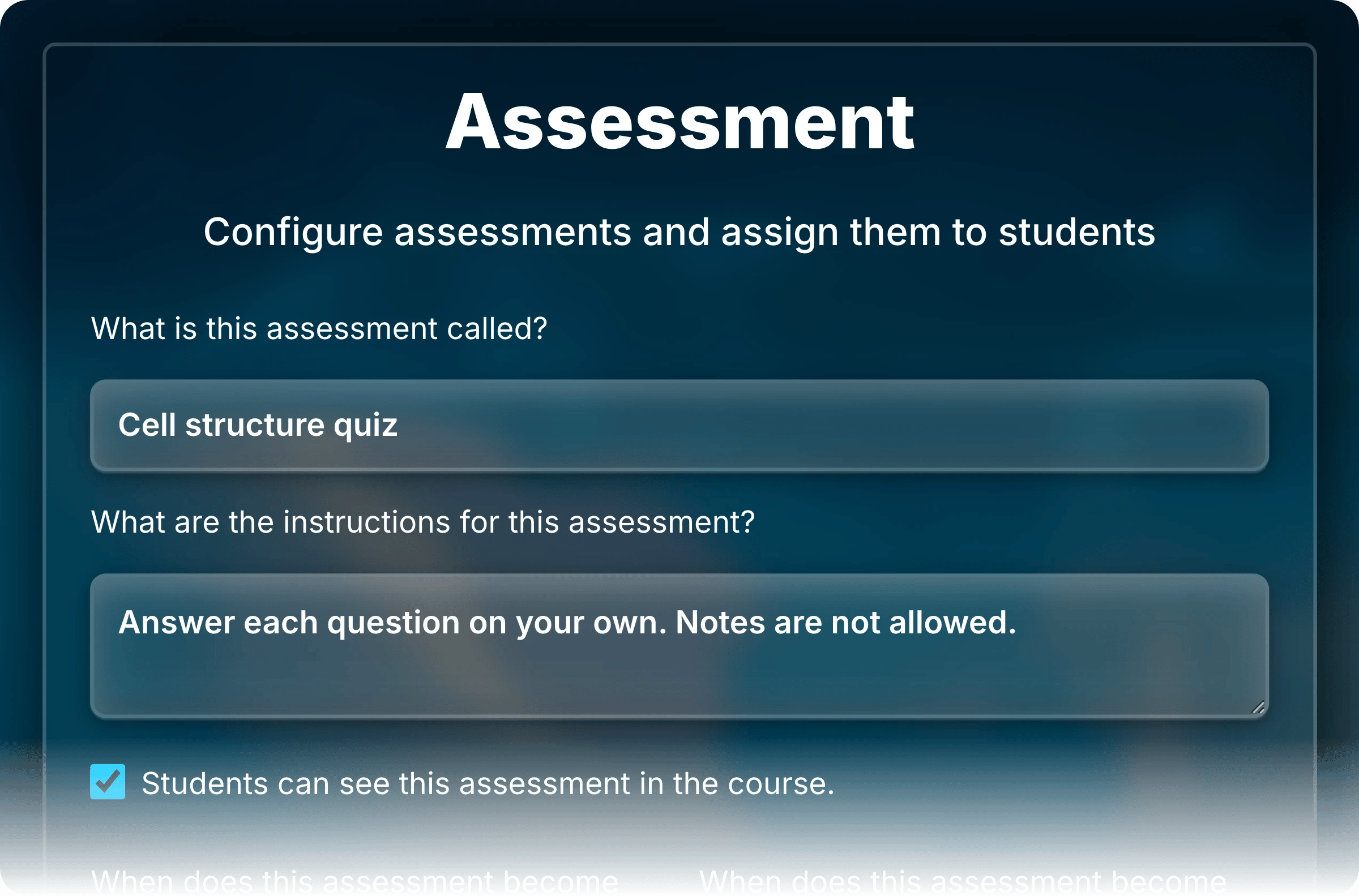
The name, instructions, and visibility sit at the top of the form.
3
Enter the Points and Submit
The rest of the form holds the assessment settings. Only the total points are required, and you can change them later. Then select Submit.
Next: Assessment Settings
Choose how students take an assessment and how it’s graded.