In Uflo, each assessment contains a series of questions for you to answer.
Your responses are saved together as a submission.
When multiple attempts are allowed, each attempt creates a separate submission.
Open your course, choose the chapter, and select the assessment (marked in red). Read any instructions provided for the assignment.
2
Check the Time and Number of Attempts
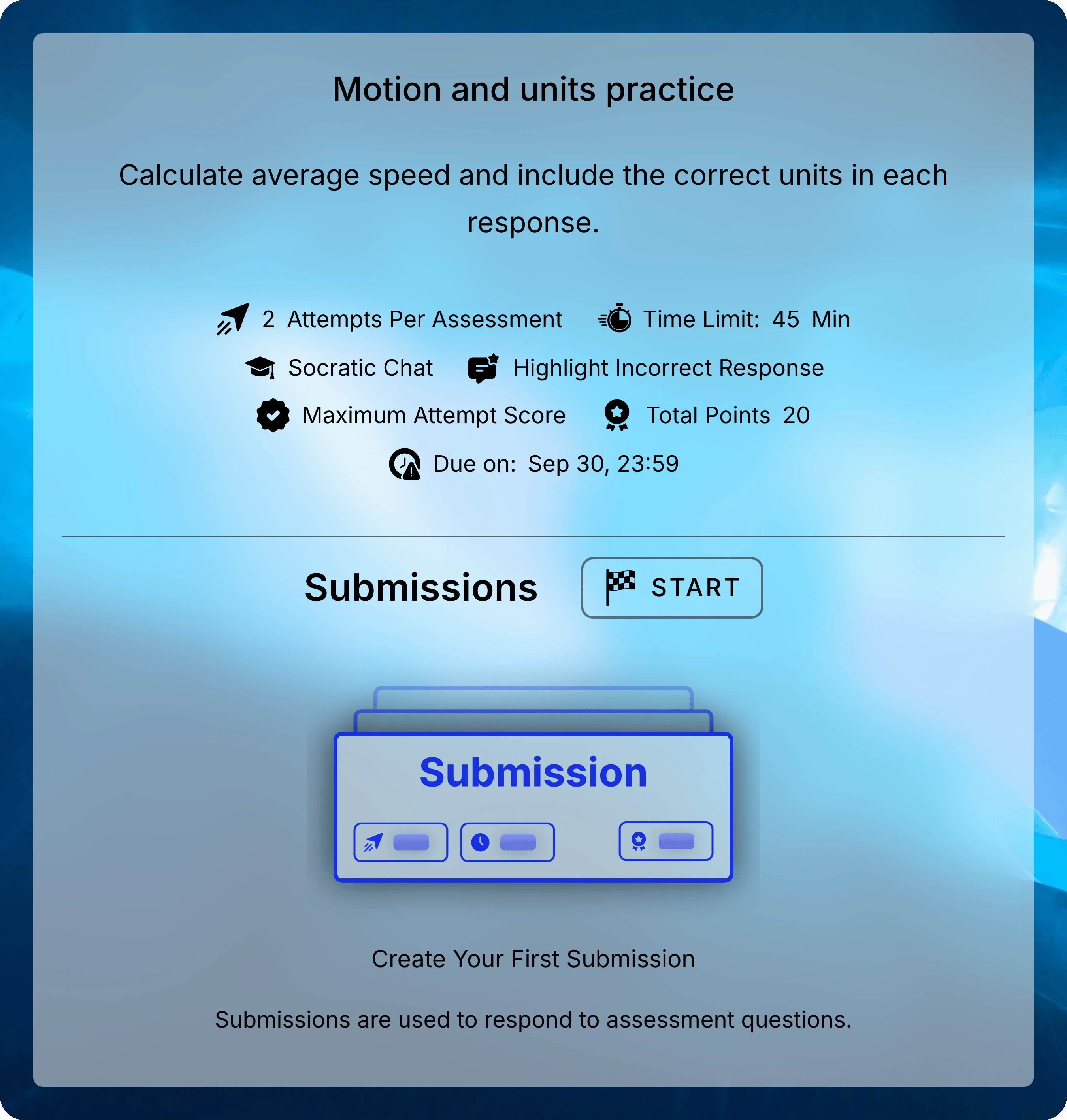
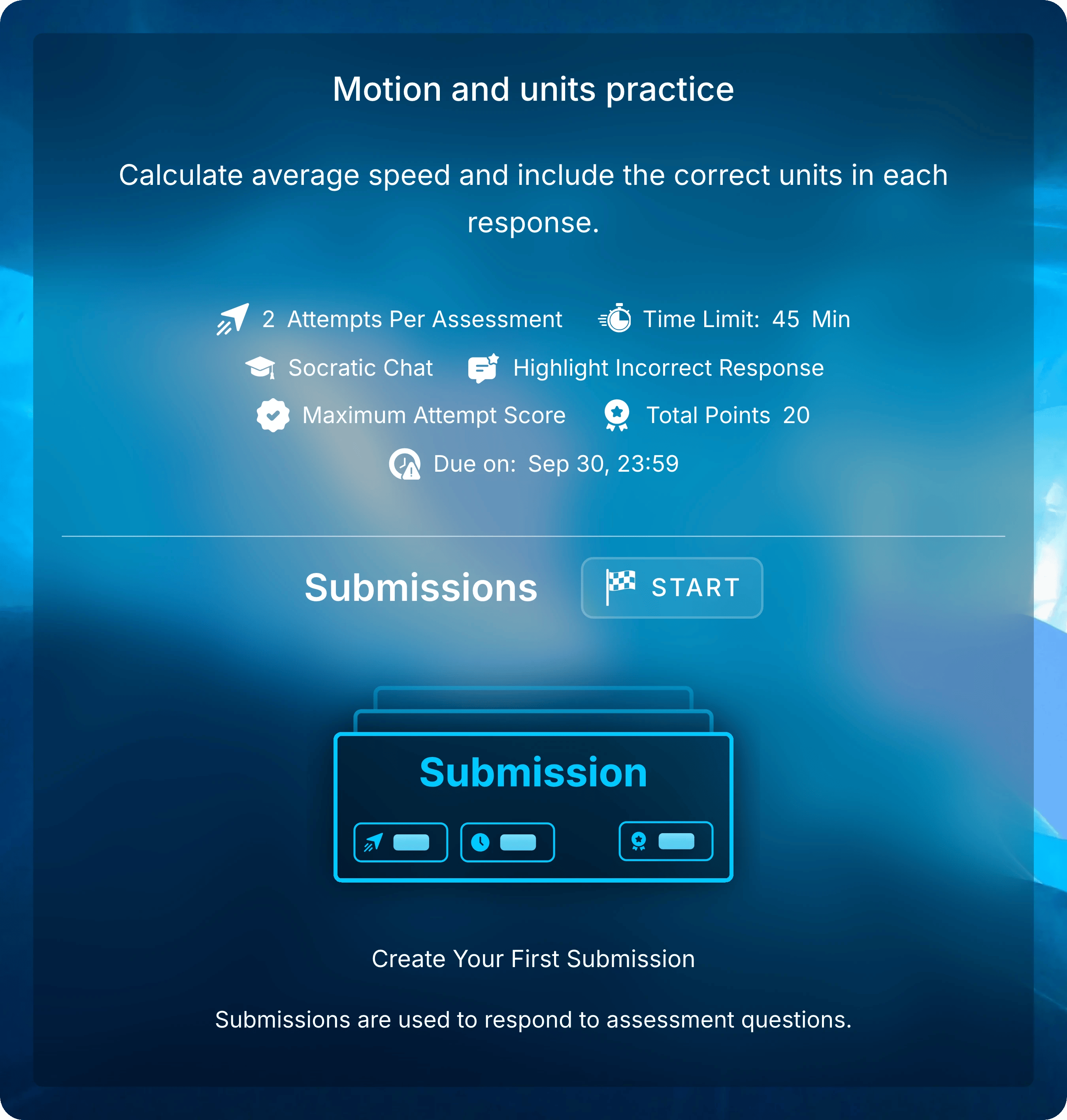
Check the Due Date, Time Limit, and number of attempts allowed. The config also shows whether the Socratic Tutor is available to help you work through difficult questions.
Read the assessment instructions and settings before selecting START under Submissions.
Some assessments require you to answer questions in order.
You will be asked to confirm before moving forward, because you cannot return to an earlier question.
3
Start When You Are Ready
Under Submissions, select START. Then select Start to create your attempt.
Starting a timed attempt starts the clock. Leaving the page does not pause it.
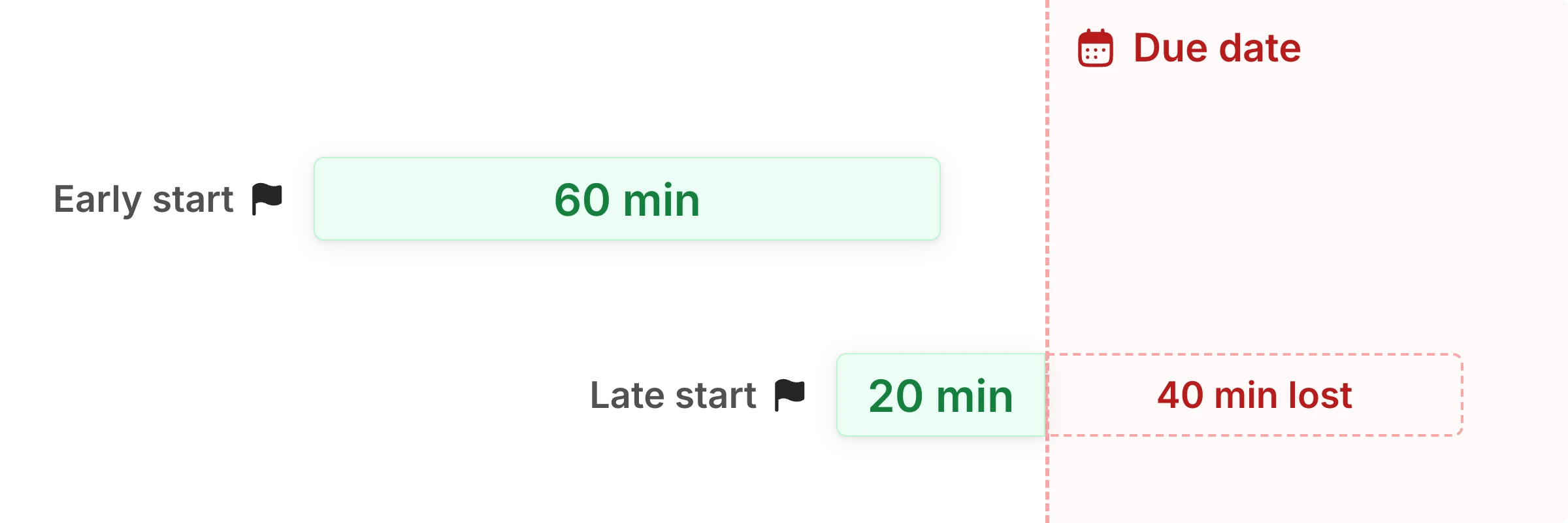
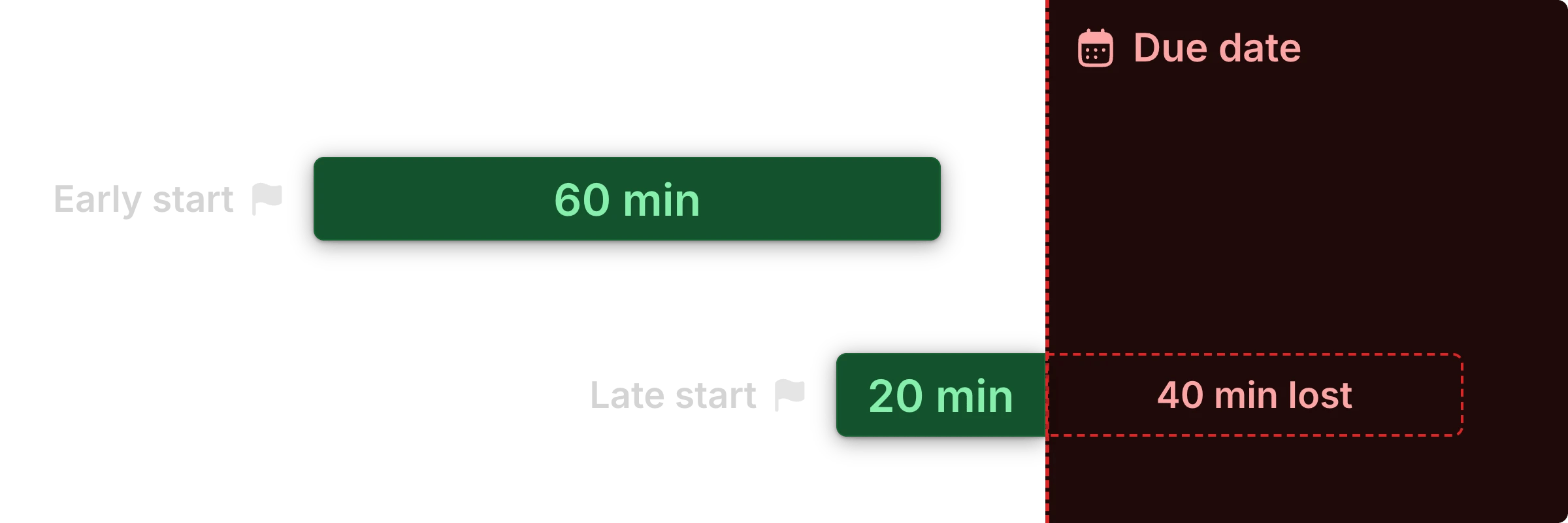
Your time ends at the time limit or the due date, whichever comes first.
With a 60-minute limit, starting 20 minutes before the due date leaves 20 minutes to answer.
Confirm Start when you are ready to begin the attempt.
Return to the assessment and find Submissions. If you have started more than one attempt, each appears separately with its attempt number and status. Select the attempt marked Ongoing to resume your work or Graded to view your graded responses.
Attempt 1 is graded. Select Attempt 2, marked Ongoing, to continue your unfinished work.
You must submit an ongoing attempt before starting another.
If you have already submitted, check whether you have used all your available attempts or the due date has passed.
Ask your instructor if you need an extension or another attempt.
What does an Unlimited time limit mean?
Unlimited means there is no fixed duration for the attempt.
You still need to finish editing before the assessment’s due date, if one is set.
What happens if my time runs out while I am away?
Your timer will run out, your responses will get locked, but your attempt won’t auto-submit. Reopen your Ongoing attempt under Submissions to submit your lock responses.
What happens if I don't submit my attempt before the due date?
Your saved responses are locked after the due date but won’t auto-submit. Reopen your attempt and select Submit Entire Assignment.
Next: Answering Questions
Enter responses, add handwritten work, and move between questions.