
Uflo’s AI Grader
Uflo is an AI-powered educational ecosystem that automates grading of handwritten and typed responses with high accuracy and consistency. Following these best practices from the start will save time, reduce scanning errors, and ensure Uflo’s automated grading accurately identifies and evaluates each student’s responses. Use the Exam Grading Checklist to track your progress through each phase.Who This Guide Is ForThis guide is for educators new to Uflo who are grading pen-and-paper or digital exams with free response questions. No prior experience with Uflo or auto-grading tools is required.
Benefits of Grading With Uflo
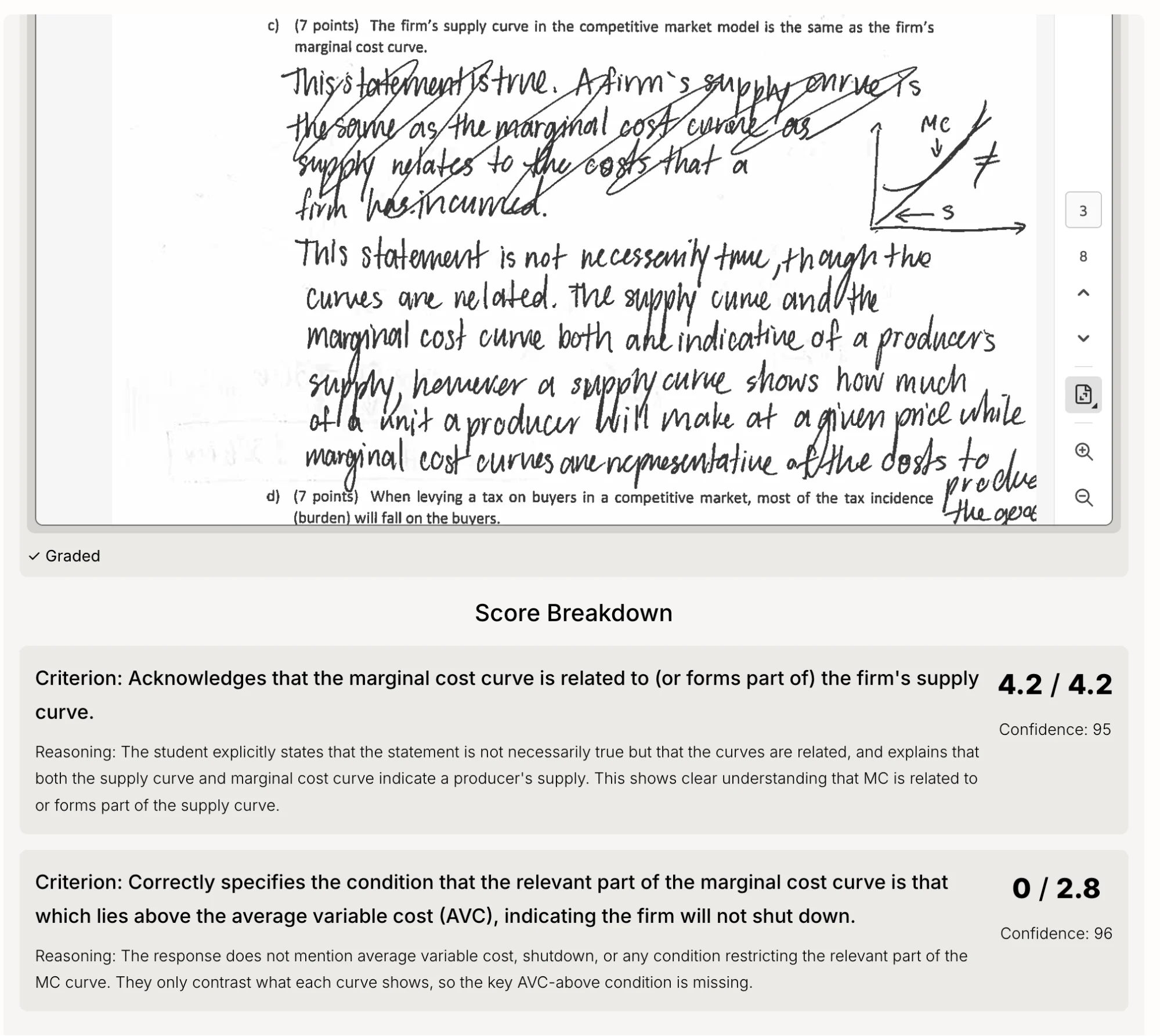
Uflo combines state-of-the-art AI with deep educational expertise across multiple disciplines to grade complex free response questions—digital or handwritten—with extremely high accuracy. More importantly, Uflo backs every grade with detailed feedback for both instructors and students during the review phase. Students can use this feedback to request regrades from their instructors, ensuring humans remain in the loop. As a result of using Uflo, educators can expect:90%
Reduction in grading time
99%
Grading accuracy on short answer questions
2%
Grading variance across multiple rounds
Personalized Feedback
Detailed feedback for every student on every question
Is Uflo the Right Fit?
Uflo’s AI grading is highly accurate, but like any grading method, it is not perfect. Before committing to AI-assisted grading, make sure you understand the limitations:I don't have time to review results before releasing grades
I don't have time to review results before releasing grades
AI grading requires an instructor/TA review step. If you cannot dedicate time to review a sample of graded responses before releasing scores, consider using multiple choice or auto-scored question types that do not require review.
I expect zero grading errors
I expect zero grading errors
No grading method, human or AI, produces zero errors. Human graders introduce inconsistencies, fatigue-related mistakes, and subjective drift across hundreds of responses. Uflo’s AI grading is more consistent than human grading, but a small number of responses may still need correction. The review and regrade workflow is designed to catch and fix these efficiently.
I'm not comfortable with students identifying grading issues
I'm not comfortable with students identifying grading issues
Students will occasionally find grading issues. This happens with human-graded exams too. Uflo’s regrade request system gives students a structured way to flag concerns and gives you a clear workflow to address them.
I expect grading to be done with one-click
I expect grading to be done with one-click
There is a learning curve to Uflo’s AI grading system. The first time you grade with Uflo, you should expect a 3-day turnaround time. Every subsequent attempt should be quicker, typically within 24 hours. The intended workflow is: grade, review a sample, refine the rubric if needed, and regrade.
I expect regrade to produce identical scores
I expect regrade to produce identical scores
Uflo’s AI grading has a variance of approximately 2% across multiple grading rounds. This means that when a quest ion is regraded, individual scores may shift slightly, for example, a student might gain or lose half a point, even if the rubric did not change. This is normal and equivalent to asking a different human grader to re-evaluate the same response. If a rubric change improved accuracy overall, small fluctuations on individual submissions are expected and do not indicate a problem.
How It Works
Uflo’s grading process has five phases. The first two must be completed before the exam is administered.1
Before Printing the Exam:
Design your exam and upload the blank exam template to stamp QR codes on each page. Complete before the exam is printed and distributed.
2
Before Administering the Exam:
Upload your complete exam file (questions, solutions, and rubric) to configure Uflo’s AI grading engine.
3
Before Grading:
After steps 1 and 2, collect, unstaple, scan, and upload exams.
4
Grading Submissions:
Review AI-generated grades and ask Uflo to regrade any problematic questions. Once satisfied, release the results to students.
5
After Releasing Grades:
Respond to student regrade requests and export results.
Next: Before Printing
Design your exam and generate QR codes before printing.