> ## Documentation Index
> Fetch the complete documentation index at: https://docs.uflo.io/llms.txt
> Use this file to discover all available pages before exploring further.

# Manage Chapters

> Add, hide, reorder, duplicate, and delete chapters.

Chapters group your lessons, and [Plan Your Course](/instructors/getting-started/plan-your-course) helps you choose how.

<Note>
  Your course may [use another name](/instructors/courses/create-a-course) for chapters.
</Note>

## Add New Chapter

<Steps>
  <Step title="Open the Chapter Form">
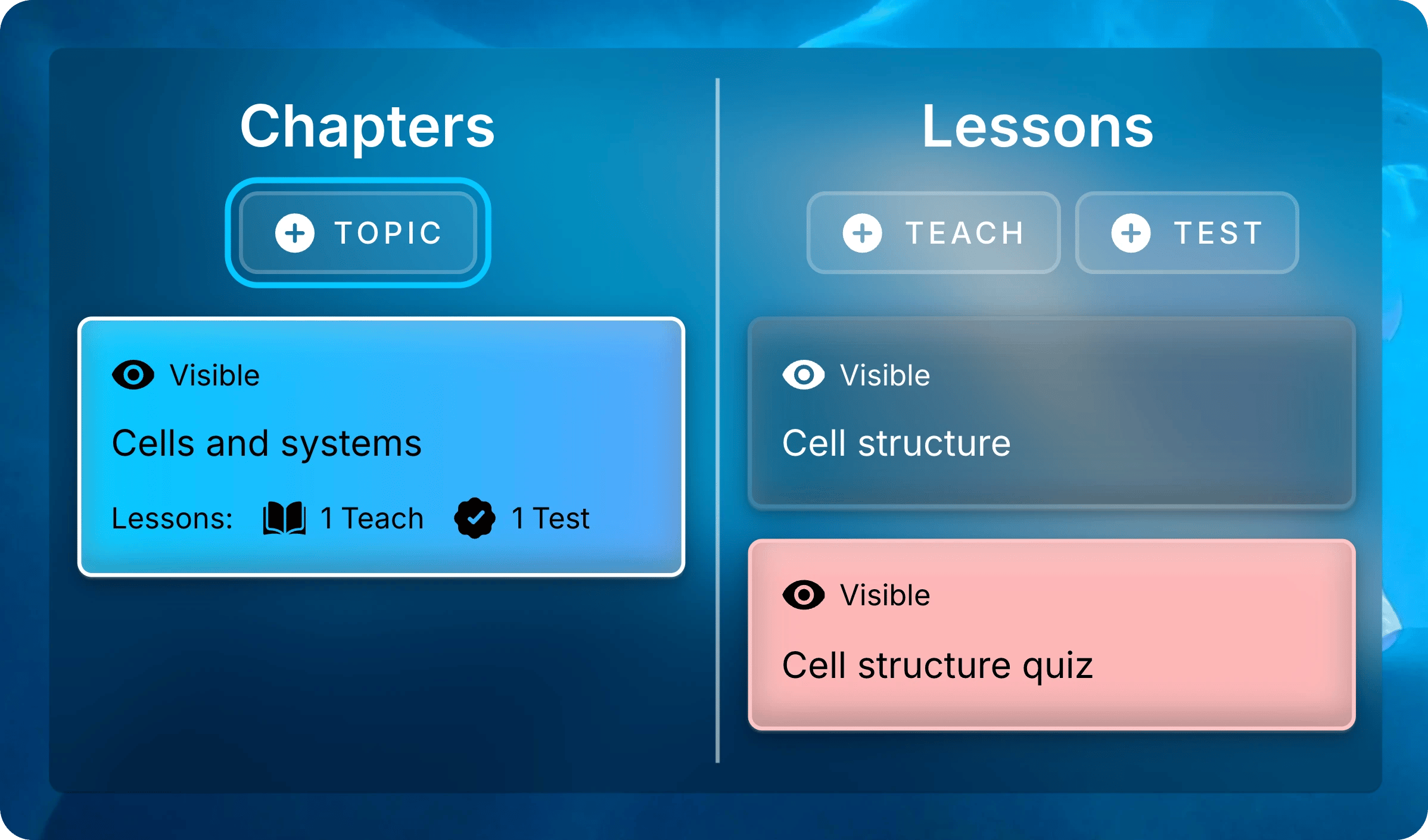
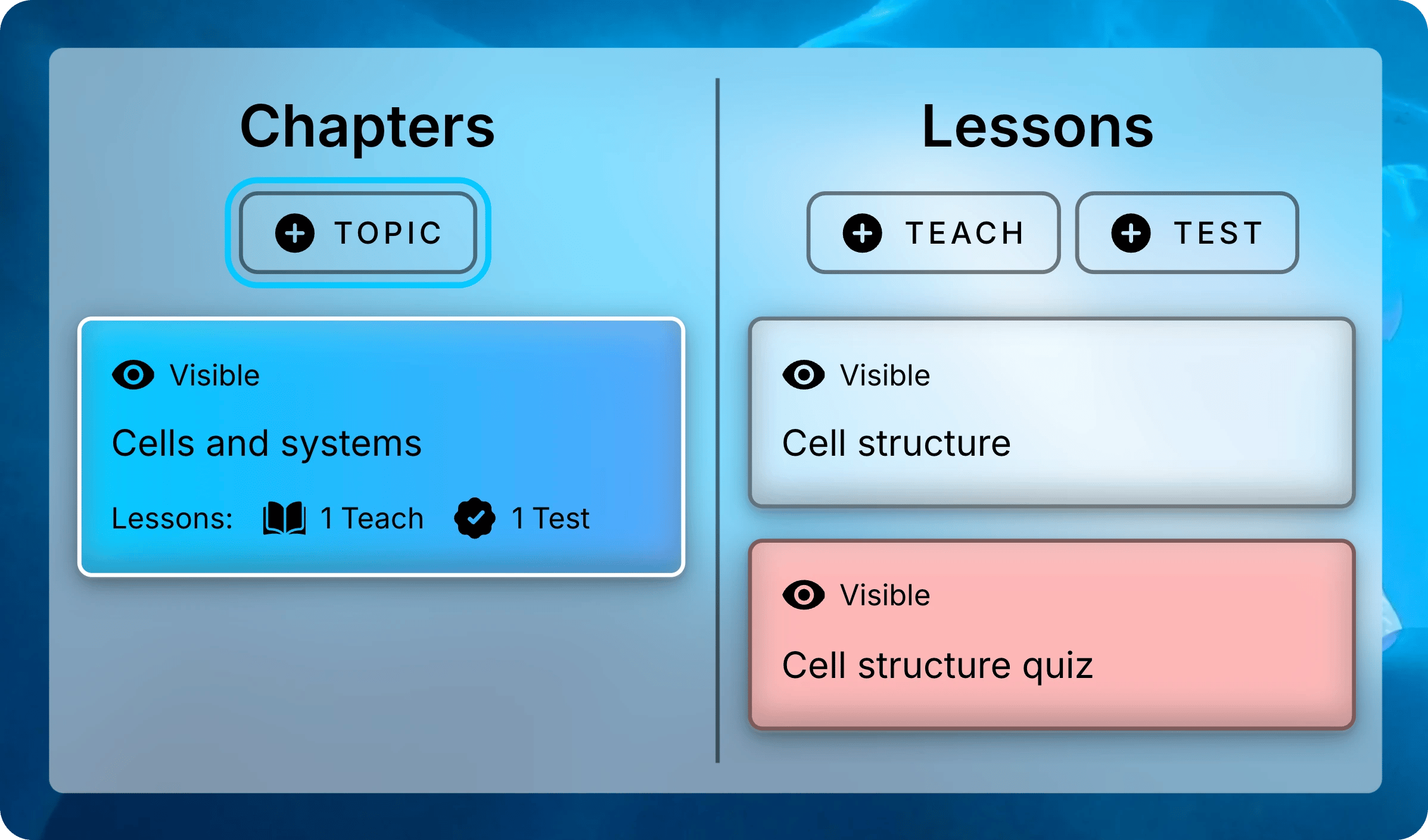
    Select **Topic** at the top of **Chapters**.
    <img className="block dark:hidden mx-auto" src="https://mintcdn.com/uflo/mc8jedJa_T3_qK9F/images/illustrations/screenshot/organize-chapter-button/light.webp?fit=max&auto=format&n=mc8jedJa_T3_qK9F&q=85&s=9531234b81bf58d3e1103d27ab96e84c" alt="Chapters and Lessons panels with Cells and systems selected, and the Topic button above the chapters highlighted." width="2397" height="1410" data-path="images/illustrations/screenshot/organize-chapter-button/light.webp" />

    <img className="hidden dark:block mx-auto" src="https://mintcdn.com/uflo/mc8jedJa_T3_qK9F/images/illustrations/screenshot/organize-chapter-button/dark.webp?fit=max&auto=format&n=mc8jedJa_T3_qK9F&q=85&s=bfb13b54c3bfe3b59ed5a2df585d4bb1" alt="Chapters and Lessons panels with Cells and systems selected, and the Topic button above the chapters highlighted." width="2397" height="1410" data-path="images/illustrations/screenshot/organize-chapter-button/dark.webp" />

    <p className="text-center text-sm text-gray-600 dark:text-gray-400">Select Topic to add a chapter.</p>
  </Step>

  <Step title="Name the Chapter">
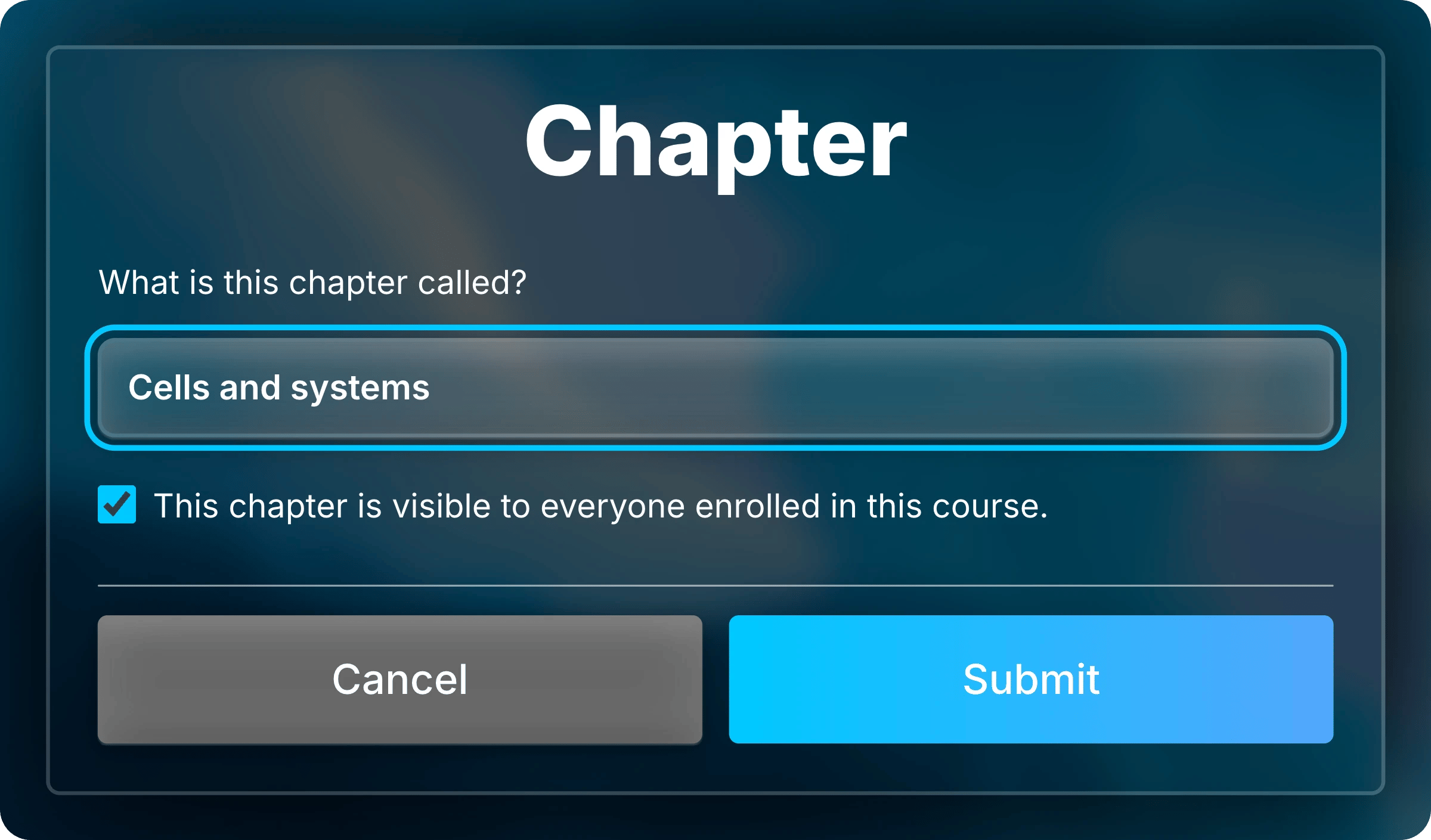
    Enter the chapter's name under **What is this chapter called?**
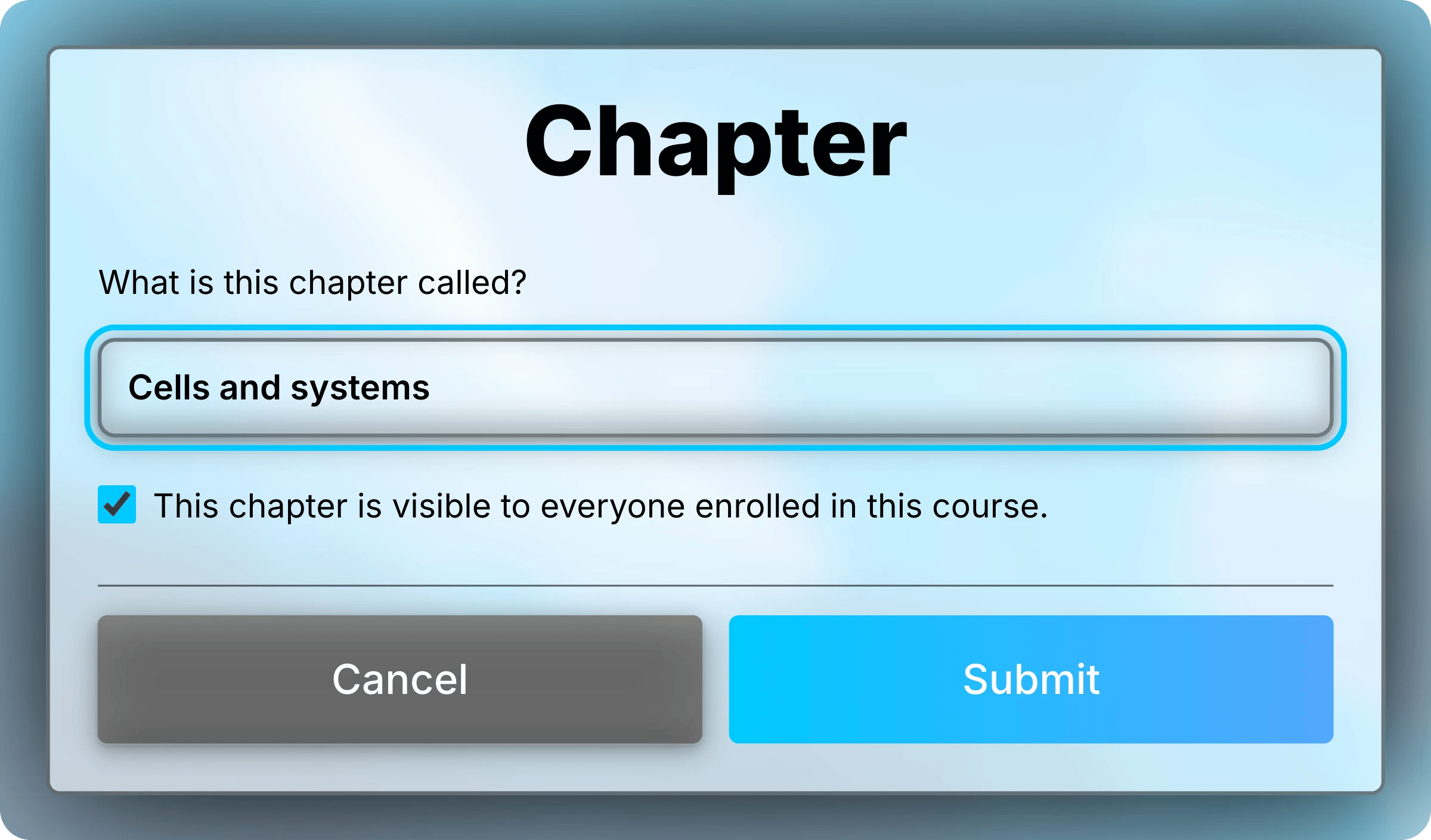
    <img className="block dark:hidden mx-auto" style={{ maxWidth: "520px" }} src="https://mintcdn.com/uflo/mc8jedJa_T3_qK9F/images/illustrations/screenshot/organize-chapter-name/light.webp?fit=max&auto=format&n=mc8jedJa_T3_qK9F&q=85&s=9e06f53721ca0e799e521b2224028921" alt="Chapter form with Cells and systems entered as the name, highlighted, and the visibility checkbox selected." width="2400" height="1409" data-path="images/illustrations/screenshot/organize-chapter-name/light.webp" />

    <img className="hidden dark:block mx-auto" style={{ maxWidth: "520px" }} src="https://mintcdn.com/uflo/mc8jedJa_T3_qK9F/images/illustrations/screenshot/organize-chapter-name/dark.webp?fit=max&auto=format&n=mc8jedJa_T3_qK9F&q=85&s=49e63973ea49d95db8421b4182a5dcb8" alt="Chapter form with Cells and systems entered as the name, highlighted, and the visibility checkbox selected." width="2400" height="1409" data-path="images/illustrations/screenshot/organize-chapter-name/dark.webp" />

    <p className="text-center text-sm text-gray-600 dark:text-gray-400">Enter the chapter's name.</p>
  </Step>

  <Step title="Set Visibility">
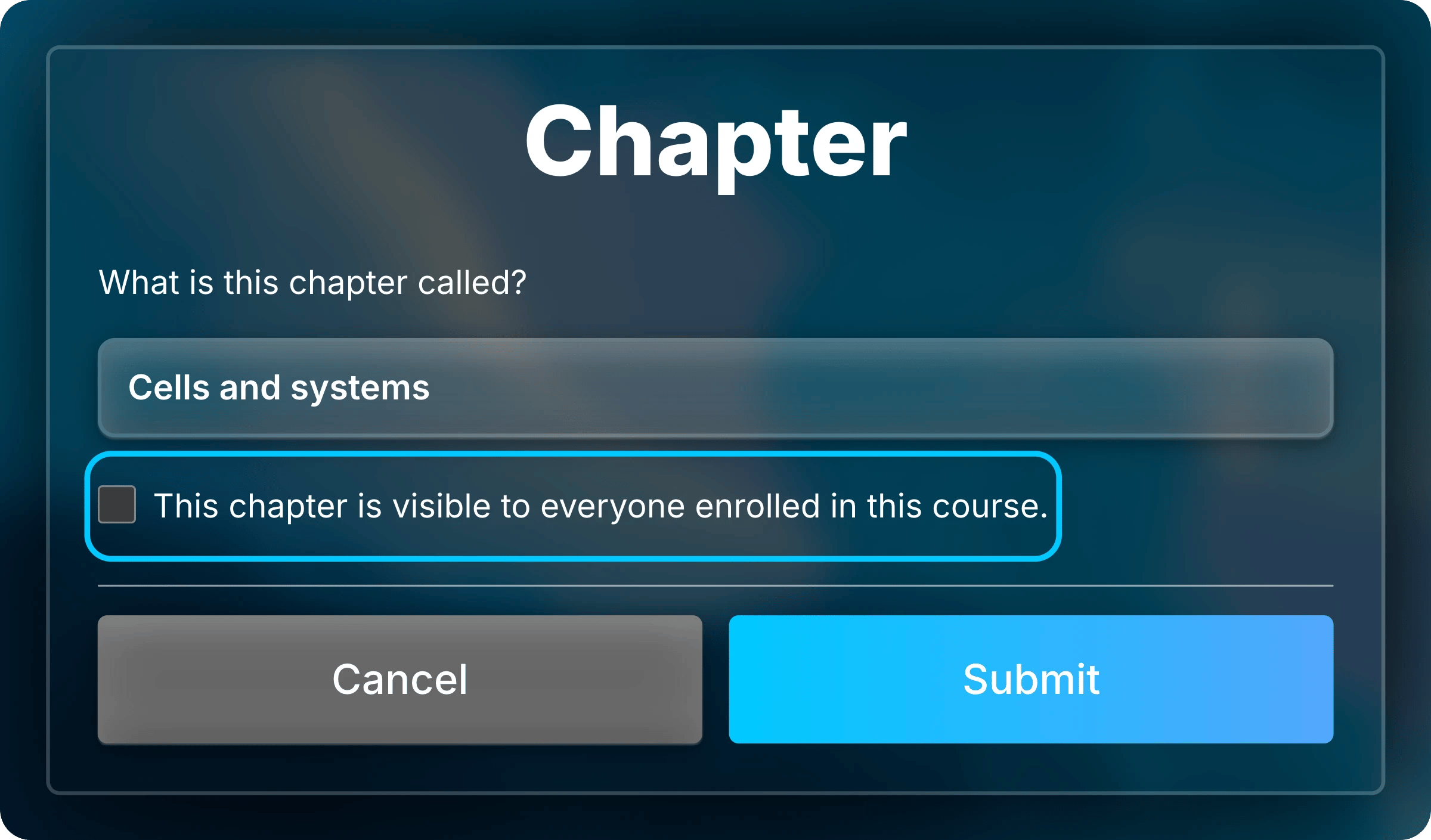
    Students see the chapter unless you uncheck **This chapter is visible to everyone enrolled in this course.** Hiding a chapter also hides its lessons from students.

    Once done, select **Submit**.
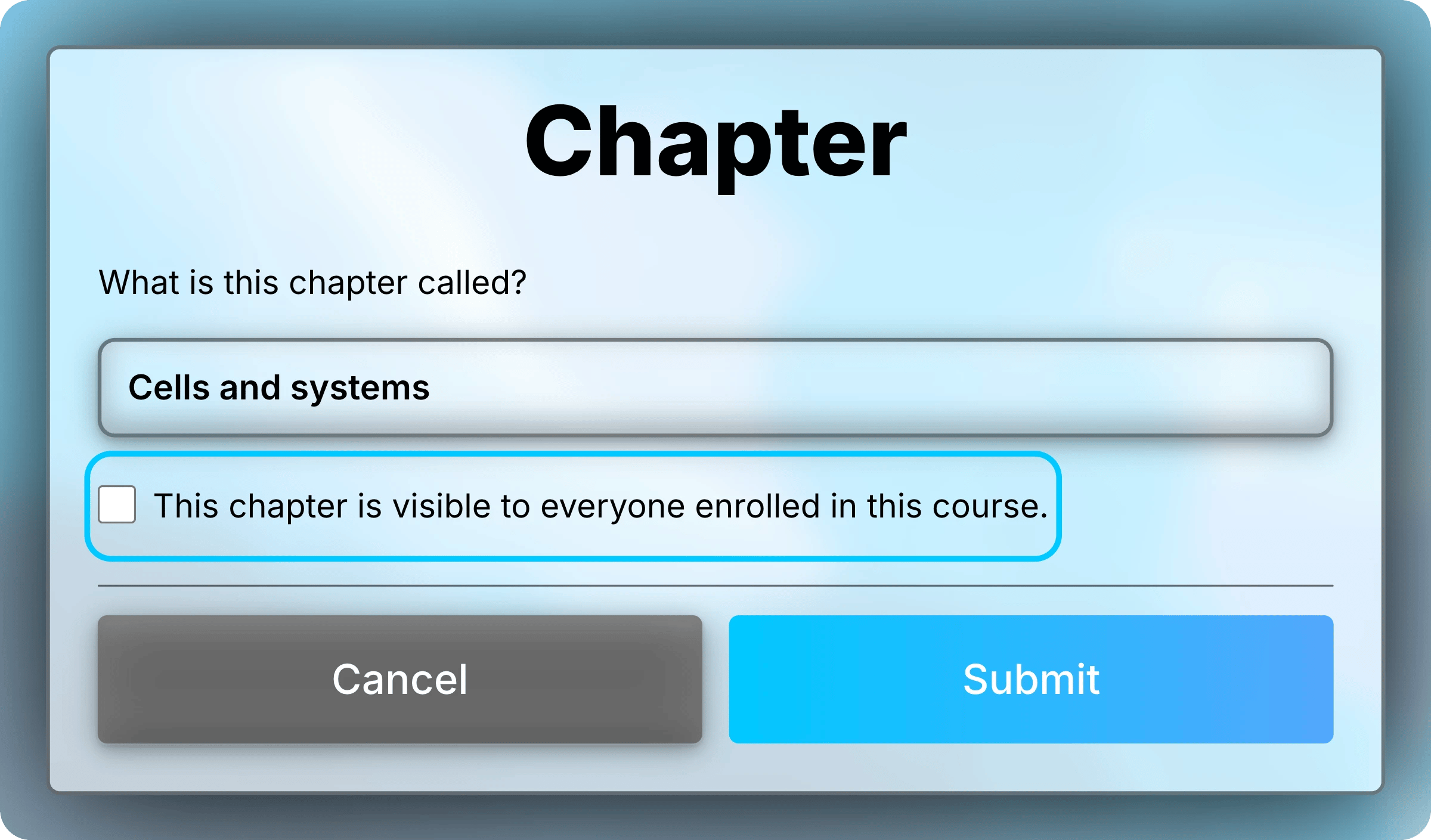
    <img className="block dark:hidden mx-auto" style={{ maxWidth: "520px" }} src="https://mintcdn.com/uflo/mc8jedJa_T3_qK9F/images/illustrations/screenshot/organize-chapter-form/light.webp?fit=max&auto=format&n=mc8jedJa_T3_qK9F&q=85&s=7a858f55742804b40e6e9fc3eee4d42b" alt="Chapter form for Cells and systems with the visibility checkbox unchecked and highlighted." width="2400" height="1409" data-path="images/illustrations/screenshot/organize-chapter-form/light.webp" />

    <img className="hidden dark:block mx-auto" style={{ maxWidth: "520px" }} src="https://mintcdn.com/uflo/mc8jedJa_T3_qK9F/images/illustrations/screenshot/organize-chapter-form/dark.webp?fit=max&auto=format&n=mc8jedJa_T3_qK9F&q=85&s=185d017b1f17bd99a85515e08357223d" alt="Chapter form for Cells and systems with the visibility checkbox unchecked and highlighted." width="2400" height="1409" data-path="images/illustrations/screenshot/organize-chapter-form/dark.webp" />

    <p className="text-center text-sm text-gray-600 dark:text-gray-400">Uncheck the box to hide the chapter and its lessons.</p>
  </Step>
</Steps>

## Update, Reorder, Duplicate, and Delete

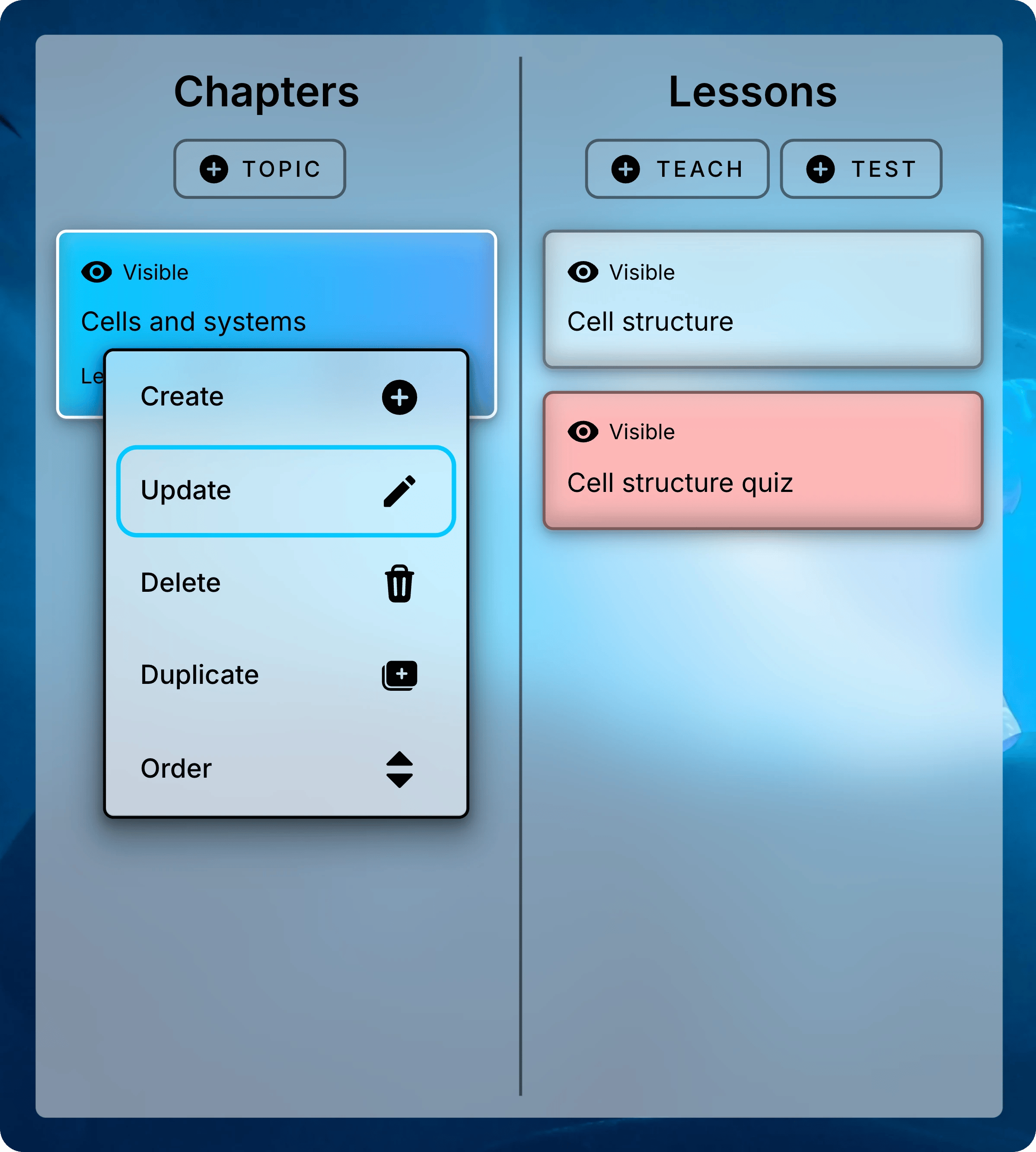
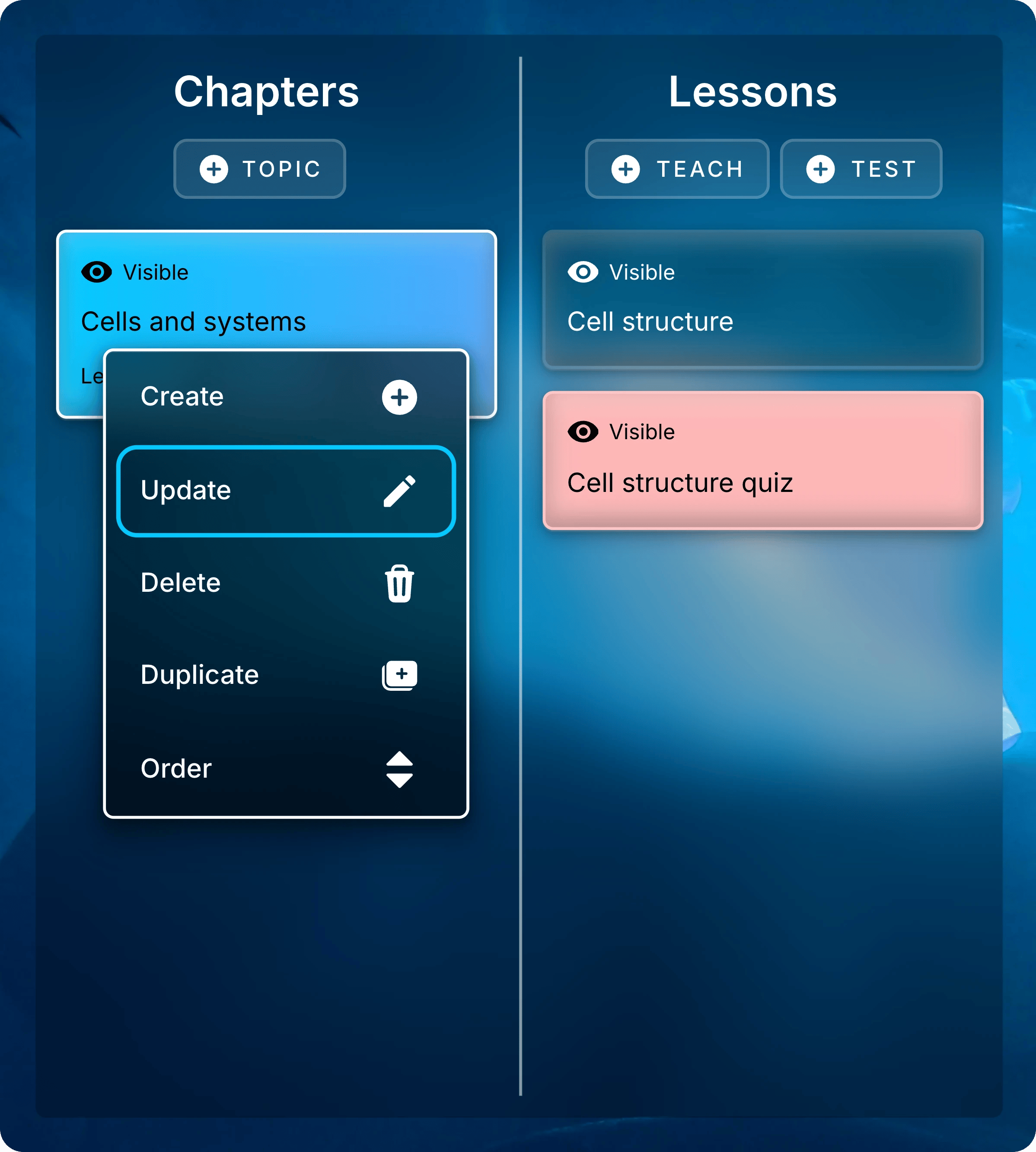
A chapter's menu has **Create**, **Update**, **Delete**, **Duplicate**, and **Order**. To open it, right-click a chapter or press and hold it.
Use **Update** to rename or hide a chapter later.
<img className="block dark:hidden mx-auto" style={{ maxWidth: "420px" }} src="https://mintcdn.com/uflo/mc8jedJa_T3_qK9F/images/illustrations/screenshot/organize-chapter-update-menu/light.webp?fit=max&auto=format&n=mc8jedJa_T3_qK9F&q=85&s=b51c86fe6b6d96afdcbba37d8c176e05" alt="Chapters panel with the menu open on Cells and systems and Update highlighted." width="2397" height="2665" data-path="images/illustrations/screenshot/organize-chapter-update-menu/light.webp" />

<img className="hidden dark:block mx-auto" style={{ maxWidth: "420px" }} src="https://mintcdn.com/uflo/mc8jedJa_T3_qK9F/images/illustrations/screenshot/organize-chapter-update-menu/dark.webp?fit=max&auto=format&n=mc8jedJa_T3_qK9F&q=85&s=d7d23b8037016470d2293e164589d331" alt="Chapters panel with the menu open on Cells and systems and Update highlighted." width="2397" height="2665" data-path="images/illustrations/screenshot/organize-chapter-update-menu/dark.webp" />

<p className="text-center text-sm text-gray-600 dark:text-gray-400">Right-click a chapter and select Update.</p>

<Tabs>
  <Tab title="Order" icon="sort">
    <Steps>
      <Step title="Select Order">
        Select **Order** in any chapter's menu.
      </Step>

      <Step title="Drag Chapters Into Place">
        Drag each chapter to its new position.
      </Step>

      <Step title="Save the Order">
        Select **Confirm Order** at the top of the list. Students see the new order.
      </Step>
    </Steps>

    To stop without saving, select the **X** beside **Confirm Order**.
  </Tab>

  <Tab title="Duplicate" icon="copy">
    Select **Duplicate**, then **Submit** to confirm.

    The copy includes all its lessons, with their files, learning objectives, and settings. It keeps the original name, so make sure to update the copy's title.

    <Note>
      Students' submissions and per-student exceptions aren't copied.
    </Note>
  </Tab>

  <Tab title="Delete" icon="trash">
    <Danger>
      Deleting can't be undone. It also deletes the chapter's lessons and everything in them.
    </Danger>

    Select **Delete**, then **Submit** to confirm.

    To take a chapter away from students without losing it, [hide it](#add-new-chapter) instead.
  </Tab>
</Tabs>

<Card title="Next: Manage Lessons" icon="file-lines" href="/instructors/courses/manage-lessons">
  Add lessons to a chapter, and control when students can open them.
</Card>